What is an API? Visual Guide to APIs
Okay, real talk — when you first dive into web development, it feels like there’s a secret language. Everyone else seems to understand it. You’re building something cool, maybe a personal portfolio or a simple blog. Then, you hear terms like “API” thrown around. Suddenly, you’re wondering, what is an API anyway? You might want to pull in data from another website. Perhaps weather forecasts or product info. But how do you even ask for that data? It often feels like hitting a wall, right? Like there’s a locked door between your project and the vast ocean of information out there. You are not alone if you’ve felt this frustration. Many developers, including myself, have certainly been there.
The Frustration of Isolated Apps (And Why It Happens)
You’re building your awesome new app. Maybe you want to display the latest movie releases. Or perhaps you need to show current stock prices. You know the information exists somewhere on the internet. However, how do you get it into your application? You can’t just copy and paste everything manually. That would be messy and utterly impractical. It would also be a nightmare to keep updated. Imagine manually checking a stock price every minute! Consequently, your app needs to communicate with other services. It needs to request specific data. And those services need to understand your request. Without a clear way to talk, applications are isolated. They are like people speaking different languages in the same room. No one knows how to share information effectively. This is precisely where the magic of connection comes in. You need a common ground for interaction.
So, What is an API, Really? The Lightbulb Moment
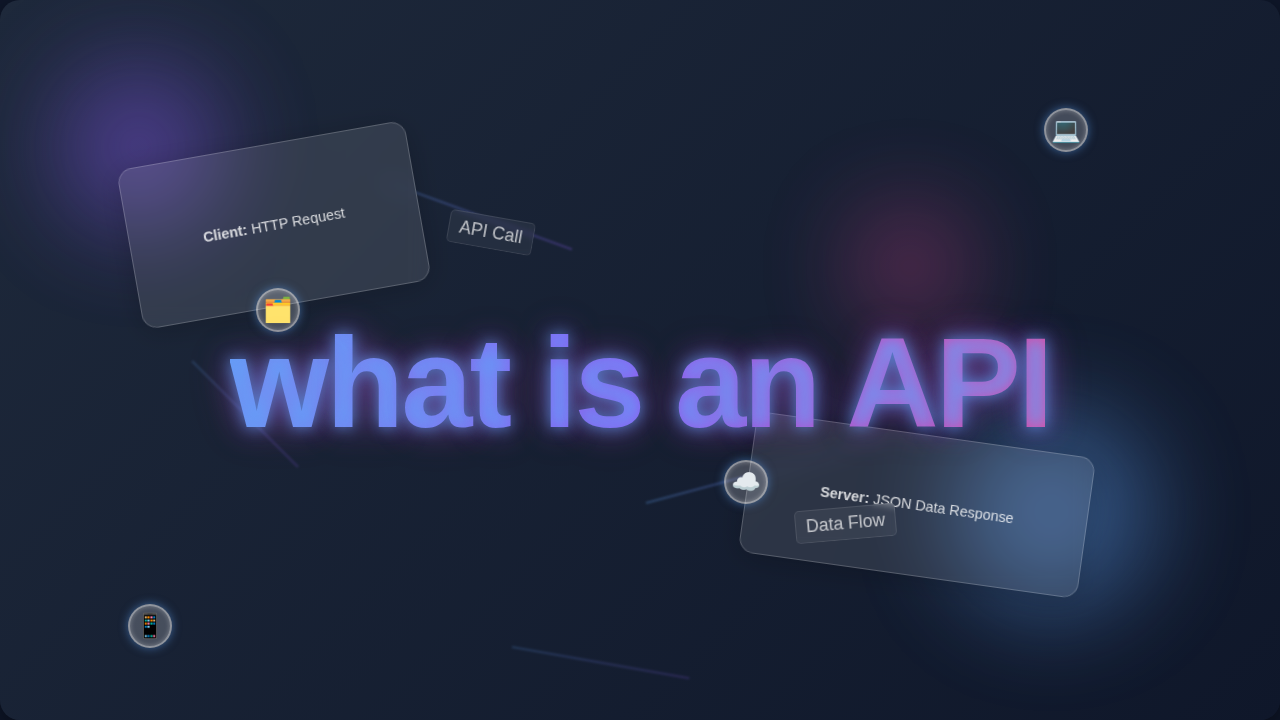
Here’s the lightbulb moment you’ve been waiting for: what is an API? An API, or Application Programming Interface, is simply a set of rules. Think of it like a custom menu at a specialty ice cream shop. You don’t walk into the back room to churn ice cream yourself. Instead, you look at the menu. It tells you exactly what flavors you can order. It also tells you how to order them, perhaps by cup or cone. You tell the server (“the API”) you want a “double scoop of pistachio in a waffle cone.” The server (the system behind the API) understands your request. They know how to prepare that specific order. Then, they hand you your ice cream (the “response”).
Your application works the same way. When your app needs data from another service, it uses that service’s API. It sends a specific request. This request follows the rules laid out by the API. The other service processes your request. It then sends back the data you asked for. This exchange happens behind the scenes. It lets different software components talk to each other. They communicate in a structured and predictable way. Makes sense so far? Essentially, an API acts as a translator and messenger, all rolled into one.
Pro Tip for Beginners: An API is like a carefully designed set of buttons and levers that another program offers you. You don’t need to know how the buttons work internally, just which button to press to get the result you want.
How to Think About APIs: More Visuals and Analogies
You’ve got the ice cream shop idea down. Let’s think about it another way. Imagine you’re controlling a high-tech drone. You use a remote control. You press a button to make it fly forward. This button (the API call) sends a signal. The drone’s system understands this signal. It then engages its forward propellers. You don’t need to understand the complex mechanics of the drone’s motors. You just know what pressing the ‘forward’ button does. That’s an API at work! It provides a clean interface. It hides all the complex internal workings. In fact, it simplifies your interaction greatly.
Another great example is a public library’s online catalog. You don’t wander through dusty archives yourself. Instead, you type a book title into the search bar. This search bar acts as an API. It sends your request to the library’s database. The database searches for the book. Then it returns the results to your screen. You never interact directly with the database’s inner workings. You only see the user-friendly results. The online catalog’s API handled all that complex data retrieval for you. It’s all about structured communication. You are asking for a service or a piece of data. The API tells you how to ask for it. It also specifies what kind of answer you will get back. You get exactly what you requested, without the fuss or confusion.
Common API Types You’ll Meet in Web Development
You’ll encounter several kinds of APIs during your web development journey. The most common type in web development is a Web API. These are APIs accessed over the internet. Many of them follow a style called REST (Representational State Transfer). A RESTful API uses standard HTTP methods. Think of GET to retrieve data. Or POST to send new data. If you want to dive deeper into how web requests work, you can explore this fantastic guide on HTTP methods from MDN Web Docs. Learning about these fundamental concepts helps you understand API interactions better. Consequently, your ability to integrate systems will improve significantly.
Then there are Third-Party APIs. These are APIs offered by other companies. Google Maps API lets you embed maps. Twitter API lets you get tweets. Stripe’s API handles payments securely. These APIs give your app superpowers! You don’t have to build complex features from scratch. You just integrate the API into your project. You can even use these to create dynamic themes for your site, like setting up a Tailwind Dark Mode Tutorial: HTML & CSS for Dynamic Themes, which might adjust based on user settings or preferences retrieved from an API. Moreover, this saves you immense development time and effort.
There are also Internal APIs. Your own large application might have multiple parts, called microservices. These parts can use APIs to talk to each other. This keeps things organized. It also makes your code more modular and easier to maintain. It is a powerful concept to master! Understanding these distinctions helps you navigate the API landscape more effectively, regardless of the project scale.
Quick Tip: APIs are not just for getting data! You can often use them to send data, update data, or even delete data on another service, always following the service’s specific rules. This opens up possibilities for full interaction.
What You Can Do Next With APIs
Feeling a bit more confident about what is an API? Great! The next step is to get your hands dirty. You don’t need to be an expert to start. The best way to learn is by doing, after all. Pick a simple public API. There are tons out there! Try the JSON Placeholder API for fake data. Or a fun one like the Chuck Norris Jokes API. Most APIs come with extensive **documentation**. This is like the user manual for the API. It tells you exactly how to make requests. It also shows you what kind of responses to expect. Therefore, always start by reading the docs.
Start by making simple GET requests. You can even do this directly in your browser’s developer tools. Tools like Postman or Insomnia also help visualize these requests. See the data come back! Then, think about how you could display that data in your own web page. For example, you might want to fetch a list of items and display them dynamically. If you’re building a user interface, you’ll probably want to learn how to handle asynchronous data fetching. This is crucial for building interactive experiences. Consider looking into techniques like a React Debounced Search Component with Hooks – Tutorial to efficiently manage API calls from user input without overwhelming the server. This prevents unnecessary requests and improves user experience.
You can also look into how Python and Flask can interact with powerful APIs. Our Flask OpenAI Chatbot: Python API Tutorial with Flask shows exactly this. It illustrates how your server-side code can become the client for another API! Exploring open source APIs like GitHub’s or Wikipedia’s is also a fantastic learning experience. Remember, every major web service you use likely offers an API. This means endless possibilities for your projects! To truly grasp making requests and handling responses, you might want to brush up on JavaScript’s fetch API. It’s the modern way to make network requests in browsers. You can find excellent resources on the `fetch` API on CSS-Tricks which will show you the practical side of calling APIs. Consequently, your ability to build dynamic web applications will soar.
Wrapping It Up: You’ve Got This!
You started wondering, “what the heck is an API?” Now, you understand the core concept. You know it’s a standard way for software to talk to other software. You know it’s about making structured requests. And receiving structured responses. This unlocks a huge amount of power for your projects. You can integrate features you never dreamed of. You can build dynamic, data-driven applications. Don’t get overwhelmed by the jargon. Focus on the core idea of communication. Practice with simple APIs. Read the documentation carefully. Every developer started exactly where you are now. You have the tools and the curiosity within you. Keep building. Keep exploring. You are well on your way to mastering web development! You absolutely have this in the bag.