Node.js Runtime Explained: Architecture & Concepts
Hey there, future coding rockstar! Have you ever started building a web project and felt like you were juggling a handful of different languages and tools? You happily write JavaScript for your website’s buttons and menus. But then, when it comes to talking to a database or managing user accounts, suddenly you’re expected to learn Python, PHP, or Java. Sound familiar? That disjointed feeling can be a real head-scratcher.
It’s a common frustration, especially when you’re self-taught and just want to *build things*. You just want to use the language you already know. This is exactly where the concept of the Node.js runtime explained becomes your new best friend. It bridges that gap, letting you use JavaScript for practically everything your web application needs.
The JavaScript Divide: Browser vs. Server
Let’s take a quick trip back to basics. You already know JavaScript makes your websites interactive. When you open a web page, your browser – whether it’s Chrome, Firefox, or Edge – reads and executes your JavaScript code. It has a special engine, like Google Chrome’s V8 engine, that understands JavaScript.
But here’s the thing: your browser also provides a lot of extra tools. It gives JavaScript access to the Document Object Model (DOM), which lets you change elements on the page. It has built-in ways to fetch data from other websites. This entire setup, with the engine and these extra tools, is what we call a "runtime environment." Your browser provides one specific kind of runtime environment.
However, a server – the powerful computer that hosts your website’s files and logic – doesn’t have a visual browser window. It doesn’t need to manipulate web pages. It needs to read files, talk to databases, and handle network requests from many users at once. So, just throwing your browser JavaScript onto a server won’t work. It’s like expecting a car engine to suddenly fly an airplane; it’s designed for a different purpose.
Enter Node.js: Unifying Your Language
Now, for the lightbulb moment! What if you could take that super-fast V8 JavaScript engine – the same one powering Chrome – and put it into a completely new package? A package designed for servers and general-purpose programming, not just web pages. That’s precisely what Node.js is.
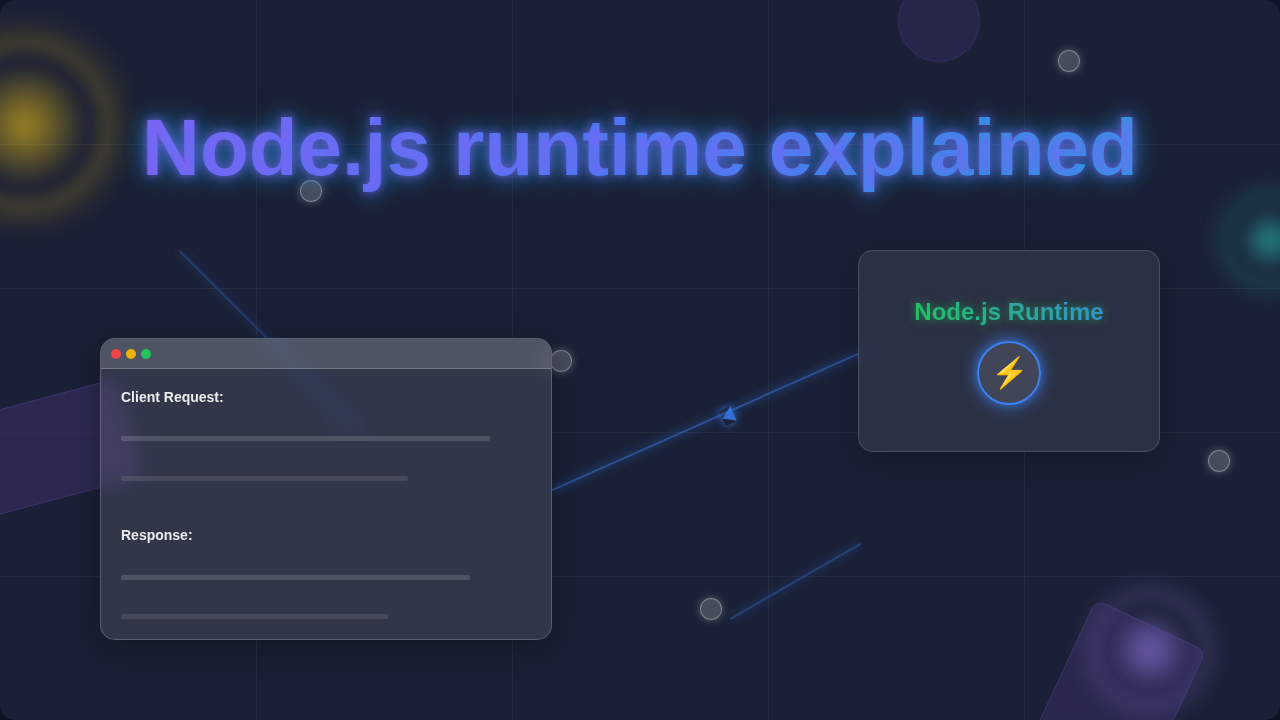
Node.js is a runtime environment that allows you to execute JavaScript code outside of a web browser. It essentially bundles the V8 engine with a host of other capabilities. These capabilities let your JavaScript code interact directly with the operating system. You can access the file system, manage network connections, and perform other server-side operations. All without needing a browser in sight.
In essence, Node.js means you can write your entire web application – from the interactive bits your users see to the heavy lifting on the server – all in one consistent language: JavaScript. This unification makes development smoother and often faster. It’s a game-changer for many developers, simplifying the mental load significantly. This is the heart of what the Node.js runtime explained truly means for your workflow.
Pro Tip: Think of Node.js as a specialized workshop. Your browser is one workshop (focused on visual display), and Node.js is another workshop (focused on heavy-duty background tasks). But they both use the same powerful, efficient engine and a shared set of tools — JavaScript!
Asynchronous Nature: Why Node.js Shines (Node.js runtime explained)
One of the most powerful features of Node.js, and a key part of understanding its runtime, is its asynchronous nature. Don’t let that big word scare you! It simply means Node.js is incredibly good at multitasking.
Imagine you’re trying to read a giant book (a file operation) and also answer the phone (a network request). In a "synchronous" world, you’d have to finish reading the entire book before you could even think about picking up the phone. You’d be stuck waiting.
Node.js, however, operates differently. It’s "asynchronous" and uses something called an event loop. When Node.js needs to do something that might take a while, like fetching data from a database or reading a file, it doesn’t just sit there and wait. Instead, it delegates that task, telling the operating system, "Hey, do this for me, and let me know when you’re done!" Meanwhile, Node.js immediately moves on to process other incoming requests or tasks.
When the operating system finishes the delegated task, Node.js gets a notification. It then processes the result. This "non-blocking" behavior makes Node.js incredibly efficient. It can handle many concurrent connections without needing a huge amount of computing power. It’s like a skilled chef juggling multiple orders in a busy restaurant, never letting a single task block the entire kitchen. You can learn more about how the event loop works in depth.
Key Components of the Node.js Runtime
To truly grasp the Node.js runtime explained, it helps to understand its core ingredients. It’s not just the V8 engine. There are a few other crucial pieces that make it all tick:
- V8 JavaScript Engine: This is the beating heart. Developed by Google for Chrome, V8 takes your human-readable JavaScript code and compiles it into machine code. This is a language your computer can understand and execute directly. It’s super fast and constantly optimized.
- Libuv: Think of Libuv as Node.js’s tireless assistant. It’s a C++ library that handles all the heavy lifting of asynchronous input/output (I/O) operations. This means tasks like reading from files, interacting with the network, or communicating with databases. Libuv is what allows Node.js to delegate those slow tasks and keep the main thread free.
- Event Loop: The conductor of the orchestra. The event loop is a central mechanism that ensures Node.js remains non-blocking. It constantly checks for tasks that are ready to run and tasks that have completed their asynchronous operations. This allows Node.js to manage concurrency efficiently without creating multiple threads for every user. For a deeper dive into asynchronous JavaScript concepts, MDN is a great resource.
- Node.js Core Modules: These are built-in functionalities that come with Node.js. They provide essential tools for server-side development. Examples include the
httpmodule for creating web servers, thefsmodule for interacting with the file system, and thepathmodule for handling file paths. You might use these to create server routes or even to implement a simple automated backup script in Python for other applications. - NPM (Node Package Manager): While not technically part of the runtime itself, NPM is an indispensable companion to Node.js. It’s the world’s largest software registry. Think of it as a massive app store for JavaScript modules and packages. You can easily install, share, and manage libraries written by other developers. This means you rarely have to "reinvent the wheel" for common tasks.
Beyond the Browser: What Node.js Can Do for You
So, now you understand the core of Node.js. But what does this mean for your projects? The possibilities are pretty vast:
- Building Web Servers and APIs: This is Node.js’s bread and butter. You can create robust backends for websites and mobile apps. It’s perfect for building RESTful APIs that your front-end applications consume.
- Real-time Applications: Because of its asynchronous nature and efficiency, Node.js excels at building applications that require instant communication. Think chat applications, online gaming, or live dashboards where data updates in real-time.
- Command-Line Tools: You can use Node.js to write scripts that automate tasks right from your terminal. Imagine building a tool that optimizes images or generates project templates for you.
- Build Tools: Many popular web development build tools, like Webpack or Gulp, are themselves written in Node.js. They help you compile, bundle, and optimize your front-end code for deployment.
- Desktop Applications: Frameworks like Electron let you build cross-platform desktop applications using web technologies (HTML, CSS, JavaScript) powered by Node.js.
Imagine combining a powerful Tailwind image slider on your front-end with a lightning-fast Node.js backend. The synergy is incredible! Or perhaps you’re using React and want to store user preferences; Node.js can easily serve the data for your React useLocalStorage hook.
Actionable Insight: Node.js empowers you to become a full-stack JavaScript developer. This means you can handle both the client-side (what users see) and server-side (the logic behind the scenes) of an application using just one language. That’s a huge efficiency boost!
What to Do Next
You’ve taken the first big step: understanding *why* Node.js exists and *how* its runtime works. The next step is to get your hands dirty!
Start small. Try creating a very simple Node.js server that sends back a "Hello, World!" message. Then, experiment with reading and writing files. Explore NPM and install a popular package like Express.js, a framework that simplifies building web applications with Node.js.
The beauty of Node.js is its versatility. Once you’re comfortable with its core concepts, you’ll unlock a world of possibilities for your web development journey. You’ve got this. Keep learning, keep building, and soon you’ll be deploying amazing JavaScript applications, front to back!