Flask CRUD Tutorial: Building a Basic Web App with Python
Hey there, fellow coders! If you have wanted to build a dynamic web application but had no idea where to start, you are in the right place. Today, we are diving deep into creating your very first Flask CRUD web application. This means we will build a simple, yet powerful, app that lets you Create, Read, Update, and Delete data. It’s a super cool skill for any aspiring web developer!
What We Are Building: Your First Data Manager
We are going to create a simple task manager. Imagine an app where you can add new tasks, see all your tasks, mark them as complete, or even remove them. It’s like your personal digital to-do list! This project is amazing for learning how web applications interact with a database. You will see how Flask handles requests, renders pages, and manages your data. It feels incredibly satisfying to build something that actually works!
HTML Structure: The Blueprint of Our Pages
First, we need the foundation for our web app’s look and feel. This is where HTML comes in. We will create a basic layout for displaying tasks and adding new ones. It will be clean and straightforward, focusing on function.
CSS Styling: Making It Look Good
Next up, let’s add some style to our task manager! We will use CSS to make our app visually appealing and easy to use. These styles are simple but effective, giving our tasks a clean, readable appearance. You will be surprised what a little CSS can do!
JavaScript (if applicable): Adding Interactivity
For this basic Flask CRUD tutorial, we won’t need a lot of client-side JavaScript. Flask handles our form submissions and page updates directly. This keeps things simple and focuses on the core Python and database interactions. However, you could add JavaScript later for features like instant form validation or dynamic content updates without full page reloads. For now, we are keeping our focus on the backend and templates!
main.py
# main.py

from flask import Flask, request, jsonify

# Initialize the Flask application
app = Flask(__name__)

# --- In-memory database for demonstration ----
# In a real application, you would use a proper database (e.g., SQLite, PostgreSQL, MongoDB)
# This example uses a simple list of dictionaries to store items.
items = []
next_id = 1 # To assign unique IDs to new items

# --- Helper function to find an item by ID ---
def find_item_by_id(item_id):
    """Searches for an item in the 'items' list by its ID."""
    for item in items:
        if item['id'] == item_id:
            return item
    return None

# --- CRUD Operations ---

@app.route('/items', methods=['POST'])
def create_item():
    """
    Creates a new item.
    Expects a JSON payload with 'name' and 'description'.
    Example:
    curl -X POST -H "Content-Type: application/json" -d '{"name": "Laptop", "description": "Powerful machine"}' http://127.0.0.1:5000/items
    """
    global next_id
    data = request.get_json()
    if not data or 'name' not in data or 'description' not in data:
        return jsonify({"error": "Missing 'name' or 'description' in request"}), 400

    new_item = {
        'id': next_id,
        'name': data['name'],
        'description': data['description']
    }
    items.append(new_item)
    next_id += 1
    return jsonify(new_item), 201 # 201 Created

@app.route('/items', methods=['GET'])
def get_all_items():
    """
    Retrieves all items.
    Example:
    curl -X GET http://127.0.0.1:5000/items
    """
    return jsonify(items), 200 # 200 OK

@app.route('/items/<int:item_id>', methods=['GET'])
def get_item(item_id):
    """
    Retrieves a single item by its ID.
    Example:
    curl -X GET http://127.0.0.1:5000/items/1
    """
    item = find_item_by_id(item_id)
    if item:
        return jsonify(item), 200
    return jsonify({"error": "Item not found"}), 404 # 404 Not Found

@app.route('/items/<int:item_id>', methods=['PUT'])
def update_item(item_id):
    """
    Updates an existing item by its ID.
    Expects a JSON payload with 'name' and/or 'description'.
    Example:
    curl -X PUT -H "Content-Type: application/json" -d '{"name": "Gaming PC", "description": "High-end gaming rig"}' http://127.0.0.1:5000/items/1
    """
    item = find_item_by_id(item_id)
    if not item:
        return jsonify({"error": "Item not found"}), 404

    data = request.get_json()
    if not data:
        return jsonify({"error": "No data provided for update"}), 400

    if 'name' in data:
        item['name'] = data['name']
    if 'description' in data:
        item['description'] = data['description']

    return jsonify(item), 200

@app.route('/items/<int:item_id>', methods=['DELETE'])
def delete_item(item_id):
    """
    Deletes an item by its ID.
    Example:
    curl -X DELETE http://127.0.0.1:5000/items/1
    """
    global items
    original_len = len(items)
    items = [item for item in items if item['id'] != item_id]

    if len(items) < original_len:
        return jsonify({"message": f"Item with id {item_id} deleted successfully"}), 200
    return jsonify({"error": "Item not found"}), 404

# --- Run the Flask application ---
if __name__ == '__main__':
    # When debug is True, the server will reload on code changes
    # and provide a debugger in the browser for errors.
    # Set to False in production.
    app.run(debug=True)
How It All Works Together: Building Your Flask CRUD App
Now for the exciting part! Let’s put all the pieces together. We will set up our Flask application, connect to a database, and define routes for our CRUD operations. You will see how Python orchestrates everything!
Setting Up Your Environment
Before writing any code, we need a good workspace. First, create a new folder for your project. Inside, set up a Python virtual environment. This keeps your project dependencies tidy. Then, activate it and install Flask and its dependencies: pip install Flask and pip install python-dotenv (for environment variables). We will also use SQLite, which comes built-in with Python. Super convenient!
Pro Tip: Always use virtual environments for your Python projects! They prevent dependency conflicts and keep your projects isolated. It’s a best practice that will save you headaches later on.
Creating Our Database
Our app needs a place to store tasks. SQLite is a perfect choice for simple projects. It’s a file-based database, meaning no server setup is needed! We will create a file named database.db and define a table for our tasks. Each task will have an ID, content, and a completion status. It’s a straightforward design for our basic needs.
The Flask Application Core
Our main Python file, say app.py, will bring everything to life. We will import Flask and set up our database connection. This file will contain all the logic for handling web requests. Every time someone visits a URL, Flask knows what to do thanks to our routes. We are going to define functions that respond to those URLs.
You might remember seeing how Python can interact with web data using libraries like Python Requests Library Explained: Essential Guide. Here, we are building the server-side part that receives those requests.
Handling CRUD Operations
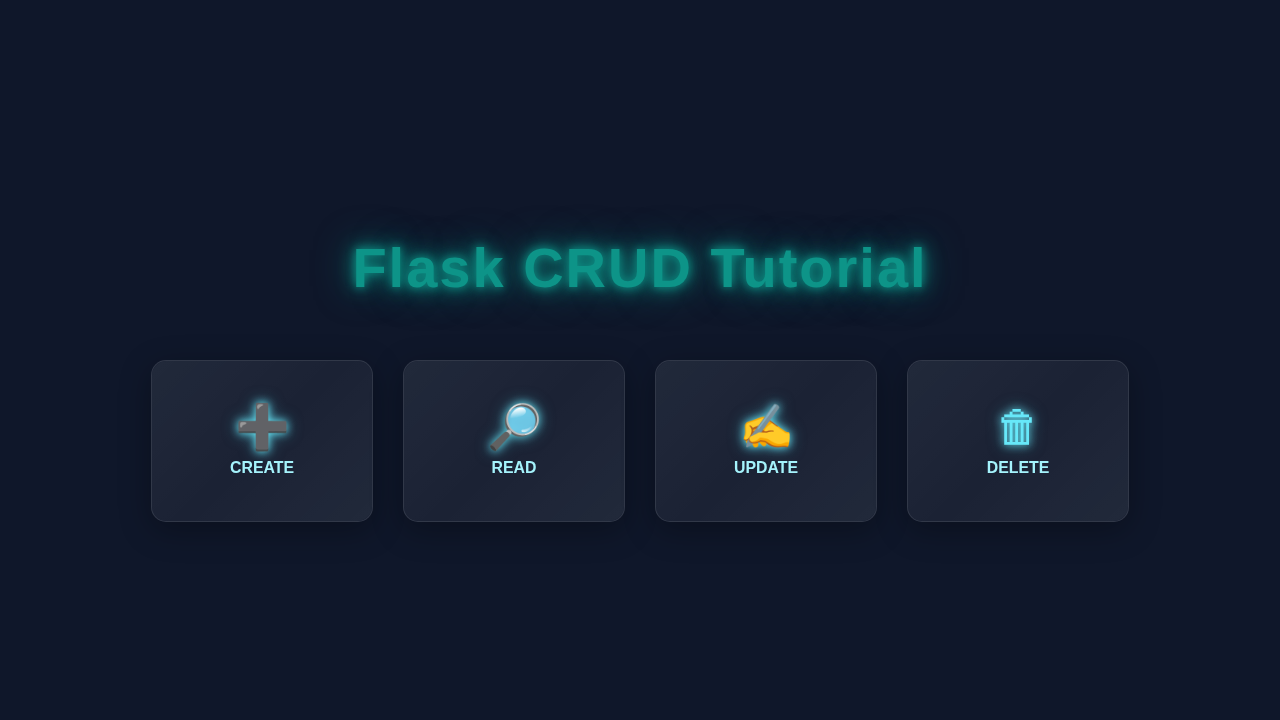
This is where the Flask CRUD magic truly happens! We will create different routes (URLs) for each operation:
- Create (C): A route to display a form and process new task submissions. When you click ‘Add Task’, Flask saves it.
- Read (R): The homepage route that fetches and displays all tasks from the database. This is your main task list.
- Update (U): Routes to mark a task as complete or edit its content. We’ll use specific IDs to target tasks.
- Delete (D): A route to remove a task permanently from our database.
Each operation involves talking to our SQLite database. Flask makes this interaction quite smooth. We use SQL commands to insert, select, update, and delete data. Understanding these basic commands is super powerful for any web developer.
Remember: CRUD stands for Create, Read, Update, Delete. These are the fundamental operations for almost any data-driven application. Mastering them opens up a world of possibilities!
Connecting with Jinja Templates
Flask uses a templating engine called Jinja. This allows us to mix Python logic directly into our HTML files. We will pass data from our Flask routes (like a list of tasks) to our HTML templates. Jinja then dynamically generates the HTML page. For example, it will loop through our task list to display each task. This separation of concerns makes our code clean and maintainable. You can learn more about HTTP Status Codes too, which Flask uses behind the scenes.
If you’ve ever explored data extraction with tools like Python Web Scraping Tutorial: Data Extraction with Beautiful Soup, you’ll appreciate how Jinja helps us structure our data for display, rather than just extracting it.
Tips to Customise It: Make It Your Own!
You’ve built a functional web app, that’s amazing! But don’t stop there. Here are some ideas to expand your project:
- User Authentication: Add login and registration functionality. Make tasks specific to logged-in users.
- Task Categories: Allow users to assign categories (e.g., ‘Work’, ‘Personal’) to their tasks for better organization.
- Due Dates: Implement due dates for tasks and add sorting options.
- Fancier UI: Explore CSS frameworks like Bootstrap or Tailwind CSS for a more polished design.
- RESTful API: Instead of directly rendering HTML, build an API using Flask. You can learn more about making API calls from Python Requests Library: Master Web API Calls.
Conclusion: You Did It!
Wow! You just built your first Flask CRUD web application. This is a huge milestone in your web development journey. You’ve learned about Flask, databases, HTML, CSS, and how they all come together. Take a moment to celebrate your achievement!
Now, go show off your new app to friends, tinker with it, and keep building! The best way to learn is by doing. We are super proud of your progress. Happy coding, and see you next time on procoder09.com!
main.py
# main.py

from flask import Flask, request, jsonify

# Initialize the Flask application
app = Flask(__name__)

# --- In-memory database for demonstration ----
# In a real application, you would use a proper database (e.g., SQLite, PostgreSQL, MongoDB)
# This example uses a simple list of dictionaries to store items.
items = []
next_id = 1 # To assign unique IDs to new items

# --- Helper function to find an item by ID ---
def find_item_by_id(item_id):
    """Searches for an item in the 'items' list by its ID."""
    for item in items:
        if item['id'] == item_id:
            return item
    return None

# --- CRUD Operations ---

@app.route('/items', methods=['POST'])
def create_item():
    """
    Creates a new item.
    Expects a JSON payload with 'name' and 'description'.
    Example:
    curl -X POST -H "Content-Type: application/json" -d '{"name": "Laptop", "description": "Powerful machine"}' http://127.0.0.1:5000/items
    """
    global next_id
    data = request.get_json()
    if not data or 'name' not in data or 'description' not in data:
        return jsonify({"error": "Missing 'name' or 'description' in request"}), 400

    new_item = {
        'id': next_id,
        'name': data['name'],
        'description': data['description']
    }
    items.append(new_item)
    next_id += 1
    return jsonify(new_item), 201 # 201 Created

@app.route('/items', methods=['GET'])
def get_all_items():
    """
    Retrieves all items.
    Example:
    curl -X GET http://127.0.0.1:5000/items
    """
    return jsonify(items), 200 # 200 OK

@app.route('/items/<int:item_id>', methods=['GET'])
def get_item(item_id):
    """
    Retrieves a single item by its ID.
    Example:
    curl -X GET http://127.0.0.1:5000/items/1
    """
    item = find_item_by_id(item_id)
    if item:
        return jsonify(item), 200
    return jsonify({"error": "Item not found"}), 404 # 404 Not Found

@app.route('/items/<int:item_id>', methods=['PUT'])
def update_item(item_id):
    """
    Updates an existing item by its ID.
    Expects a JSON payload with 'name' and/or 'description'.
    Example:
    curl -X PUT -H "Content-Type: application/json" -d '{"name": "Gaming PC", "description": "High-end gaming rig"}' http://127.0.0.1:5000/items/1
    """
    item = find_item_by_id(item_id)
    if not item:
        return jsonify({"error": "Item not found"}), 404

    data = request.get_json()
    if not data:
        return jsonify({"error": "No data provided for update"}), 400

    if 'name' in data:
        item['name'] = data['name']
    if 'description' in data:
        item['description'] = data['description']

    return jsonify(item), 200

@app.route('/items/<int:item_id>', methods=['DELETE'])
def delete_item(item_id):
    """
    Deletes an item by its ID.
    Example:
    curl -X DELETE http://127.0.0.1:5000/items/1
    """
    global items
    original_len = len(items)
    items = [item for item in items if item['id'] != item_id]

    if len(items) < original_len:
        return jsonify({"message": f"Item with id {item_id} deleted successfully"}), 200
    return jsonify({"error": "Item not found"}), 404

# --- Run the Flask application ---
if __name__ == '__main__':
    # When debug is True, the server will reload on code changes
    # and provide a debugger in the browser for errors.
    # Set to False in production.
    app.run(debug=True)