React Components Explained: Node Tree & Neon Glow
Okay, real talk — when I first tried to understand React components, I was completely lost. You’ve probably heard the buzz. Maybe you’ve seen the term floating around. What are these “components” anyway? Why does everyone make such a big deal about them?
Getting Started: What Are React Components Anyway?
Don’t worry, you’re in good company. Many self-taught beginners hit this wall. Here’s the thing: mastering React components is your golden ticket. They are the fundamental building blocks. Understanding them truly makes React development click. This guide will ensure React components explained finally makes sense to you.
Why React Components Explained Matters for Your Projects
Imagine you’re building a house. You don’t build it from one giant slab of concrete. Instead, you use bricks, windows, doors, and a roof. React applications work exactly the same way. They are not one massive chunk of code. Rather, they are small, independent pieces. These pieces are your components. They are reusable and self-contained. Pretty neat, right?
React Components Explained: Your App’s LEGO Bricks
-
They are UI Pieces.
A React component is essentially a small, isolated piece of your user interface. Think of it as a custom HTML tag you create yourself. This tag represents a specific part of what your users see. They also interact with it.
Example: Imagine an online store. You surely have a “Product Card.” This card displays an image, a title, a price, and an “Add to Cart” button. Instead of coding this repeatedly for every product, you create one
ProductCardcomponent. Then you just use it over and over. Each card gets its own data. It’s like having a special stamp that makes perfect product listings every time. -
They Receive Props (Properties).
Components aren’t rigid at all. They are dynamic. You can pass crucial information to them. This information is called “props” (short for properties). Props let you truly customize a component’s appearance or behavior. Think of them as arguments you send to a function. They shape the outcome.
Example: Back to our
ProductCard. You don’t want every card to show the same product, do you? So, you passtitle,price, andimageUrlas props. OneProductCardmight gettitle="Super Widget"andprice="$19.99". Another getstitle="Mega Gadget"andprice="$29.99". Each instance of the component looks different. All this comes from one flexible blueprint. This is key to building dynamic UIs. It directly connects with understanding mastering component data flow in your apps. -
They Manage State (Internal Data).
Some components need to keep track of their own changing data. This internal, private data is called “state.” When state changes, React automatically updates only the necessary parts of your UI. You don’t need to manually re-render anything. It just happens.
Example: Consider a
Countercomponent. It shows a number on screen. It also has a button to increment it. The current number is its state. When you click the button, the state updates from 0 to 1, then to 2, and so on. React notices this state change. It automatically shows the new number. It’s like a tiny brain inside your component. This is also super useful for mastering inputs and state in JSX when dealing with any user input.
The Node Tree Analogy for React Components Explained
-
They Form a Tree Structure.
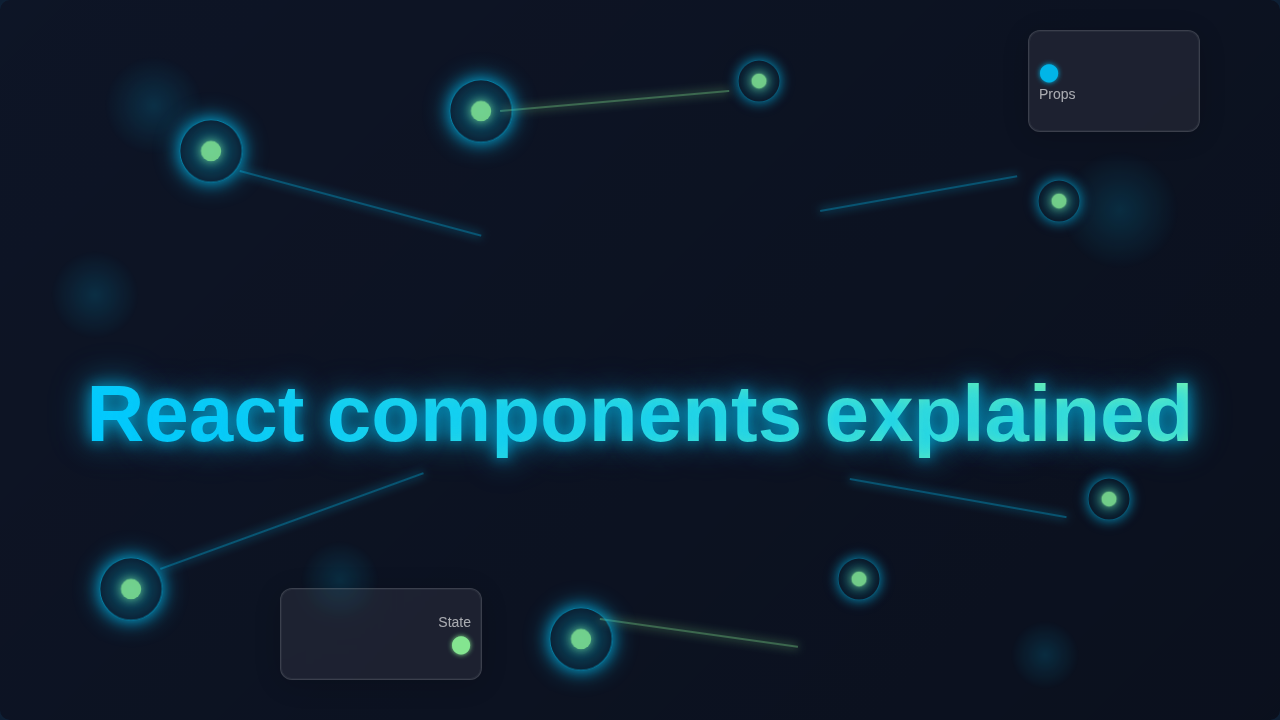
Your entire React application is essentially a tree of components. There’s a main “root” component at the very top. This root component then renders other components below it. Those components might render even more components. This nested structure is often called a “component tree” or “node tree.” It’s an organized hierarchy.
Example: Imagine your whole website as a huge, sprawling tree. The
Appcomponent is definitely the trunk. It might then render aHeader, aSidebar, and aMainContentcomponent. TheMainContentcomponent subsequently renders multipleProductCardcomponents. EachProductCardmight render anImagecomponent and aButtoncomponent. Everything connects seamlessly, just like branches on a real tree. This helps React efficiently update what you see. For more on how components interact with the browser, check this introduction to the DOM. -
They Render (Display) Content.
Every component has a critical job: to return some JSX. JSX is a special syntax that looks remarkably like HTML. However, it also lets you write JavaScript right inside. When a component “renders,” it’s essentially telling React what HTML-like structure to put on the screen. It’s the moment of truth.
Example: Your
Buttoncomponent doesn’t just exist as an idea. It renders an actual HTML<button>element. It might have text inside like “Click Me!” or “Submit.” That JSX you write inside your component’s definition is what eventually becomes visible. It’s the blueprint that gets translated into what users actually see.
Think of React components as custom-made LEGO bricks. You design each brick to do one specific job, and then you snap them together to build something truly amazing.
-
They Enable Reusability.
This is truly one of React’s greatest superpowers. Once you build a component, you can use it anywhere in your application. You can even use it multiple times on the same page. This saves you tons of development time. It also makes your code significantly cleaner.
Example: Our
ProductCardcomponent offers a perfect example. We created it only once. Now, we can use it to display ten products on a category page. Or two products on a featured section. We can even use one product on a detail page. You don’t rewrite the card’s entire structure. Instead, you just plug it in. This principle is fundamental for building large, maintainable applications. Learn more about the core idea behind modularity and components by reading about understanding reusable web components.
Bonus Tip: Conditional Rendering for Dynamic UIs.
Components can actually decide whether to render. This decision is based on certain conditions. This process is called “conditional rendering.” It means your UI can change dynamically. It responds fluidly to user actions or crucial data changes.
Example: Imagine a LoginButton component. If the user is logged in, it intelligently renders a LogoutButton. If not, it renders a LoginButton. Or, perhaps a LoadingSpinner component only shows up while data is being fetched. Once the data successfully arrives, the LoadingSpinner instantly disappears. The actual data then renders. It’s like your component has a built-in, intelligent switch. This concept is vital for advanced features. It’s especially important when handling forms and user interactions, like those covered in React Form Actions.
React components are like tiny, self-contained universes. They have their own purpose, their own data, and they know exactly how to show themselves off to the world.
Quick Summary:
So, you’ve seen it! React components are the bedrock of any React app. They are reusable UI pieces. They accept props for customization. They manage their own state for dynamic behavior. Moreover, they form a powerful tree structure. They render JSX to the screen. And they enable incredible reusability. Understanding these core ideas is your definitive first step. It is a big leap towards becoming a React pro.
Ready to Master React Components?
You now have a solid grasp of what React components truly are. You understand why they fundamentally matter. The path to becoming a confident React developer starts right here. Keep practicing diligently. Build small projects constantly. Experiment with props and state freely. You’ll soon be building complex, interactive web applications with impressive ease. Your exciting journey into React’s vibrant ecosystem has just begun. Keep learning, procoder! You got this.