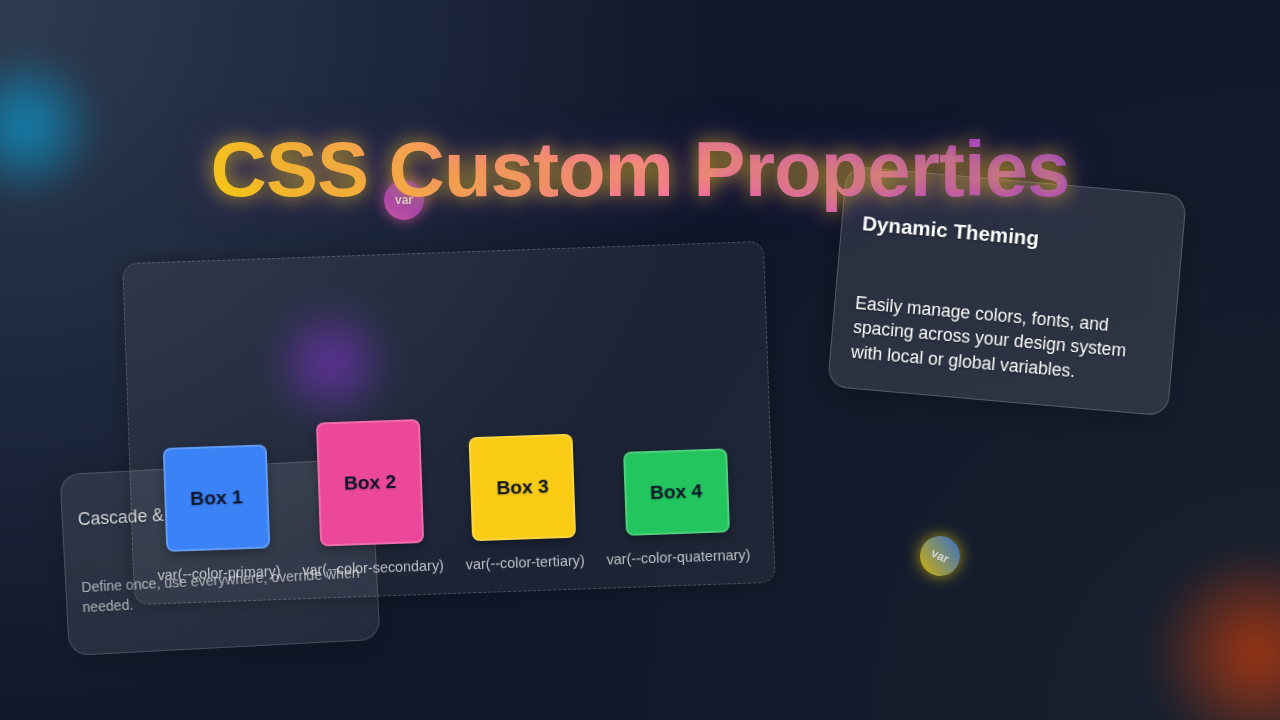
CSS Custom Properties Tutorial: Layout & Design
Hey there, awesome coder! Have you ever stumbled upon a CSS file that felt like a tangled mess? Maybe you’ve copied the same hex code a dozen times. Well, what if I told you there’s a simpler way? You’ve probably been hearing about CSS Custom Properties everywhere and wondering what the fuss is about. They are truly the key to unlocking dynamic and super maintainable styles. But like any powerful tool, they come with a few common misunderstandings.
Today, we’re going to bust some myths. Get ready to level up your styling game!
Myth #1: CSS Custom Properties Are Just Like SCSS Variables
This is a big one. You might think, “Oh, I already use SASS variables. Why do I need CSS Custom Properties?” It’s a natural thought! You’re already used to defining values once and reusing them. However, they are fundamentally different creatures.
Preprocessor variables, like those in SASS or LESS, are like ingredients on a shopping list. You write them down, the preprocessor bakes them into your final CSS file, and then they’re gone. The browser never sees them. They’re compiled away!
On the other hand, CSS Custom Properties, often called CSS variables, live directly in the browser. They are part of the actual CSS code that the browser interprets. This means you can change them on the fly! Think of them as a label on a jar in your pantry. You can pick up the jar and change its label – say, from ‘sugar’ to ‘flour’ – even while you’re baking. Your recipe adapts instantly.
The cool part? Because they live in the browser, JavaScript can easily read and update them. This opens up a world of possibilities for dynamic themes and user interactions. You can shift a whole color palette based on a user’s click! Make sense so far?
Pro-Tip: CSS Custom Properties respect the cascade. This means you can redefine them within specific elements, creating powerful localized styling without writing new classes!
Myth #2: CSS Custom Properties Are Only For Colors and Fonts
When you first encounter CSS variables, you probably see examples using them for colors or font sizes. It makes perfect sense. They are amazing for managing your brand’s palette or consistent typography across your site. But their power extends far beyond that!
Imagine your website as a theme park. You wouldn’t just use a master control to change the color of the signs. You’d want to adjust the spacing between attractions, the default speed of a ride, or the duration of a light show. CSS Custom Properties can do all of that for your web layouts.
You can define custom properties for anything. Think about spacing values, like padding or margins. Maybe you have a global `–spacing-unit` that you multiply for various elements. Or what about border-radii? You can even store complex layout values, like grid column templates or animation durations. Need to adjust the gap in your grid? Change one variable, and your whole layout adapts. This is especially handy for responsive design.
They are incredibly flexible. You can use them to control practically any numerical or string value in your CSS. This gives you amazing power over your components. Consider, for example, making a CSS Multi-Level Dropdown menu. You could define its animation speed with a custom property!
Myth #3: Using CSS Custom Properties Makes Your CSS More Complicated
This concern often comes from seeing new syntax. You might look at the `var(–my-variable)` syntax and feel it adds an extra layer of complexity. However, the exact opposite is true! They actually simplify your CSS in the long run.
Think of it like this: Instead of writing the same long address ten times on ten separate envelopes, you write it once on a sticky note. Then, on each envelope, you just write, “See sticky note A.” If the address ever changes, you only update the sticky note! You don’t have to painstakingly find and rewrite it on all ten envelopes.
This principle applies directly to your stylesheets. When you use a custom property for a specific value, say a primary brand color, you only define that color once. If your brand ever decides to shift its primary hue, you update one line of CSS. Every single element using that custom property instantly updates. No more searching and replacing across hundreds of lines of code. This dramatically reduces potential errors.
It also makes your CSS more readable. You see `var(–primary-color)` and you immediately understand its purpose. This is much clearer than a random hex code floating around. It’s about organized, semantic styling. It even helps with tricky things like the 100vh Mobile CSS Fix, where you might need to adjust viewport values dynamically.
Hot Tip: Use a logical naming convention for your custom properties. Something like `–component-name-property-name` helps keep things super organized!
The Truth About CSS Custom Properties: Dynamic Control!
So, we’ve busted some myths. The truth is, CSS Custom Properties are incredibly powerful. They give you a true variable system that lives and breathes inside the browser. This means you gain unparalleled control over your styles. You can craft truly dynamic experiences for your users.
You can create intricate themes that users can toggle. You can build components that adapt their spacing based on context. Imagine a CSS Custom Select Dropdown that changes its active color based on a site-wide theme variable. That’s the power we’re talking about.
They make your CSS highly maintainable. Future changes become simple adjustments to a few key variables. This saves you so much time and headaches down the road. You write less repetitive code, and your stylesheets become easier to understand for anyone picking up your project.
Ultimately, they are a fundamental shift in how you can approach styling. They bridge the gap between static CSS and dynamic, interactive web applications. You’re not just defining styles; you’re defining a system for your styles.
Your Next Steps: Embrace the Power
Now that you know the real deal about CSS Custom Properties, what’s next? Start small. Try converting some of your frequently used colors or font sizes into custom properties. Then, experiment with layout values like padding or grid gaps.
Don’t be afraid to break things! That’s how we learn best. You’ll quickly see how much cleaner and more flexible your stylesheets become. You’ve got this!
Keep experimenting, keep learning, and keep building awesome things. You’re well on your way to becoming a CSS master!