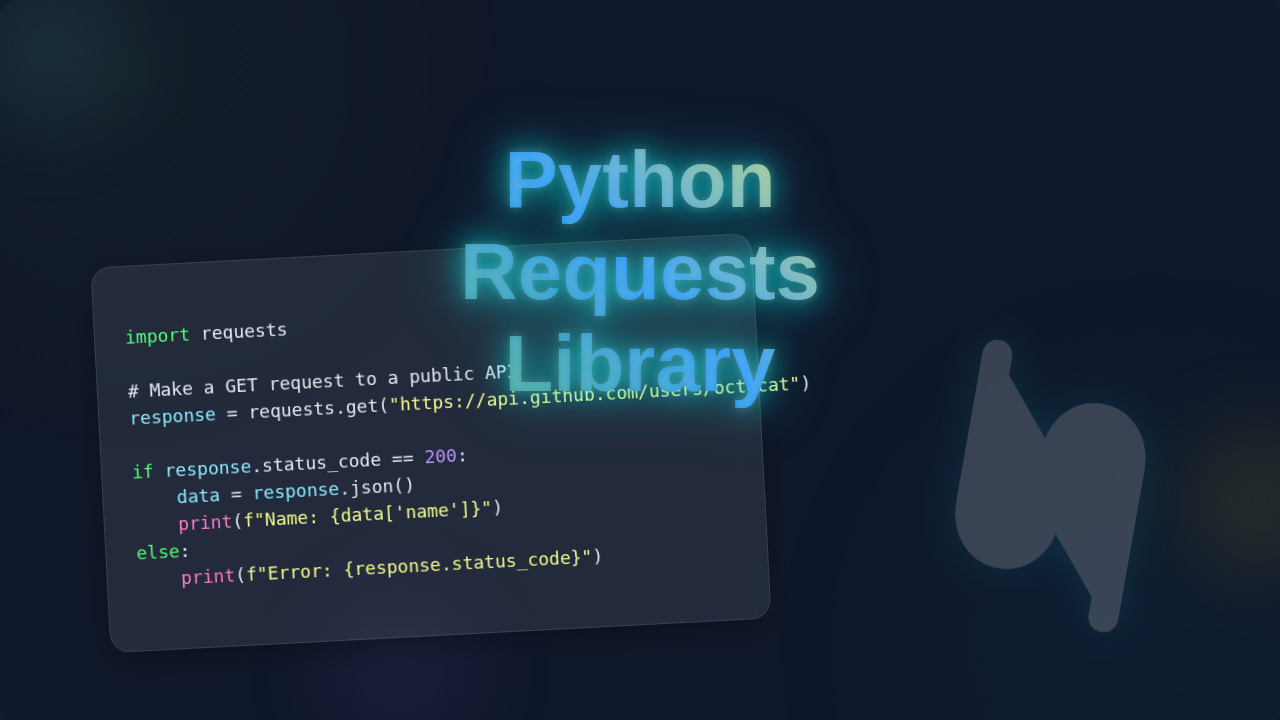
Python Requests Library: Master Web API Calls
Hey there, awesome web developer! You’ve probably used the Python Requests Library more times than you can count. It’s your go-to for talking to the web. It feels like magic, doesn’t it? One line of code, and poof! You’ve pulled data from an API. You’ve sent a form submission. But here’s the thing: calling it ‘magic’ hides how incredibly smart it really is. And frankly, that stops you from truly mastering it. You’re ready to peel back the curtain, right? Let’s bust some myths. We’ll get to the core of how this fantastic library actually works.
Myth #1: Python Requests Library Handles Everything Automatically
You might think the Python Requests Library is a total black box. You call requests.get(), and a cosmic dance just happens. All the complex internet stuff? Totally taken care of. You don’t need to know about HTTP, right? Wrong! This is a common misconception. In truth, it’s not a wizard. It’s a super-efficient, highly organized messenger.
What does this mean for you? The library simplifies the process. It doesn’t erase the underlying protocols. You are still performing a Hypertext Transfer Protocol (HTTP) request. This is the foundation of data communication for the web. Think of it this way: You want to order a pizza. The Requests Library is like your incredibly helpful waiter. You tell them what you want (the URL and any data). The waiter then translates your order into kitchen-speak. They deliver it to the kitchen (the server). Soon, your delicious pizza (the data) arrives back at your table. The waiter made it easy. But the kitchen still had to bake the pizza!
Therefore, understanding the basics of HTTP is crucial. You specify the method: GET, POST, PUT, DELETE. These are like saying, “I want to fetch something,” or “I want to send new information.” You also send various headers. These are extra bits of information. They tell the server what kind of data you expect back. Or they authenticate who you are. The Requests Library elegantly packages all this for you. It builds the perfect ‘order ticket.’ But you, the client, are still deciding what goes on it. Make sense?
Myth #2: Your Requests Are Always Anonymous and Untracked
Ever wondered if websites remember you? Or if every request is like starting a brand new conversation? The second big myth is that your interactions through the Python Requests Library are entirely standalone. You send a request. The server responds. End of story, right? Not at all! Servers have excellent memories. They absolutely track you, or rather, your ‘session.’ This tracking happens even when you’re just using a script.
Here’s the thing: many websites use cookies. These are small pieces of data. Servers send them to your client (your Python script). Your client stores them. Then, with every subsequent request, your client sends those cookies back. This is how a server remembers who you are. It’s how you stay logged in. Or how your shopping cart retains items. The Requests Library handles these cookies automatically. It stores them in a ‘session’ object. This keeps your conversation flowing smoothly with the server. So, while you might feel anonymous, your script often carries a digital ‘identity card’ with it.
Pro Tip: Always be mindful of cookies! They can hold sensitive information or be crucial for maintaining state with an API. You can inspect them or manage them manually if needed.
You can use a Python Web Scraping project to see this in action. For instance, imagine logging into a forum. The first POST request sends your username and password. The server then replies with a ‘set-cookie’ header. This cookie holds your session ID. Every following GET request for forum pages will include that cookie. This tells the server you are still logged in. The Requests Library manages this exchange behind the scenes. However, knowing about cookies empowers you to debug issues. Or even to purposefully manage sessions yourself. Plus, it makes you feel like a secret agent, doesn’t it?
Myth #3: Errors Mean Your Code Is Broken (Not the Server’s Fault)
Okay, let’s talk about errors. You send a request. You get an error back. Your first thought might be, “Ugh, my Python script is definitely messed up again.” But wait! While your code might sometimes be the culprit, a lot of the time, the server is trying to tell you something very specific. This leads us to our third myth: all errors are your fault.
In reality, the web operates on HTTP status codes. These are three-digit numbers. They communicate the outcome of your request. A 200 OK means everything is perfect. Your pizza arrived hot! But what if you get a 404 Not Found? This means the server couldn’t find the resource you asked for. The server is saying, “I looked, but that page isn’t here.” This isn’t your code breaking. It’s the server reporting its findings. Or perhaps you encounter a 403 Forbidden. This means you tried to access something you don’t have permission for. You need to adjust your authentication. It’s not a code error. It’s an access denied message.
Meanwhile, 5xx codes are usually server-side issues. A 500 Internal Server Error means something went wrong on their end. The server itself had a problem. So, your code might be perfectly fine! Always check the response.status_code. It’s like checking the diagnostic lights on a complex machine. This immediately tells you where to focus your troubleshooting. For a full list of these communicative codes, you can check out the MDN Web Docs on HTTP Status Codes. You’ll be surprised how much information they hold!
The Real Deal: What Python Requests Library Actually Does
So, if it’s not magic, and it’s not completely hands-off, what is the Python Requests Library doing? The truth is, it’s an incredibly powerful and elegant abstraction. It wraps the messy, low-level details of making network requests into a clean, human-friendly API. You don’t have to worry about socket programming. You don’t manage raw bytes. It handles encoding your data to send. And it decodes the response back into something useful, like JSON.
Think of it as a master translator and logistics manager. You provide your high-level instructions: “Get this URL.” Or, “Post this dictionary as JSON.” The library then takes care of opening the connection. It creates the correct HTTP message. It ensures the right headers are included. Then it handles reading the response efficiently. It even manages things like connection pooling. This reuses existing connections. It makes your subsequent requests faster. Furthermore, it deals with retries for transient network issues. All these hidden complexities become effortless for you. That’s the real power!
Focus Point: To truly master web requests, understand HTTP methods (GET, POST), URLs, headers, and status codes. The Requests Library makes their implementation a breeze.
This means you can focus on your application’s logic. You don’t get bogged down in networking minutiae. You can send data using requests.post(). Or you can retrieve data with requests.get(). The library ensures the correct HTTP verb is used. It also structures your data correctly for the server. For a deeper dive into these crucial components, especially HTTP Headers, MDN Web Docs is an excellent resource. You’ll gain a deeper appreciation for how much the library is doing for you!
Mastering Your API Calls with Python Requests Library
By now, you’ve lifted the veil. You know the Python Requests Library isn’t some mystical black box. It’s an incredibly well-engineered tool. It abstracts away the complex plumbing of HTTP. But it still requires your understanding of the web’s core principles. You’ve learned that requests aren’t always anonymous. You also know that errors often tell a story about the server. Plus, you now grasp how much heavy lifting the library does behind the scenes.
This knowledge makes you a more effective web developer. You can debug problems faster. You can design more robust applications. You can even speak the language of APIs with more confidence. So go ahead, build something amazing. Keep experimenting. The web is your oyster, and the Requests Library is your pearl-finding tool. You’ve got this!