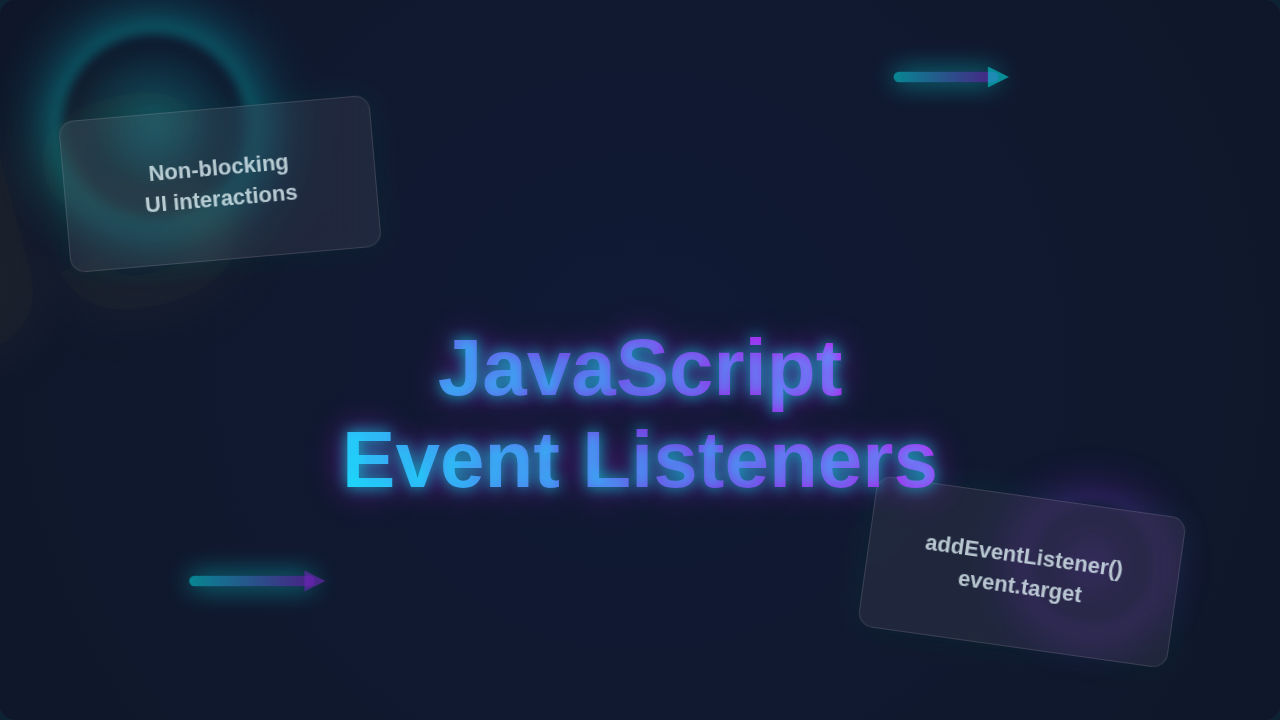
JavaScript Event Listeners: Async, Neon & Glassmorphism
Hey there, pro-coders-to-be! Ever click a button on a website and instantly see something new pop up? Or maybe you scroll down, and images magically load? That is not just browser wizardry. It is the silent, behind-the-scenes work of powerful JavaScript.
You have probably heard the term JavaScript Event Listeners floating around. Maybe you have even used them a bit, but still felt a tiny bit confused. Don’t worry. You are not alone. Many beginners find this concept a bit fuzzy.
Here’s the thing: event listeners are like the ears of your web page. They are constantly waiting, listening for specific things to happen. When something does happen, like a click or a key press, they spring into action. They then tell your code to do something cool.
Why does this matter to you? Well, without event listeners, your websites would be static. They would be boring. You could not make interactive forms. You could not build dynamic UIs. Everything you build would just sit there, unresponsive. They are the engine of all modern web interactivity, from a simple button click to a complex real-time chat application.
What Are JavaScript Event Listeners, Really?
Imagine your web page is a bustling cafe. Lots of things happen there. People order coffee. They read newspapers. Maybe they even spill a drink!
A JavaScript Event Listener is like a diligent waiter. This waiter is assigned to a specific table or even a specific customer. Their job? To wait for something specific to occur.
For example, a waiter might “listen” for a customer to raise their hand. Or they might listen for a bell to ring in the kitchen. Once that “event” happens, the waiter does something. They take an order. They bring out food.
In your browser, an “event” is something like a mouse click. It could be a keyboard key being pressed. It might be a page finishing its loading. There are hundreds of different events your browser can detect. Your event listener attaches itself to an element on your page. Think of a button, for instance. It then waits for the ‘click’ event.
When the click finally happens, the listener triggers a specific piece of JavaScript code. This code is often called a “callback function.” It’s the waiter’s set of instructions: “If hand raises, go take order.” It is that simple, yet incredibly powerful.
Why Event Listeners Make Your Web Pages Dance
So, you know what they are. Now, let’s talk about why you absolutely need them. You want your website to feel alive, right? You want visitors to engage. You want them to stick around.
Event listeners are the magic behind that engagement. They turn a static document into an interactive experience. Think about it. You click a “Buy Now” button. An event listener detects that click. Then, it might show a spinning loader icon. It might add the item to your cart. Or perhaps it takes you to a payment page.
This responsiveness is key. It is what makes modern web applications feel so fluid. It is why you can filter a list of products without reloading the entire page. It is why a pop-up menu appears when you hover your mouse over an icon. All of these actions are triggered by events and managed by listeners.
Ultimately, they empower you to create dynamic user interfaces. You build UIs that react to user input. This makes for a much better user experience. It keeps your visitors happy and engaged. It is the difference between a dull brochure and an exciting application.
Have you ever seen a cool animation fire off when you scroll to a certain point? That’s an event listener too! It detects the ‘scroll’ event. Then, it measures your position on the page. If you hit a certain threshold, it kicks off the animation. It is all about making your page respond intelligently. Perhaps you are thinking about smooth React animations already? Event listeners are often the trigger.
How JavaScript Event Listeners Catch the Action
Now, let’s peek under the hood a little more. How do you actually set up these vigilant listeners? You use a specific browser method. It’s usually called something like addEventListener.
When you use this method, you tell the browser three main things. First, you specify which element you want to watch. This could be a button, a whole section, or even the entire document. Second, you tell it what kind of event to listen for. Is it a ‘click’? A ‘mouseover’? A ‘keydown’?
Finally, and this is crucial, you provide a set of instructions. This is your “callback function.” It’s the code that runs only when the specified event occurs. Think of it as a recipe. “When the oven timer beeps (event), take out the cake (callback function).” The recipe only gets followed when the timer goes off.
The browser’s engine is constantly monitoring. It is like an air traffic controller watching the sky for planes (events). When a plane lands (event occurs), the controller directs ground crew (executes the callback function). This entire process happens incredibly fast. You usually do not even notice the delay. It feels instantaneous.
This setup allows for incredible flexibility. You can have multiple listeners on one element. You can have the same event trigger different things on different elements. It’s like having specialized waiters. Each one listens for a specific signal at their table. Each has unique instructions when that signal arrives. It makes sense, right?
The Browser Event Loop and You
This is where things get really interesting, and sometimes, a little confusing. You might wonder: how can the browser listen for everything all at once? The answer lies in something called the “Event Loop.”
Think of the browser as a single-lane road. Only one car can pass at a time. This road is your main JavaScript execution thread. Your JavaScript code typically runs synchronously. This means one line after another.
However, events are asynchronous. They happen “outside” of that main road. When a click occurs, it does not immediately stop whatever JavaScript is currently running. Instead, the event is placed onto a waiting list. This list is called the “task queue.”
The Event Loop is like a traffic cop. It constantly checks two places. First, it checks if the main JavaScript road is clear. Second, it checks if there are any events waiting in the task queue. If the main road is clear and there’s an event waiting, the traffic cop moves that event’s callback function onto the main road for execution. This is how the browser handles responsiveness without freezing your entire page. Want to learn more about how the event loop manages tasks and rendering?
This is a crucial concept for you to grasp. It explains why some long-running JavaScript code can make your page seem unresponsive. It blocks the main thread. It stops the event loop from picking up new tasks. So, keep your callback functions snappy! Make them efficient. Your users will thank you for a smooth experience.
Common Hurdles & Event Flow with JavaScript Event Listeners
As you dive deeper, you might hit a few bumps. Don’t worry, every developer does! One common confusion revolves around the this keyword inside callback functions. When an event triggers a function, this often refers to the element that received the event. However, arrow functions behave differently. They retain their lexical scope. This means this refers to where they were defined. So, be mindful of your function type.
Another area where JavaScript Event Listeners can be tricky is when you have many similar elements. Imagine a list with a hundred items. Each item needs a click listener. Attaching 100 separate listeners can be inefficient. This is where “event delegation” shines. You attach one listener to a common parent element instead. That single parent listener then detects clicks on its children. It acts like a supervisor for all child events. Explore more on effective event delegation patterns here.
Pro Tip: Always remember to remove event listeners if the element or component they are attached to is no longer needed. Use
removeEventListenerto clean up! Otherwise, you risk memory leaks or unexpected behavior.
Finally, let’s talk about “event bubbling” and “event capturing.” When an event occurs on an element, it doesn’t just stay there. It propagates! During the “capturing” phase, the event travels down from the window to the target element. Then, during the “bubbling” phase, it travels back up. Most listeners trigger during bubbling. This means clicking a button might also trigger listeners on its parent div or even the body. Sometimes you want an event to stop right where it happened. You don’t want it to bubble up to parents. For this, you can use event.stopPropagation(). It’s like putting a dam in the event’s path. Understanding this flow helps you predict how your listeners will behave. It gives you precise control over your interactive elements.
Key Takeaways: Your Event Listener Cheat Sheet
Whew! We have covered a lot about JavaScript Event Listeners. Let’s quickly recap the essentials. You now know that these listeners are the heart of interactivity. They let your web pages react to user actions. They are crucial for a dynamic user experience.
Remember, an event listener is like a diligent observer. It waits for a specific event on an element. When that event happens, it executes a callback function. This function holds your custom instructions. The browser’s Event Loop efficiently manages all these asynchronous interactions. It ensures your page remains responsive.
We also touched on common pitfalls. Be mindful of this context. Use event delegation for efficiency. Always consider removing listeners when they are no longer needed. And definitely master the event flow. Understanding bubbling and capturing gives you immense control.
Quick Tip: Use
event.preventDefault()inside your callback function to stop the browser’s default action. For example, stopping a form from submitting normally, or a link from navigating. This gives you full control!
You have now demystified a core concept in web development. This knowledge empowers you. It lets you build truly engaging and responsive websites. Keep practicing. Experiment with different events. You will soon be orchestrating complex browser interactions like a seasoned pro. The world of interactive web apps is waiting for you to create something amazing!