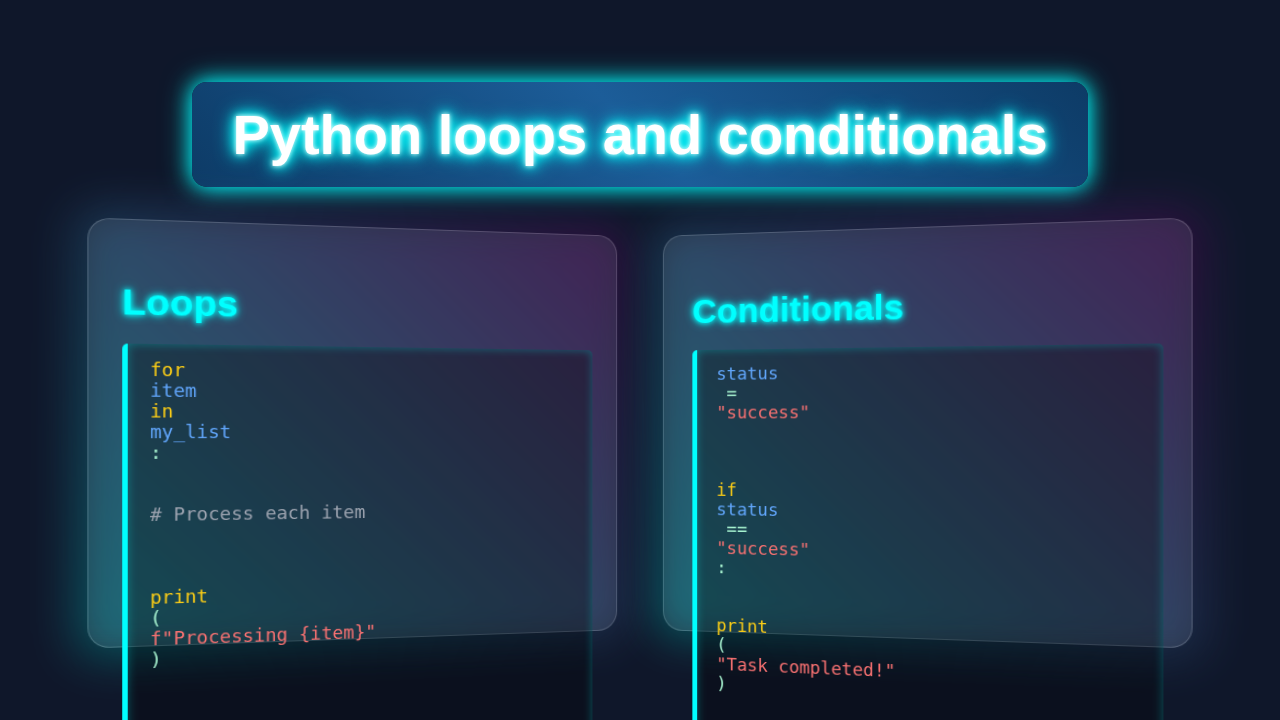
Hey! If you have wanted to build a clever little script that helps you organize your day but had no idea where to start, you are in the right place. Today, we’re diving deep into Python Loops Conditionals. We will use them to create something really useful!
It’s all about making your code smart. You will learn to make decisions. Your scripts will repeat tasks too. We’ll build a fun, interactive Python script. This script will suggest activities based on your mood and the time of day. How cool is that?
What We Are Building: A Personalized Activity Suggester with Python Loops Conditionals
We’re crafting a “Daily Wisdom Bot.” Imagine a friendly program. It asks you how you’re feeling. Then it peeks at the clock. After that, it gives you a perfectly tailored activity suggestion! You’ll be amazed at its usefulness.
This isn’t just a simple print statement. We’re teaching our program to think. It will ask for your mood. It will also validate your input. This ensures only good data gets in. Then, it uses conditional logic. This helps it decide the best advice. It’s a fantastic way to grasp Python’s control flow statements. These are vital skills for any coder.
Pro Tip: Building small, practical projects like this is the best way to solidify your understanding of new concepts. Don’t just read – build!
HTML Structure (Not Applicable for This Pure Python Script)
For this tutorial, we are building a command-line Python script. This means we won’t need HTML! HTML is for structuring web pages. Our project runs right in your terminal. However, if you were building a web application, HTML would be your foundation. It lays out all your content. Think of it as the skeleton of a website.
CSS Styling (Not Applicable for This Pure Python Script)
Just like HTML, CSS isn’t needed here. CSS helps make web pages look beautiful. It controls colors, fonts, and layouts. Our Python script doesn’t have a visual interface. It communicates through text in your terminal. But remember, for web projects, CSS makes things shine. It adds personality to your web content.
JavaScript (Not Applicable for This Pure Python Script)
JavaScript brings interactivity to web pages. It lets you create dynamic elements. Think about buttons that do things or forms that respond. Our project is purely Python based. It handles all its logic internally. No browser needed! For web projects, JavaScript is essential. It handles all the client-side magic.
automation_script.py
# automation_script.py

"""
Python Loops and Conditionals: Mastering Control Flow in Automation

This script demonstrates the practical application of Python's loops (for, while)
and conditional statements (if, elif, else) within an automation or data processing context.

Scenario:
We'll process a list of 'tasks' or 'items', each having a status and a priority.
The script will iterate through these tasks, apply different logic based on
their properties (using conditionals), and also demonstrate a 'retry' mechanism
using a while loop.
"""

import time # Used to simulate work/delays

# --- SECTION 1: Data Setup ---
# A list of dictionaries representing various automation tasks
tasks = [
    {"id": 101, "name": "Download Report A", "status": "pending", "priority": "high"},
    {"id": 102, "name": "Process Data B", "status": "completed", "priority": "medium"},
    {"id": 103, "name": "Upload File C", "status": "failed", "priority": "high"},
    {"id": 104, "name": "Generate Summary D", "status": "pending", "priority": "low"},
    {"id": 105, "name": "Archive Logs E", "status": "completed", "priority": "medium"},
    {"id": 106, "name": "Send Notification F", "status": "failed", "priority": "low"},
]

print("--- Starting Task Processing Automation ---")
print("-" * 50)

# --- SECTION 2: 'for' Loop with 'if/elif/else' Conditionals ---
# Iterate through each task in our list and apply business logic.
print("\nProcessing Tasks with 'for' loop and 'if/elif/else':")
for task in tasks:
    task_id = task["id"]
    task_name = task["name"]
    task_status = task["status"]
    task_priority = task["priority"]

    print(f"\n[Task {task_id}] - {task_name} (Priority: {task_priority})")

    # Conditional logic based on task status
    if task_status == "completed":
        print(f"  -> Status: COMPLETE. No further action needed.")
        # Simulate a quick log or status update
        time.sleep(0.1)
    elif task_status == "pending":
        print(f"  -> Status: PENDING. Initiating processing...")
        # Nested conditional based on priority for pending tasks
        if task_priority == "high":
            print(f"    -> High priority task: Executing immediately.")
            # Simulate intense work
            time.sleep(0.5)
        elif task_priority == "medium":
            print(f"    -> Medium priority task: Adding to queue.")
            # Simulate moderate work
            time.sleep(0.3)
        else: # Low priority
            print(f"    -> Low priority task: Will process during off-peak hours.")
            # Simulate light work
            time.sleep(0.1)
        print(f"  -> {task_name} processing initiated.")
    elif task_status == "failed":
        print(f"  -> Status: FAILED. Attempting to log error and notify support.")
        # Simulate error handling
        time.sleep(0.2)
        print(f"  -> Error for {task_name} logged. Notification sent.")
    else:
        print(f"  -> Status: UNKNOWN ('{task_status}'). Manual intervention required.")
    print("-" * 30)

# --- SECTION 3: 'while' Loop for Retry Mechanism ---
# Demonstrates a while loop for a common automation pattern: retries.
print("\n--- Demonstrating 'while' loop for a retry mechanism ---")

max_retries = 3
current_retry = 0
service_operational = False # Assume a service is initially down

print(f"Attempting to connect to external service (max {max_retries} retries).")

while not service_operational and current_retry < max_retries:
    current_retry += 1
    print(f"  -> Retry attempt {current_retry}...")
    # Simulate an attempt to connect to a service
    time.sleep(1) # Simulate network delay or processing

    # Simulate random success/failure for demonstration
    if current_retry == 2: # Let's make it succeed on the second attempt
        service_operational = True
        print("  -> Service connection SUCCESSFUL!")
    else:
        print("  -> Service connection FAILED. Retrying...")

if service_operational:
    print("\nExternal service is now operational. Continuing with automation.")
else:
    print(f"\nFailed to connect to external service after {max_retries} retries. Aborting.")

print("-" * 50)
print("--- Automation Script Finished ---")
How Python Loops Conditionals Drive Our Project
Here’s the cool part. This is where our Python code comes alive! We’ll break down the script. You’ll see exactly how loops and conditionals work. They are the brains of our little bot.
1. Setting Up Our Script: Getting the Current Time
First, we need to know the time. Python’s datetime module helps with this. It lets us access the current hour. This is super handy for time-based suggestions. We’ll import it right at the top. This makes its functions available to us. It’s like grabbing a tool from your toolbox before you start a project. You can learn more about Python’s datetime module in the official documentation.
2. Getting Smart Input with a While Loop
Our bot needs your mood. But what if you type something random? We use a while loop for this! A while loop keeps repeating code. It runs as long as a condition is true. Here, it will keep asking for your mood. It stops only when you enter a valid one. We’ll define a list of valid moods. Then we check if your input is in that list. This prevents errors later on. It makes our script robust. This is a common and very powerful pattern. It handles user interactions gracefully.
3. Making Decisions with If/Elif/Else Conditionals
Now for the decision-making! This is where if, elif (else if), and else come in. These are Python’s conditional statements. They let your script choose different paths. We’ll check the current hour first. Is it morning, afternoon, or evening? Then, within those time blocks, we check your mood. This allows for truly personalized advice. Each if or elif block tests a condition. If true, its code runs. If all fail, the else block executes. It’s like a flowchart for your code.
4. Putting It All Together: The Main Logic
We combine all these parts. First, we get the time. Then, we get a validated mood. Finally, we apply our conditional logic. The script prints a suggestion. It’s a symphony of code elements working together. This simple flow creates a powerful tool. It shows the real strength of Python’s fundamental building blocks.
You Got This: Every line of code you write brings you closer to becoming a coding master. Keep experimenting and have fun!
import datetime

def get_activity_suggestion():
    current_hour = datetime.datetime.now().hour

    # Use a while loop for robust input validation
    valid_moods = ['happy', 'tired', 'productive', 'creative', 'stressed']
    user_mood = ''
    while user_mood not in valid_moods:
        user_mood = input("How are you feeling right now? (happy, tired, productive, creative, stressed): ").lower()
        if user_mood not in valid_moods:
            print("That's not a valid mood. Please choose from happy, tired, productive, creative, stressed.")

    print(f"\nAh, I see you're feeling {user_mood}!")

    # Use if/elif/else for conditional logic based on time and mood
    suggestion = ""

    # Morning (6 AM - 11 AM)
    if 6 <= current_hour <= 11:
        print("It's a beautiful morning!")
        if user_mood == 'happy':
            suggestion = "Start your day with some stretching and planning."
        elif user_mood == 'tired':
            suggestion = "Grab a warm beverage and ease into your tasks."
        elif user_mood == 'productive':
            suggestion = "Tackle your most important task first!"
        elif user_mood == 'creative':
            suggestion = "Brainstorm new ideas while your mind is fresh."
        elif user_mood == 'stressed':
            suggestion = "Try a short meditation to set a calm tone."

    # Afternoon (12 PM - 5 PM)
    elif 12 <= current_hour <= 17:
        print("It's the afternoon!")
        if user_mood == 'happy':
            suggestion = "Take a refreshing walk outside and enjoy the day."
        elif user_mood == 'tired':
            suggestion = "Consider a quick power nap or a coffee break."
        elif user_mood == 'productive':
            suggestion = "Focus on deep work or collaborative projects."
        elif user_mood == 'creative':
            suggestion = "Experiment with a new technique or tool."
        elif user_mood == 'stressed':
            suggestion = "Take 15 minutes to declutter your workspace."

    # Evening (6 PM - 9 PM)
    elif 18 <= current_hour <= 21:
        print("It's a relaxed evening.")
        if user_mood == 'happy':
            suggestion = "Connect with loved ones or enjoy a hobby."
        elif user_mood == 'tired':
            suggestion = "Wind down with a good book or quiet music."
        elif user_mood == 'productive':
            suggestion = "Review your day's achievements and plan for tomorrow."
        elif user_mood == 'creative':
            suggestion = "Work on a personal project that excites you."
        elif user_mood == 'stressed':
            suggestion = "Prepare a soothing meal or take a warm bath."

    # Night (10 PM - 5 AM)
    else: # Covers 22-23 (10 PM-11 PM) and 0-5 (12 AM-5 AM)
        print("It's late night. Time to unwind.")
        if user_mood == 'happy':
            suggestion = "Reflect on your day and practice gratitude."
        elif user_mood == 'tired':
            suggestion = "Prioritize sleep! Get ready for bed."
        elif user_mood == 'productive':
            suggestion = "Finalize small tasks for a fresh start tomorrow."
        elif user_mood == 'creative':
            suggestion = "Jot down any late-night inspirations for later."
        elif user_mood == 'stressed':
            suggestion = "Do some gentle breathing exercises before bed."

    print(f"Here's a suggestion for you: {suggestion}")

# Run the function to get a suggestion
get_activity_suggestion()
Tips to Customise It
You've built something great! Now, let's make it even better. There are many ways to expand this project. You can make it truly yours.
- More Moods and Suggestions: Add more mood options! Think “bored,” “excited,” or “anxious.” Then, create new suggestions for each. The more options, the smarter your bot becomes.
- Save History: Can you store past suggestions? Use a simple text file or even Python’s
jsonmodule. This lets you track your daily activities. - GUI Interface: Ready for a challenge? Use a library like Tkinter or PyQt. Build a graphical user interface! Your bot could have buttons and dropdowns. This makes it more user-friendly.
- External Data: Imagine fetching weather data! You could use Python's Requests library. Then, your bot could suggest outdoor activities only on sunny days. That's next-level!
Conclusion
Wow, you did it! You just mastered Python Loops Conditionals. You built a smart, interactive activity suggester. This script uses fundamental programming concepts. It takes input. It validates it. And it makes decisions. These are powerful skills!
Feel proud of what you've created. This project is a solid step. It proves you can build real-world applications. Now, go forth and experiment! Share your custom bots with friends. Keep coding, and keep learning. Your journey as a Python developer is just beginning!
automation_script.py
# automation_script.py

"""
Python Loops and Conditionals: Mastering Control Flow in Automation

This script demonstrates the practical application of Python's loops (for, while)
and conditional statements (if, elif, else) within an automation or data processing context.

Scenario:
We'll process a list of 'tasks' or 'items', each having a status and a priority.
The script will iterate through these tasks, apply different logic based on
their properties (using conditionals), and also demonstrate a 'retry' mechanism
using a while loop.
"""

import time # Used to simulate work/delays

# --- SECTION 1: Data Setup ---
# A list of dictionaries representing various automation tasks
tasks = [
    {"id": 101, "name": "Download Report A", "status": "pending", "priority": "high"},
    {"id": 102, "name": "Process Data B", "status": "completed", "priority": "medium"},
    {"id": 103, "name": "Upload File C", "status": "failed", "priority": "high"},
    {"id": 104, "name": "Generate Summary D", "status": "pending", "priority": "low"},
    {"id": 105, "name": "Archive Logs E", "status": "completed", "priority": "medium"},
    {"id": 106, "name": "Send Notification F", "status": "failed", "priority": "low"},
]

print("--- Starting Task Processing Automation ---")
print("-" * 50)

# --- SECTION 2: 'for' Loop with 'if/elif/else' Conditionals ---
# Iterate through each task in our list and apply business logic.
print("\nProcessing Tasks with 'for' loop and 'if/elif/else':")
for task in tasks:
    task_id = task["id"]
    task_name = task["name"]
    task_status = task["status"]
    task_priority = task["priority"]

    print(f"\n[Task {task_id}] - {task_name} (Priority: {task_priority})")

    # Conditional logic based on task status
    if task_status == "completed":
        print(f"  -> Status: COMPLETE. No further action needed.")
        # Simulate a quick log or status update
        time.sleep(0.1)
    elif task_status == "pending":
        print(f"  -> Status: PENDING. Initiating processing...")
        # Nested conditional based on priority for pending tasks
        if task_priority == "high":
            print(f"    -> High priority task: Executing immediately.")
            # Simulate intense work
            time.sleep(0.5)
        elif task_priority == "medium":
            print(f"    -> Medium priority task: Adding to queue.")
            # Simulate moderate work
            time.sleep(0.3)
        else: # Low priority
            print(f"    -> Low priority task: Will process during off-peak hours.")
            # Simulate light work
            time.sleep(0.1)
        print(f"  -> {task_name} processing initiated.")
    elif task_status == "failed":
        print(f"  -> Status: FAILED. Attempting to log error and notify support.")
        # Simulate error handling
        time.sleep(0.2)
        print(f"  -> Error for {task_name} logged. Notification sent.")
    else:
        print(f"  -> Status: UNKNOWN ('{task_status}'). Manual intervention required.")
    print("-" * 30)

# --- SECTION 3: 'while' Loop for Retry Mechanism ---
# Demonstrates a while loop for a common automation pattern: retries.
print("\n--- Demonstrating 'while' loop for a retry mechanism ---")

max_retries = 3
current_retry = 0
service_operational = False # Assume a service is initially down

print(f"Attempting to connect to external service (max {max_retries} retries).")

while not service_operational and current_retry < max_retries:
    current_retry += 1
    print(f"  -> Retry attempt {current_retry}...")
    # Simulate an attempt to connect to a service
    time.sleep(1) # Simulate network delay or processing

    # Simulate random success/failure for demonstration
    if current_retry == 2: # Let's make it succeed on the second attempt
        service_operational = True
        print("  -> Service connection SUCCESSFUL!")
    else:
        print("  -> Service connection FAILED. Retrying...")

if service_operational:
    print("\nExternal service is now operational. Continuing with automation.")
else:
    print(f"\nFailed to connect to external service after {max_retries} retries. Aborting.")

print("-" * 50)
print("--- Automation Script Finished ---")