JS Closures Explained: Master JavaScript Scope & Data
Hello! If you’ve ever felt like JavaScript closures are some kind of secret handshake only senior devs know, you are definitely not alone. It’s a bit of a mind-bender at first, right? You hear the term, and maybe your brain instantly creates a mental block.
But here’s the thing: understanding JavaScript Closures Explained is less about mystical powers and more about simply seeing how JavaScript truly works under the hood. You’ll master scope, context, and memory. It unlocks so many cool patterns for you. So, let’s bust some myths today. You’ll be closure-savvy in no time!
Myth #1: Closures are just about variables being “remembered”
Many developers think a closure just means a function can “remember” a variable from outside itself. You know, like a sticky note on the fridge. While that’s part of it, it’s not the whole story. This idea misses the real magic.
A closure is actually formed when a function remembers its lexical environment. What’s that? It’s all the variables and functions that were in scope when your function was declared. Not when it was run, but when it was first created. Think of it like a photograph. When you take a picture, it captures everything in front of the lens at that moment. Your function does the same with its surroundings.
This “snapshot” is crucial. It means your function doesn’t just look for variables in its immediate surroundings when it runs. Instead, it carries the environment it was born into. This concept helps you build robust and predictable functions. You ensure data privacy. It lets you create ‘factories’ for functions, each with its own unique settings. Think about how a chef might prepare a recipe. They use the ingredients available at that moment in their kitchen. The recipe itself comes with those specific instructions. This link is powerful. It allows you to create private data and functional factories. You will see this concept shine in your daily coding. Ever wondered why some variables stick around? Now you know!
Myth #2: Closures only matter in fancy, complex code
You might think closures are only for advanced design patterns or super-optimized libraries. Maybe you’ve seen them mentioned in discussions about React Context API Guide: Master State Management or other complex frameworks. But honestly, closures show up everywhere in everyday JavaScript. You probably use them without even realizing it!
Consider a simple loop that adds event listeners. You might want each listener to reference a specific item from the loop. Without understanding closures, you could easily run into issues where every listener references the last item. That’s a classic closure problem, my friend! You need to capture the variable at each iteration.
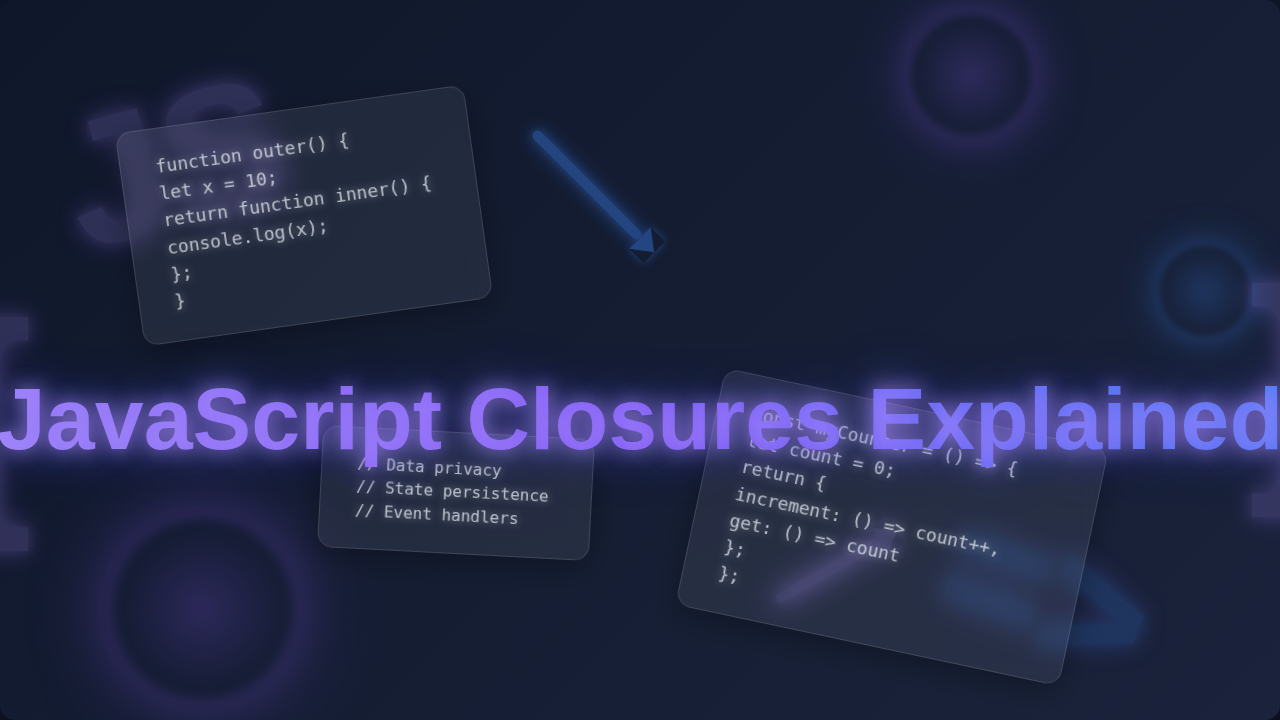
Closures are also fantastic for building modular code. You can create functions that have their own private “storage.” Imagine a counter function. Each time you call it, it increments its own internal number. Other parts of your code cannot mess with that number directly. This keeps your code safe and predictable. It’s like having a secret drawer for your function’s essentials.
It’s like giving your function its own private cupboard, where only it can access and change certain items. This is particularly useful when you’re working with event handlers. For example, if you create multiple buttons programmatically, each button’s click handler can ‘remember’ which specific button it is connected to, thanks to a closure. You can attach unique data to each handler without polluting the global scope or relying on complex data structures. This makes your code more maintainable and less prone to unexpected side effects. Moreover, when you see powerful state management libraries, they often lean heavily on closures to manage their internal data structures securely. You’ll be able to trace those advanced patterns much easier now. You often use closures in JavaScript Product Filter: Dynamic Filtering with HTML, CSS, JS scenarios. For instance, if you have filter buttons, each button’s click handler might “remember” which specific filter it represents. This makes your code clean and efficient. You are leveraging closures to manage unique behaviors for each filter. See? Not so fancy, just super useful.
Myth #3: Closures cause memory leaks and are always bad
Okay, this myth can really scare a beginner! You hear “memory leak” and imagine your computer grinding to a halt. While it’s true that closures can keep references to variables longer than expected, this isn’t inherently a bad thing. It’s simply how they work!
A closure keeps its lexical environment alive. This means the variables it references won’t be “garbage collected” until the closure itself is no longer reachable. JavaScript’s garbage collector is smart. It frees up memory when objects are no longer needed. A closure just defines “needed” a bit differently. You can learn more about how JavaScript manages memory on MDN’s Memory Management guide.
However, being aware of how closures work prevents you from accidentally holding onto unnecessary large objects. Imagine you have a complex data object, and a small closure deep within your application holds a reference to it. If that closure lives for a long time, the entire large object might stay in memory, even if other parts of your app no longer need it. You just need to ensure that when your closure’s purpose is fulfilled, its reference is also released. This usually happens naturally when the scope holding the closure goes out of existence. But if you assign a closure to a global variable, or a long-lived object property, then you need to be a bit more careful. You are now in control of when that ‘memory link’ breaks. Good memory practices mean you understand the lifecycle of your variables and functions. It truly enhances your debugging skills.
The key is understanding when a closure is no longer needed. If you create a closure and keep a reference to it indefinitely, and it references a very large object, then yes, that large object stays in memory. But this is more about proper programming practices than closures being evil. You wouldn’t leave a car running in your garage forever, right? You turn it off when you’re done! Most of the time, closures are managed perfectly fine by JavaScript. They are a powerful tool, not a ticking time bomb. You gain incredible flexibility and control over your data. Just be mindful of long-lived closures holding onto huge resources. But for everyday tasks, don’t sweat it. You’re simply using JavaScript’s core behavior.
The Truth About JavaScript Closures Explained: It’s All About Lexical Environment!
So, what’s the real deal with closures? At its heart, a closure is just a function that remembers its “birthplace.” That birthplace is its lexical environment. This environment includes all the variables and functions that were accessible to it when it was defined. This means a function, along with its surrounding state, forms a closure. When you define a function inside another function, the inner function automatically gets a closure over the outer function’s scope. This is not some special feature you turn on; it just happens! It’s fundamental to how JavaScript manages variables and scope. You are building on a core language mechanism.
Think of it like a custom-made toolkit. When you build a toolkit, you decide which tools go inside. Even if you lend that toolkit to someone else, it still contains your original set of tools. It remembers them, no matter where it goes. That’s your closure in action! This “memory” of its environment means that even if the outer function finishes executing and its own scope is normally gone, the inner function — the closure — still maintains access to the outer function’s variables. It’s a persistent connection. This makes closures incredibly powerful for tasks like creating ‘private’ variables within modules or building functions that retain specific settings or configurations. You gain an elegant way to manage data. This concept is especially important when dealing with asynchronous operations, like fetching data. You often use callbacks that need to remember specific variables from when they were scheduled.
This deep understanding helps you with many advanced topics, like understanding how state works in React components, or even digging into issues like React Prop Drilling: A Component Tree Visualization. Knowing closures helps you see why certain patterns exist. You are now equipped with a foundational piece of JavaScript knowledge.
When you define a function, it “photographs” its surroundings. That photo, its lexical environment, travels with the function, granting it access to those variables forever.
Closures aren’t a feature you *enable*; they are a natural consequence of JavaScript’s lexical scoping. Embrace them as a powerful, built-in tool!
Understanding scope is key here. Every function creates its own scope. Variables declared within that scope are local to it. When an inner function needs a variable, it first looks in its own scope. If it doesn’t find it, it looks in the outer function’s scope, and then the global scope. This chain of scopes is how it “remembers.” For more detail on this fundamental concept, check out MDN’s guide on lexical environments. It’s a goldmine! So, the ‘closure’ isn’t some extra thing you *do*; it’s simply how JavaScript *is*. Every function you write forms a closure. It’s just that some closures are more obvious or useful than others. When you pass functions around, like callbacks or event handlers, you are often implicitly working with closures. They ensure your function has everything it needs to do its job, regardless of where or when it’s actually called. This is a fundamental concept that empowers you.
Ready to Use Closures Like a Pro?
You’ve just tackled one of JavaScript’s most talked-about concepts! It might seem complex at first, but with practice, closures will become second nature to you. You’ll start spotting them everywhere in libraries and frameworks. You’ll even begin to design your own clever solutions using them, realizing their true potential for encapsulating logic and data. The cool part is, you don’t need to memorize a bunch of esoteric rules. Just remember: a function always carries its birth environment with it, like a passport with its origin details. This fundamental concept opens up a world of possibilities for you. It helps you write cleaner, more robust, and more efficient JavaScript, making you a more thoughtful developer.
So, go forth and experiment! Try making a function that creates unique ID generators. Or build a private counter that only increments when told. Play around with it in your next small project. You’ve got this. Your journey to becoming a JavaScript wizard just got a major boost. Keep coding, keep learning, and remember: every complex concept is just a series of simpler ideas waiting to click into place for you! You are well on your way to mastering JavaScript.