Tailwind CSS vs Plain CSS: The Ultimate Comparison
Hello! Have you been scrolling through web development posts and seen "Tailwind CSS" pop up everywhere? Maybe you even wondered if it was some secret club handshake for experienced developers. Don’t worry, it’s not! You’re in the right place to get some clarity. Today, we’re going to tackle a common question: "Tailwind CSS vs Plain CSS." We’ll explore the differences. We will understand what makes each unique. You’ll learn how they both help you style your websites.
What You Need to Know First: Understanding the Basics of CSS
Before we jump into the main event, let’s quickly chat about what CSS actually is. CSS stands for Cascading Style Sheets. Think of HTML as the skeleton of your website. It gives your page its structure. This includes headings, paragraphs, and images. CSS, on the other hand, is the clothing and makeup. It makes your website look good. It controls colors, fonts, spacing. It also arranges everything on the page.
Every web browser uses CSS to display content. You write rules that tell the browser how elements should look. For example, you might say, "all paragraphs should have blue text." That’s a CSS rule. Understanding this basic role of CSS is your first step. It helps you see how both Tailwind and plain CSS aim for the same goal: making your website visually appealing.
Tailwind CSS vs Plain CSS: Diving into the Abstraction Layers
Here’s the core of our discussion: abstraction layers. What exactly is an "abstraction layer"? Imagine you want to drive a car. You don’t need to know how the engine combustion works to press the accelerator. The pedal is an abstraction. It lets you interact with the complex engine in a simple way.
Plain CSS is like being an engine mechanic. You write very specific instructions. You create a custom style for a button. Then you give that style a name, like "my-cool-button." Finally, you tell your HTML button to use "my-cool-button." You have total control. You define every single detail yourself. This offers incredible flexibility. You build everything from the ground up.
Now, let’s look at Tailwind CSS vs Plain CSS in this context. Tailwind CSS is like having a toolkit of pre-made, standardized parts. Instead of inventing "my-cool-button," you pick a "blue-background" class. You add a "rounded-corners" class. You also add a "text-center" class. These are small, single-purpose instructions. They are called "utility classes." You combine many of these small classes directly in your HTML. This means you rarely write new CSS rules yourself. Tailwind abstracts away the need to create new custom class names. It gives you direct access to low-level CSS properties through these short, descriptive names.
The "Why" Behind Tailwind CSS: Speed and Consistency
Why would you choose Tailwind’s utility classes? The cool part is speed. You don’t have to jump between your HTML and a separate CSS file constantly. All your styling is right there in your HTML. This can make development much faster. You can quickly see changes as you type.
Another huge benefit is consistency. Tailwind provides a default design system. This means your spacing, colors, and font sizes are consistent across your entire project. You don’t accidentally use slightly different shades of blue. It helps your website look polished and professional. It’s like having a brand guide built right into your tools. This consistency is especially helpful when working in a team. Everyone uses the same building blocks.
Pro Tip: Think of Tailwind CSS as a highly organized LEGO set. Each LEGO brick has a specific purpose and connects perfectly with others. You build complex structures by combining these small, well-defined pieces.
You might wonder about file size. Tailwind only includes the CSS you actually use. It purges unused styles. This keeps your final website fast and lightweight. For example, if you’re building a component like a product card with Tailwind CSS, you’ll find it streamlines the process significantly.
The Power of Plain CSS: Your Control, Your Way
So, why would anyone still use plain CSS? The answer is control. With plain CSS, you write every rule yourself. This means you have ultimate flexibility. You can create truly unique designs. If you need a very specific animation or a highly customized layout, plain CSS gives you that power. There are no pre-defined limits.
You create meaningful class names. For example, a "call-to-action-button" class clearly tells you its purpose. This can make your HTML cleaner. You might have fewer classes directly on your HTML elements. Instead, you link to a single class that contains many styles. This can be great for maintainability in smaller projects. It also works well when a unique design is paramount.
Helpful Insight: Plain CSS is like having a full workshop with raw materials and tools. You can craft anything you imagine, but it requires more direct effort and knowledge of how to use each tool.
Plain CSS also forces you to understand the cascade. This is how browsers decide which styles to apply when there are conflicts. Learning this helps you become a stronger web developer. You learn about CSS specificity and inheritance. These are fundamental concepts. When comparing Tailwind CSS vs Plain CSS, consider your project’s needs. If you’re building something with a unique aesthetic that changes often, plain CSS might give you more direct control. You can update styles in one place.
When to Use What: Making Your Tailwind CSS vs Plain CSS Choice
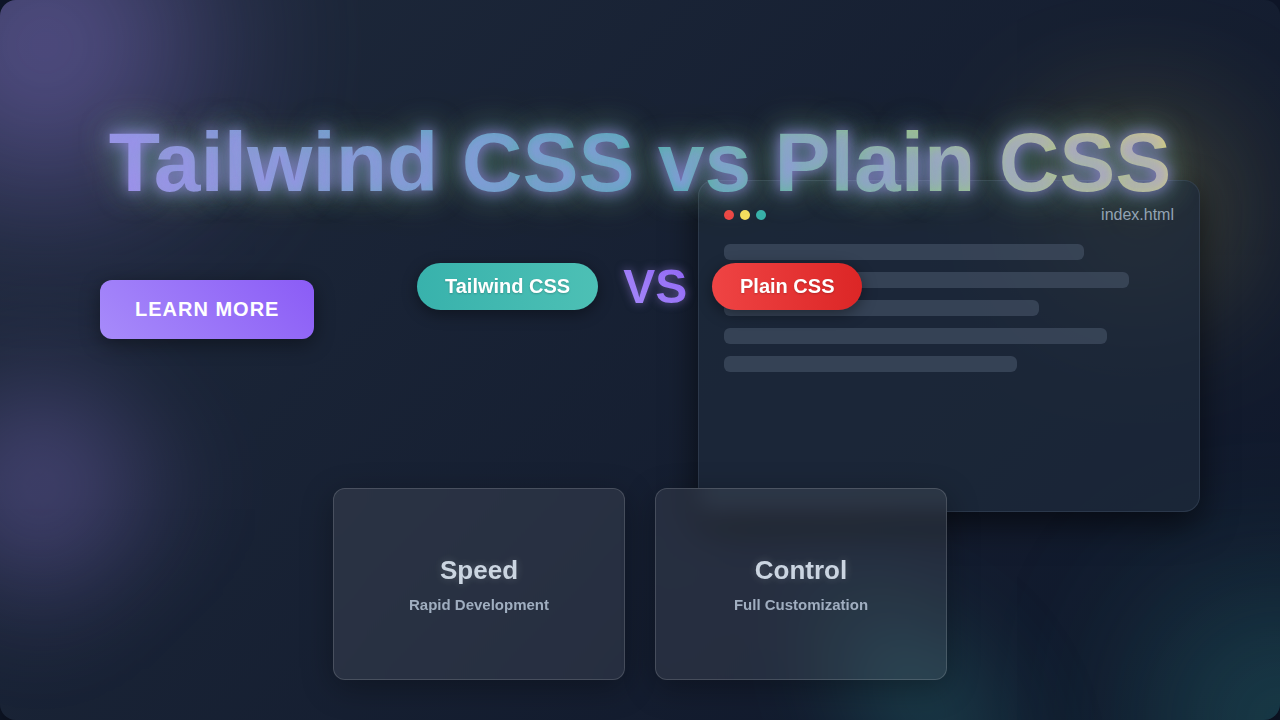
Choosing between Tailwind CSS vs Plain CSS depends on a few things. First, consider the project size. For smaller, quick projects, Tailwind often shines. You can build prototypes very fast. For larger projects with many developers, Tailwind’s consistency can be a huge advantage. Everyone uses the same system. This reduces design drift. Second, think about your design needs. Do you need a highly custom, one-of-a-kind look? Plain CSS might be better. You get granular control. Are you happy with a standardized, component-based approach? Tailwind is fantastic for this. It promotes a consistent visual language. Third, what about your team’s familiarity? If your team already knows plain CSS well, it might be an easier starting point. However, Tailwind’s learning curve is fairly gentle once you grasp the utility-first concept. You can even combine them! You might use plain CSS for truly unique global styles. Then you use Tailwind for specific components. Remember, there’s no single "best" tool. It’s about choosing the right tool for the job. If you want to see a side-by-side comparison, check out this visual comparison of Tailwind CSS vs Plain CSS to see them in action.
What to Learn Next
Now that you have a clearer picture of Tailwind CSS vs Plain CSS, what’s next for your learning journey?
- Practice: The best way to learn is by doing. Try building a simple webpage using both methods. Create a button or a navigation bar. See how the workflow differs for you.
- Explore Frameworks: Beyond Tailwind, there are other CSS frameworks. Bootstrap is a popular one. It offers pre-designed components like buttons and navbars. This is different from Tailwind’s utility classes.
- Deep Dive into Core CSS: Even if you lean towards Tailwind, understanding foundational CSS is vital. Learn about the box model. Understand Flexbox for layout control. Get comfortable with responsive design principles.
- Tailwind-Specific Features: If Tailwind piques your interest, explore its responsive prefixes. Learn about its dark mode capabilities. These features make building modern UIs a breeze.
Resources
To help you on your journey, here are a few places to go deeper:
- MDN Web Docs: This is a fantastic resource for all things web development. For foundational CSS concepts, check out their CSS documentation. It’s thorough and reliable.
- CSS-Tricks: This website has countless articles and guides on CSS. If you’re trying to understand specific properties or layouts, like using Flexbox for alignment, CSS-Tricks is a treasure trove.
- Tailwind CSS Official Documentation: The official Tailwind CSS documentation is excellent. It’s clear, easy to navigate, and full of examples.
Wrapping Up Your Styling Journey
You’ve just taken a big step in understanding how styles are applied on the web. Deciding between Tailwind CSS vs Plain CSS isn’t about finding a winner. It’s about understanding their strengths. You now know that plain CSS gives you complete, granular control. You also understand that Tailwind CSS offers speed and consistency with its utility-first approach.
Remember, both tools are powerful. Your goal as a developer is to pick the right one for your current task. Don’t be afraid to experiment. Build things! You are already doing great by seeking out this knowledge. Keep practicing, and soon you’ll be styling amazing websites with confidence!