The Inner Workings of Python’s Requests Library
Ever felt like your Python script is trying to talk to a brick wall when it needs data from the internet? You’re not alone! Many beginners hit this hurdle. Making your programs communicate with websites can seem daunting. It often feels like a secret language, right?
You’ve probably heard ‘HTTP request’ tossed around. It sounds technical, but it’s simple. It’s just your program asking a website for information. Think of ordering food online. You send your order; the restaurant sends back your meal. This is a basic back-and-forth.
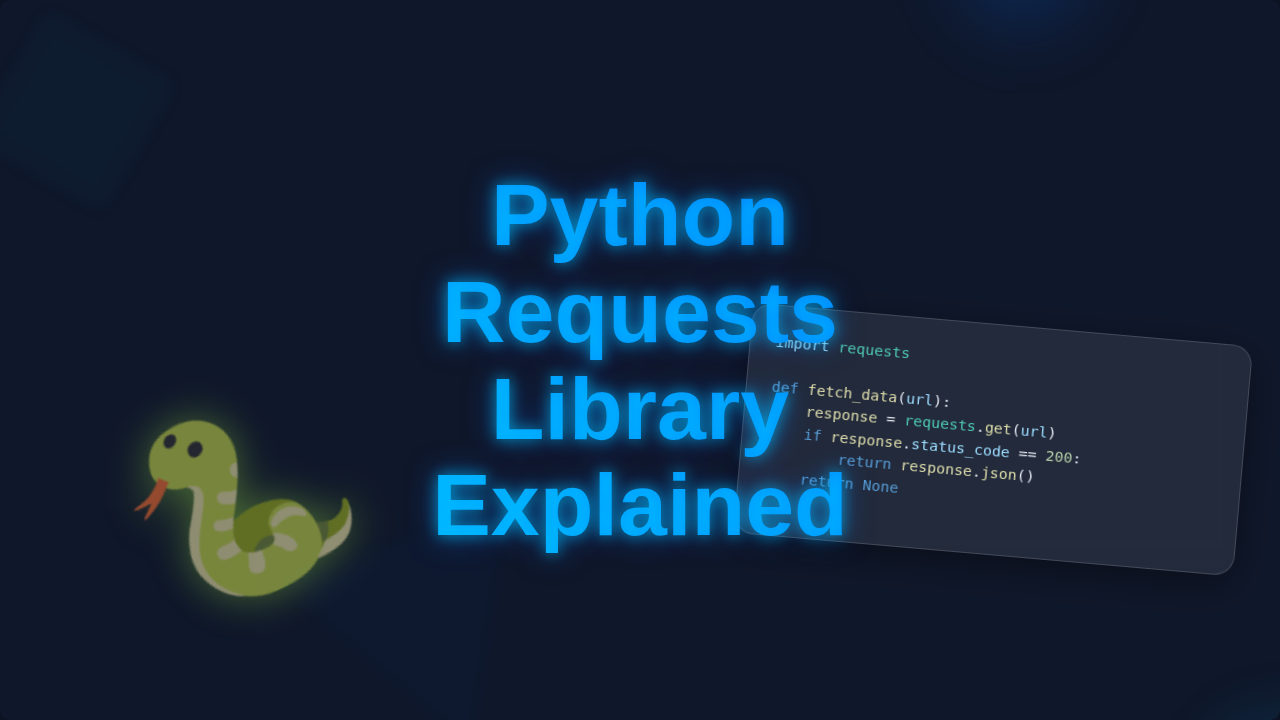
Now, imagine doing that without a menu! That’s where the Python Requests Library Explained comes in. It’s your friendly digital butler. This library handles all the tricky parts of web communication. You just tell it what you want. Then, it goes and gets it. It truly makes web interaction a breeze for you.
Demystifying Web Communication: Python Requests Library Explained
So, how does this magic actually happen under the hood? You’re about to find out! We’ll break down the core mechanics. Then you’ll understand why it’s so powerful. Here are the secrets to making your Python scripts true web wizards. You’ll soon be fetching data with confidence.
-
Requests Is Your Digital Mailman
Requests acts like your digital mailman. You write a request. It sends it to the web server. Then it waits for a reply, the response. Finally, it brings that reply back to your program. It handles all complex routing for you. You just focus on your message.
Want weather in New York City? Hand your ‘weather request’ to Requests. It delivers it to the weather API. The API sends back data. Your program reads it instantly. It’s like asking a knowledgeable friend, simplified for you.
-
HTTP Methods Are Your Instructions
Your digital mail includes an instruction: an HTTP method. It tells the web server your intent. Just looking? That’s GET. Sending new info? That’s POST. These methods are like verbs. They define your desired action. It’s a clear directive. This is fundamental for building a Python Web Scraper Tutorial: Build a Simple Script.
Building a notes app? Use GET to display notes. To add a new note, use POST. Deleting an old note involves DELETE. Each method has a distinct purpose. They truly guide the interaction. Understanding these verbs is key.
-
Responses Are More Than Just Data
Your mailman brings back a reply. It’s not just data, but status updates too. Did it succeed? Was there an error? This comes as an HTTP status code. Codes tell you exactly what happened. ‘200 OK’ means perfect. ‘404 Not Found’ means the page doesn’t exist. Instant feedback!
You fetch an image. Requests brings data. Crucially, it also tells you if it was there (200 OK) or if the link was broken (404 Not Found). This helps handle issues. Adjust your script accordingly. Maybe display a ‘broken image’ placeholder. This feedback loop builds robust applications. Make sense so far?
“Remember, a 200 is your digital high-five! Any other code usually means you need to take a closer look.”
-
Headers Tell the Story
Every piece of digital mail has ‘headers.’ Think of these as notes on your envelope. They provide crucial metadata. This includes content type. It also tells the server what content you prefer. Headers define the context. They ensure clear communication between you and the server.
Visiting a website? Your browser sends headers like ‘I prefer English.’ Sending JSON data to an API? Include a header saying, ‘I’m sending JSON data.’ The server then interprets it correctly. Both sides understand. To dive deeper, check the MDN Web Docs on HTTP Headers.
-
Parameters Make It Personal
Sometimes, your request needs specifics. Not any weather, but weather for New York. These specific details are parameters. You attach them to your request. They customize what you’re asking for. This allows precise queries. Parameters add precision to your web interactions.
Searching for movies? You want 2023 action films. Send parameters like ‘year=2023’ and ‘genre=action.’ Requests packages them. The server sends back exactly what you asked for. It’s like a detailed search form, digitally. Understanding parameters is key to mastering web interactions, a concept we explore further in Python Requests Library: Essential HTTP for Developers.
-
Sessions Keep the Conversation Going
Normally, each request is new. The server forgets everything. Need to stay ‘logged in’? Or send related requests? Sessions are incredibly handy. A session persists data across requests. It’s like keeping a continuous chat open. Your cookies and headers are remembered automatically.
Online banking login? You log in once. Then check balances. Each action uses the same ‘session.’ Requests handles this persistence. It tracks login info like cookies. No re-authentication with every page load. It makes sequential interactions smoother. Sessions enable stateful web interactions for you.
-
Timeouts Prevent Waiting Forever
What if a server is super slow? Or crashes and doesn’t respond? You don’t want your program to hang. Timeouts are your safety net. Set a limit for how long Requests waits. If no reply, Requests gives up. It raises an error. This keeps your application responsive. It prevents freezing.
Querying a public API? Without a timeout, your script might wait forever. Set a timeout, say five seconds. If no response, your script moves on. It can try again, or notify you. This makes programs robust against network problems. It’s about building resilience into your work.
“Don’t let a sluggish server bring your entire application to a halt. Timeouts are your best friends for network resilience!”
Bonus Insights: Handling Errors Gracefully
Internet things don’t always go planned. Servers can be down. Networks might fail. URLs can be incorrect. A good program anticipates problems. Requests helps you check for issues. Write code to manage them. This prevents unexpected crashes. It makes your applications more professional and reliable.
Always be ready for trouble. Don’t assume success. Check the status code. A 4xx or 5xx error means something went wrong. Print a friendly message. Or log the error for debugging. This makes applications resilient and user-friendly. You’re preparing for the unexpected, which is smart programming. For more strategies, read up on MDN’s HTTP Status Codes overview.
Mastering Web Interactions: Python Requests Library Explained Further
You’ve just peeled back the layers of the Python Requests Library. Congratulations! You now understand its core mechanics. You know it acts as your dependable digital mailman. You see how HTTP methods give instructions. You’re familiar with responses, headers, and parameters. Sessions and timeouts are also clearer. This foundational knowledge is incredibly powerful.
Your Next Steps in Web Development
The web is vast and interconnected. Your Python scripts can now truly be part of it. Fetch valuable data for analysis. Interact with countless APIs. Even build simple web scrapers. This library is your gateway. Keep experimenting with different web services. You’ll build confidence with every successful request. You have everything needed to connect your Python projects to the internet. Go build something truly amazing! For a more visual walkthrough, check out our guide: Python Requests Library Explained: A Visual Guide.