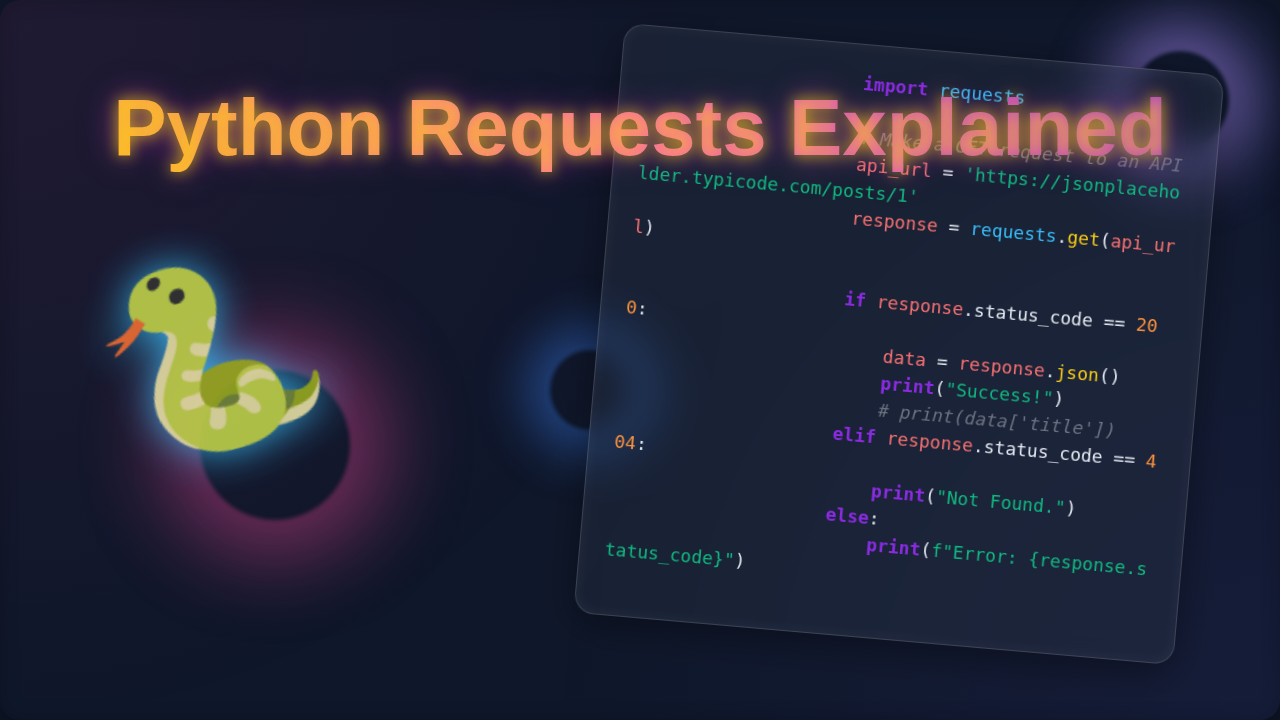
Python Requests Explained: Mastering HTTP in Python
Ever felt like you’re just scratching the surface of what your Python programs can do? You write amazing scripts, but they live in their own little world. What if I told you that connecting them to the vast ocean of the internet is simpler than you think?
Okay, real talk — when I first tried to understand how programs interact with websites, I was completely lost. But then I discovered the Python Requests library. It changes everything. It’s a game-changer for anyone building web-connected applications. Today, we’re going to dive deep into Python Requests Explained, breaking down exactly how this incredible tool works.
What Even *Is* Python Requests Explained?
Alright, let’s get straight to it. You’ve probably heard of the Python Requests library. In plain English, Python Requests Explained means it’s your go-to tool for making your Python programs talk to websites. Think of it like this: your browser lets you browse the web. Requests lets your program browse the web. It’s a friendly messenger. It helps your code send messages out to the internet and then understand the replies that come back.
These messages follow a specific language called HTTP. HTTP, or Hypertext Transfer Protocol, is the foundation of data communication on the World Wide Web. It’s the set of rules that browsers and servers use to understand each other. When your Python script wants some data from a weather forecast site, Requests handles speaking that HTTP language for you. Often, you’re talking to an API, which stands for Application Programming Interface. An API is essentially a defined way for two pieces of software to communicate. It’s like a menu in a restaurant, telling you exactly what you can order and what to expect.
Why Does Python Requests Matter to You?
So, why should you even care about this library? Here’s the thing: the internet is a massive data goldmine. With Requests, you unlock access to it directly from your Python scripts. You can fetch today’s news headlines. You can grab real-time stock prices. Maybe you need weather updates for your local area. All of this data lives on the web, and Requests lets your program reach out and take it.
It’s also huge for automation. Imagine filling out a boring web form every day. With Requests, your Python program can do that work for you in seconds. You can interact with social media platforms, manage cloud services, or even build simple web scrapers. Remember, always use web scrapers ethically and respect website terms of service. The cool part is, it transforms your Python programs from standalone tools into connected, dynamic powerhouses. You can make your code react to the world outside your computer. It’s a foundational skill for almost any modern Python project that touches the web.
The Inner Workings of Python Requests Explained
Now for the fun part: how does it actually work under the hood? When you use Requests, you’re basically telling your program to act like a tiny browser. You send out a request, and you get a response back. How Python Requests Works – Blog Thumbnail Design covers this visual flow quite well.
Making a Request
You want to “get” some data, like visiting a webpage. Requests lets you specify the URL – the web address you want to visit. You also pick the “method.” The most common method is GET, which means you just want to retrieve information. Other methods include POST (sending data, like submitting a form), PUT (updating data), and DELETE (removing data). Learn more about HTTP request methods. It’s like picking up the phone and asking a specific question.
Your request isn’t just a URL, though. It also includes “headers.” Headers are like special notes attached to your request. They tell the server things like what type of content you prefer or who you are. Think of it as sending a carefully addressed letter with clear instructions for the recipient.
Receiving a Response
After your program sends its request, the web server processes it. Then, the server sends back a “response.” This response is like the letter you get back. It contains the data you asked for. It also includes “status codes.” Status codes are super important. They are three-digit numbers that tell you if your request was successful.
A ‘200 OK’ means everything went perfectly, and you got your data. A ‘404 Not Found’ means the page you asked for doesn’t exist. These codes are like delivery receipts. Understanding HTTP status codes is a key part of web development. You can also get ‘403 Forbidden’ if you don’t have permission. Or perhaps a ‘500 Internal Server Error’ if something broke on their end. The response also has its own headers, providing more context about the data you received. Python Requests Library: Simplified HTTP for Devs dives deeper into these responses.
Under the Hood: How Requests Connects
Here’s where Requests truly shines. You type a simple command, but a lot happens behind the scenes. Requests doesn’t build all this network stuff from scratch. Instead, it relies on other powerful Python libraries, like urllib3, to do the heavy lifting. It handles secure connections using SSL verification, ensuring your data is encrypted. It also manages connection pooling, which makes your requests faster and more efficient.
Essentially, Requests is a friendly wrapper. It takes all the complicated bits of raw HTTP communication and presents them to you in an easy-to-use package. You don’t need to worry about sockets or complex network protocols. You just tell Requests what you want, and it takes care of the intricate conversation with the server for you. It simplifies a complex process into just a few lines of code, making web interaction accessible to everyone.
At its core, Python Requests takes the complex dance of HTTP and turns it into a simple ‘send a message, get a reply’ conversation for your programs. It’s like having a skilled interpreter for the web.
Clearing Up Common Confusions About Python Requests Explained
It’s easy to feel a bit lost sometimes, especially when you’re just starting. Let’s tackle some common sticking points you might encounter when dealing with Python Requests Explained. You’re not alone if these things have puzzled you.
JSON versus Raw Text
When you get data back from a website, it often comes as plain text. However, many APIs send back data in JSON format. JSON stands for JavaScript Object Notation. It’s a lightweight, human-readable way to store and exchange data. Think of it as a beautifully organized spreadsheet versus just a messy document. Requests makes handling JSON super easy. You don’t have to manually parse the text. You just ask Requests to give you the JSON version, and it magically turns it into a Python dictionary or list. This conversion makes working with the data much simpler.
Headers: More Than Just Information
Remember those “headers” we talked about? They’re often overlooked but are very powerful. Headers aren’t just for the server to send you info. You can also send headers with your requests. For example, you might tell a server what kind of content you prefer to receive. Or you might send an ‘Authorization’ header to prove who you are. This is like showing your ID to get into a special event. Custom headers can be crucial for accessing certain parts of a website or API.
Parameters: Fine-Tuning Your Requests
Often, you don’t just want data from a broad URL. You want specific data. This is where “parameters” come in. You can add parameters to your GET requests to filter or customize the results. If you’re asking for weather data, you might add parameters for ‘city=London’ or ‘unit=metric’. Requests handles adding these parameters to your URL cleanly. It’s like asking a librarian for “books on history from the 19th century.”
Authentication: Proving Your Identity
Many websites and APIs require you to log in or prove your identity. This is called authentication. Requests provides easy ways to handle this. You can send usernames and passwords directly. Or, more commonly, you send an API key or a token in your headers. This token is like a special digital pass that grants your program access. You typically get these from the service you’re trying to interact with.
Error Handling: What If Things Go Sideways?
The internet isn’t always perfect. Connections drop, servers are busy, or you might ask for something that doesn’t exist. You need to handle these situations gracefully. Requests helps you check for errors. You can inspect the status code of the response. For instance, if you get a ‘404’ or ‘500’, you know something went wrong. You can then write code to retry the request or inform the user. This is crucial for building robust and reliable applications. Python Requests Library Explained – Blog Thumbnail shows how to implement proper error handling.
Mastering Python Requests isn’t just about making successful calls; it’s also about gracefully handling when the web throws a curveball. Expect errors, and your programs will be much more resilient.
Key Takeaways from Our Python Requests Journey
We’ve covered a lot today, haven’t we? Let’s condense our journey into some core ideas. First, Python Requests is not just another library. It’s your powerful bridge to the internet. It hugely simplifies the often-complex world of HTTP communication. You no longer need to wrestle with raw sockets or intricate network protocols.
Second, you now understand that every web interaction involves a request and a response. Each comes with its own data and metadata, like headers and status codes. Third, you’ve learned that Requests empowers your programs to be interactive. They can fetch data, send data, and automate tasks across the web. This means your Python skills can extend far beyond your local machine. It allows you to build applications that truly engage with the digital world.
Finally, remember that mastering Requests means not just making calls, but understanding the responses. It means gracefully handling errors. This library is a fundamental tool for anyone looking to do web development, data scraping, or API interactions with Python. It opens up a whole new realm of possibilities for your projects.
There you have it! You’ve just peeled back the layers of the Python Requests library. You now have a solid grasp of how it works and why it’s so indispensable. Don’t worry if every detail isn’t crystal clear just yet. The best way to truly learn is to jump in and start experimenting. Open up your Python editor. Try fetching data from a public API. See what responses you get. You’ll be amazed at how quickly you’ll start feeling confident. Keep building, keep exploring, and keep connecting your Python programs to the amazing world of the web. You’ve got this!