Loading Animations with HTML and CSS
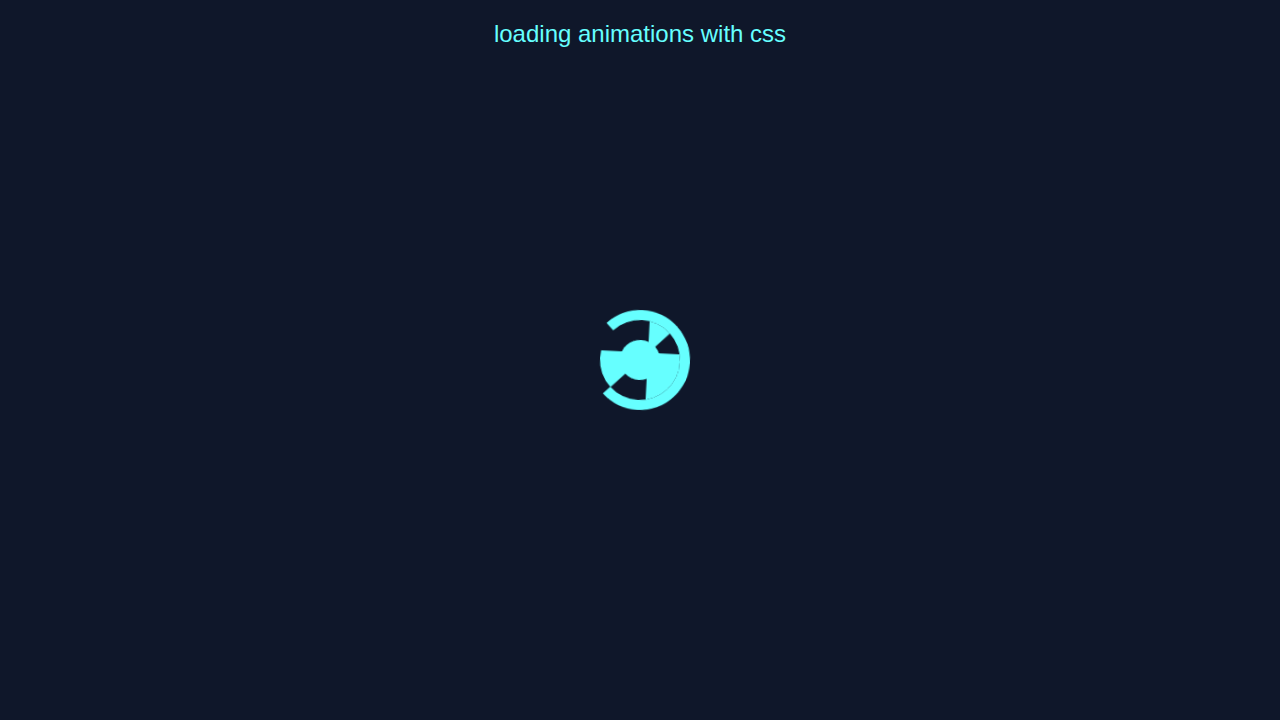
Loading Animations are fun! We’re building one today.
What We Are Building
A cool loading animation. It’s useful for websites.
HTML Structure
We start with HTML. Here’s the cool part!
index.html
<!DOCTYPE html><html><head><link rel='stylesheet' href='styles.css'></head><body><div id='loader-container'><div class='loader'></div></div></body></html>CSS Styling
CSS makes it look nice. Don’t worry about this part!
styles.css
body{font-family:Arial,sans-serif;}*{box-sizing:border-box;margin:0;padding:0;}#loader-container{display:flex;justify-content:center;align-items:center;height:100vh;}@keyframes spin{100%{transform:rotate(360deg);}}@keyframes wave{100%{background-position:200px 200px;}}.loader{position:relative;width:100px;height:100px;border-radius:50%;border:10px solid #66ffff;border-top-color:transparent;animation:spin 2s linear infinite;}.loader::before{content:'';position:absolute;top:50%;left:50%;transform:translate(-50%,-50%);width:40px;height:40px;border-radius:50%;background-color:#66ffff;}.loader::after{content:'';position:absolute;top:0;right:0;bottom:0;left:0;border-radius:50%;background:linear-gradient(45deg,transparent 50%,#66ffff 50%);background-size:200px 200px;animation:wave 10s ease-out infinite;}JavaScript
JavaScript adds interaction. Let me explain what’s happening here.
How It All Works Together
Step 1
You add HTML. Then CSS. Finally, JavaScript.
Step 2
We use CSS to style. JavaScript for effects.
Pro tip: Keep it simple!
Tips to Customise It
Try Dim Cards Hover CSS. Or Sparkly Spoiler Text Effect with Pure HTML & CSS.
Check MDN for more.
Conclusion
Celebrate! You built a loading animation. Share it!
Remember, practice makes perfect. Keep building!
Read about CSS Breakpoint Units. Or visit CSS-Tricks for more tutorials.