CORS Errors Explained: Understanding Cross-Origin Sharing
Hey there, future web wizard! Ever tried to fetch data from one website while browsing another, only to be met with a confusing error message about ‘Cross-Origin’ stuff? You are definitely not alone. If you’ve seen phrases like “No ‘Access-Control-Allow-Origin’ header is present” in your browser’s console, then you’ve stumbled into the world of CORS. Here, you’re about to get CORS errors explained simply and clearly.
If you are brand new to this topic, don’t worry! We’ll break down everything step-by-step. By the end, you’ll understand why these errors pop up and, more importantly, how you can fix them. Sound good? Let’s dive in.
What You Need to Know First: Your Browser’s Security Guard
Before we tackle CORS, you need to understand a fundamental web security rule. It’s called the Same-Origin Policy (SOP). Think of your web browser as a very strict librarian. This librarian allows you to read books from your local library (your website, let’s say procoder09.com). You can access any page, image, or script within that same library without issue.
However, if you suddenly try to grab a book directly from a *different* library across town (like another-api.com) using your local library’s card, the librarian immediately says, “Hold on! That’s not allowed from here!” This is exactly what the Same-Origin Policy does. It’s a critical security feature built into all modern browsers. It stops a malicious website from reading sensitive data from another website you might be logged into.
How Cross-Origin Requests Break the Rules (and Why)
So, what exactly is a “cross-origin” request? It happens when your website, say my-awesome-app.com, tries to make a request to a different “origin”. An origin is defined by three things: the protocol (like http or https), the domain (like google.com or myapi.dev), and the port (like 80 or 3000).
If any of these three parts are different, it’s a cross-origin request. For example, if your app at https://my-awesome-app.com tries to fetch data from https://api.my-awesome-app.com, that’s a different domain. If it tries to reach http://my-awesome-app.com, that’s a different protocol. These are both cross-origin scenarios.
Often, you *need* to access resources from a different origin. Maybe you’re building a front-end application and want to fetch data from a separate backend API. Perhaps you’re integrating with a third-party service. This is where the Same-Origin Policy becomes inconvenient. It blocks these legitimate requests by default. Don’t worry, this is where CORS comes to the rescue!
Pro Tip: An easy way to think about origins is like house addresses. If the street, house number, or postal code is different, it’s a ‘different origin’ house. Your browser ensures you don’t sneak into someone else’s digital house without permission.
What is CORS (Cross-Origin Resource Sharing)?
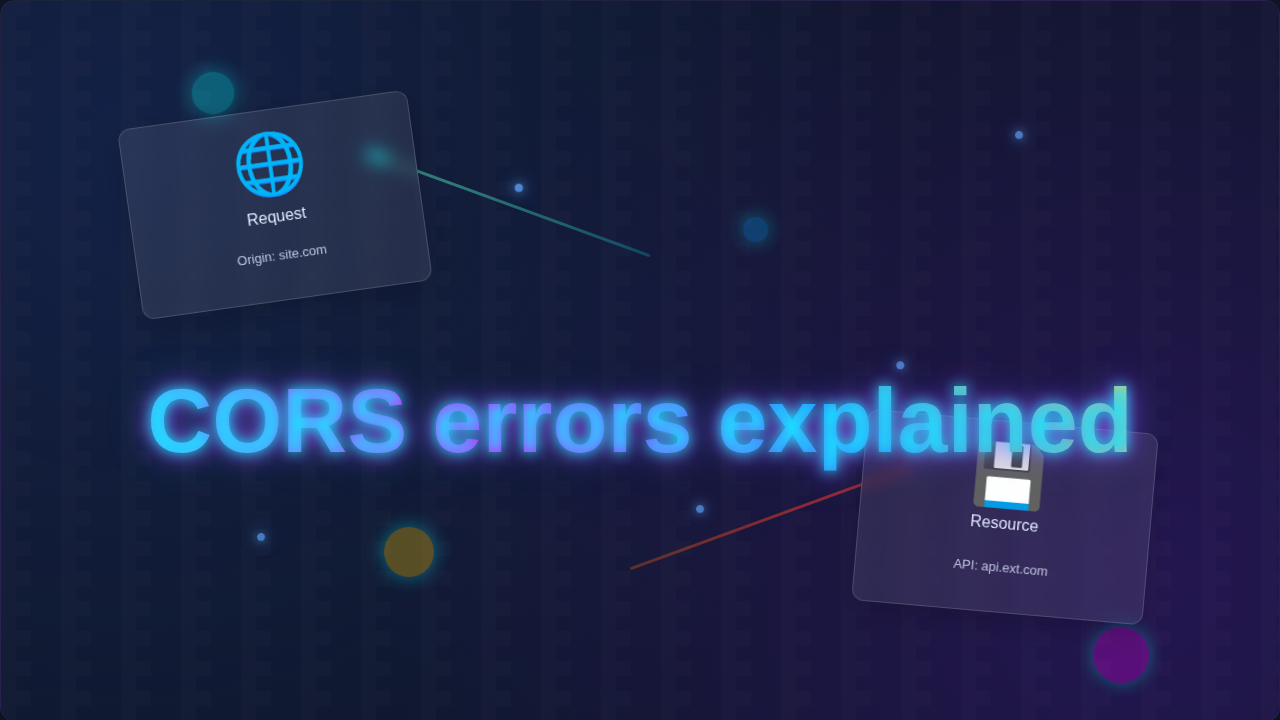
CORS stands for Cross-Origin Resource Sharing. It’s a standard that allows servers to relax the Same-Origin Policy, but only for specific, approved origins. It’s like that strict librarian calling the other library and saying, “Hey, procoder09.com wants to borrow your ‘user profiles’ book. Is that okay?” If the other library (the server) says “Yes, that’s fine!” then you get the book. If they say “No way!” then you get a **CORS error explained** right there in your console.
How does this “permission” system work? It uses special HTTP headers. When your browser makes a cross-origin request, it sends an Origin header. This header tells the server which website is making the request. The server then decides whether to allow it. If the server permits the request, it includes an Access-Control-Allow-Origin header in its response. This header specifies which origins are allowed to access its resources.
Sometimes, your browser even sends a “preflight” request before the actual data request. This is an OPTIONS request. It asks the server: “Hey, I’m about to send a complex request. Will you even allow it?” The server responds, and if it’s okay, the browser sends the actual request. If not, you get a CORS error immediately.
Making CORS Work: Fixing Those Pesky Errors
The good news is that fixing CORS errors often comes down to configuring your server correctly. Since the browser is just enforcing the rules, the server needs to *give* the permission. Here are the main ways to address CORS errors:
1. Configure Your Server to Add Access-Control-Allow-Origin Headers
This is the most common solution. You need to tell your backend server to include the Access-Control-Allow-Origin header in its responses. This header’s value tells the browser which origins are allowed to access the resource.
- Specific Origin: If your front-end is at
https://my-app.com, your server should respond withAccess-Control-Allow-Origin: https://my-app.com. This is the safest approach, only allowing your specific application to make cross-origin requests. - Multiple Origins: If you have several front-ends, you can sometimes configure your server to dynamically check the incoming
Originheader and echo it back if it’s on an approved list. - Wildcard (
*): If your API is public and doesn’t handle sensitive data (like a public weather API), you can useAccess-Control-Allow-Origin: *. This means any origin can access the resource. Be very careful with this! It can introduce security risks if used on APIs handling private user data.
The exact way you add these headers depends on your backend technology. For example, if you’re using Node.js with Express, you might use a middleware. Other languages like Python, PHP, or Java have similar mechanisms.
Remember: CORS is a server-side problem, not a client-side one. Your browser isn’t broken; it’s doing its job! The server just hasn’t granted the necessary permission yet.
2. Use a Proxy Server
Sometimes you don’t control the backend server (e.g., a third-party API). In these cases, you can set up your own proxy server. Your front-end makes a request to your *own* backend server (which is same-origin). Then, your backend server makes the actual request to the third-party API. Your backend then sends the data back to your front-end. Since the request from your backend to the third-party API is a server-to-server request, it bypasses the browser’s Same-Origin Policy entirely.
This approach effectively hides the cross-origin request from your browser. It’s a very common pattern for developers building applications that need to interact with external APIs.
Beyond the Basics: What’s Next for Your Learning?
You’ve taken a big step in understanding a common web development hurdle! **CORS errors explained** means you now have a solid foundation. Next, you might want to dive deeper into how HTTP headers work in general. Learning about different types of HTTP headers will help you debug many web issues. Also, understanding how data flows between your front-end (maybe a cool React app using React useEffect to manage data fetching) and a backend API is crucial.
Consider looking into various server configurations for popular backend frameworks. For example, how do you set CORS headers in a Python Flask app or a Node.js Express server? Exploring these specifics will make you much more confident in handling these errors. While you’re busy making your site look amazing with the latest in utility-first design like Tailwind CSS v4, don’t forget the backend communication!
Valuable Resources for Your Journey
Learning never stops! Here are a couple of resources you can check out to deepen your understanding of CORS and related web concepts:
- MDN Web Docs on CORS: The Mozilla Developer Network (MDN) has a comprehensive guide on CORS. It offers in-depth technical details and examples of CORS configurations. It’s an excellent resource for any web developer.
- CSS-Tricks on CORS: For a more digestible, practical take, check out CSS-Tricks’ guide on handling CORS. They often provide real-world scenarios and code snippets (without actual code blocks in our blog, of course!).
Sometimes you want data from another site for legitimate reasons, not just for building your own frontend. Think about gathering public information, which is a different concept entirely, often handled by tools used for Python web scraping.
You’ve Got This!
Congratulations! You’ve just demystified one of the most common and often frustrating errors in web development. Remember, every developer, no matter how experienced, runs into CORS issues at some point. It’s a sign that you’re working with real-world applications and interacting with different services.
You now understand the ‘why’ behind these errors and the ‘how’ to fix them. Keep experimenting, keep building, and don’t be afraid to consult the documentation. You’re well on your way to becoming a skilled web developer!