Python Requests Library Explained: A Visual Guide
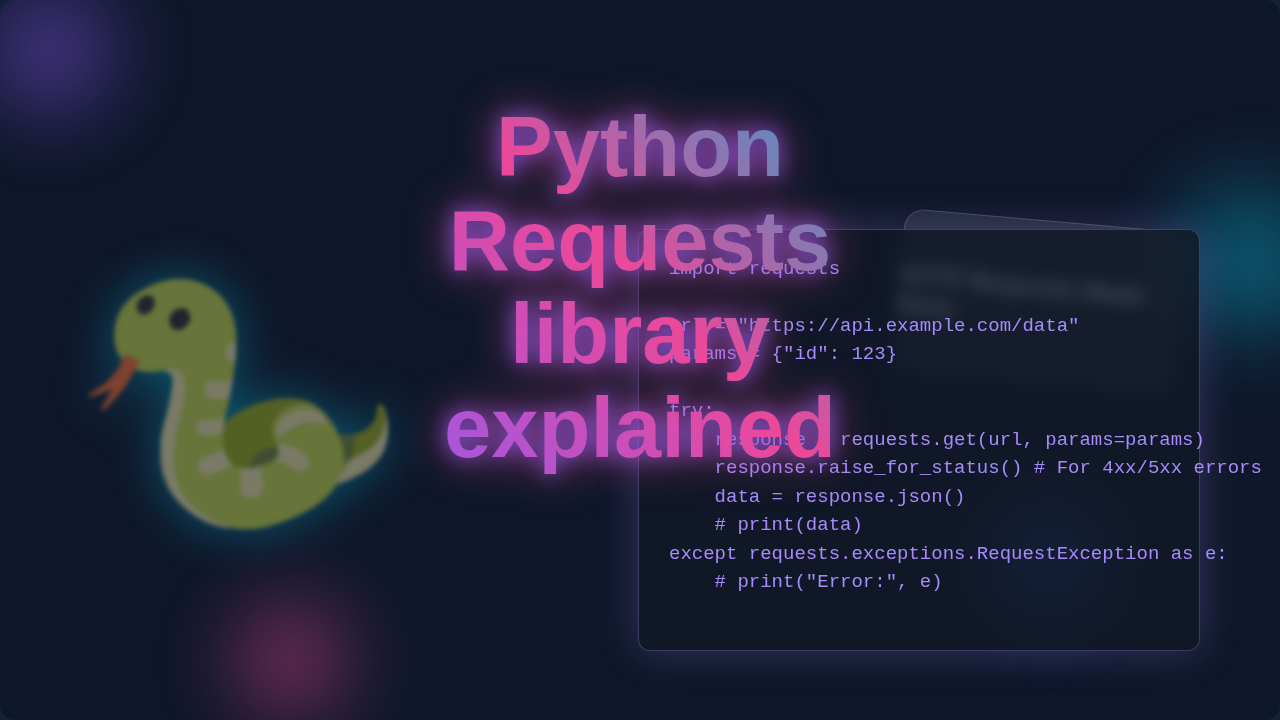
Hello! If you have ever stared at a web page and wondered how your computer actually gets all that information, you are in the right place. This blog post is all about making that mystery clear. We will unravel how the Python Requests library explained simply helps your programs talk to websites. It’s much simpler than you might think!
If You’re Brand New: What You Need to Know First
Before we dive into the Python Requests library, let’s cover a few key ideas. Think of your computer as a diligent customer. Websites are like busy restaurants. When you type a web address into your browser, your computer sends a message. This message is a ‘request’.
The website, our restaurant, then sends a reply. That reply is a ‘response’. These requests and responses happen over the internet. This whole system of talking to each other is called HTTP. HTTP stands for Hypertext Transfer Protocol. It is the language of the web. Make sense so far?
What is the Python Requests Library Explained Visually?
The Python Requests library is like a super-friendly concierge for your program. It takes care of all the complex details. You just tell it which website you want to visit. Then, you tell it what you want to do there. It acts as your program’s expert messenger. This messenger handles all the complex web communication. It makes talking to servers a breeze for you.
Imagine sending a postcard. You write the message and the address. Then, you drop it in the mail. Requests does something similar for your program. It prepares your message. It attaches the correct address. Finally, it sends it off to the web server. It then waits for the reply. The cool part is, it also organizes the reply for you. You get a neat, easy-to-read package back.
Remember: Websites don’t just magically appear! There’s always a ‘request’ from your computer and a ‘response’ from a server behind the scenes.
How Your Computer Talks to the Web: The Core Ideas
Idea 1: Making a "GET" Request
Let’s go back to our restaurant analogy. Imagine you want to see a restaurant’s menu. You just ask for it. This is exactly like a ‘GET’ request. Your program asks a website for some specific data. It doesn’t send any new information to the website. Instead, it only wants to retrieve existing information. This might be a picture, a news article, or pricing information. You are simply fetching something. If you want to dive deeper into understanding HTTP GET requests, check out this resource.
Idea 2: Handling the "Response"
When the restaurant gives you the menu, that’s the ‘response’. The website sends back the information you requested. This response also includes a ‘status code’. It tells you if everything went well. A ‘200 OK’ means success! It means your request worked perfectly. However, a ‘404 Not Found’ means the page doesn’t exist. You might have seen this error before. Other codes exist too. They all give clues about the request’s outcome. The response also contains the actual data you asked for. This could be text, images, or structured data.
Idea 3: Sending Data with "POST" Requests
Now, let’s say you want to order food. You fill out a form with your choices. Then you hand it to the waiter. This is similar to a ‘POST’ request. You are sending new information to the website. Maybe you are submitting a comment on a blog post. Or you might be creating a new user account. You might even be uploading a file. The website then processes your data. It might store it in a database. Therefore, ‘POST’ requests are about creating or updating information on the server.
Python Requests Library Explained: The Behind-the-Scenes Magic
You might wonder why we need Requests at all. Web communication is tricky! Your computer uses something called ‘sockets’. Sockets are like virtual endpoints for network communication. They establish direct connections to servers. Setting up these connections manually is very complex. It involves many low-level details. This is where Requests becomes your superhero.
Requests handles all of that low-level stuff for you. It’s like having a skilled translator and diplomat rolled into one. It prepares your requests perfectly. It handles connecting to the right server. Then it understands the server’s reply. It ensures the conversation happens smoothly. Instead of worrying about intricate network programming, you just focus on your goal. You want to get data, or you want to send data. Requests takes care of the rest. This makes building a Python Web Scraper Tutorial: Build a Simple Script much easier, for example!
Tip for beginners: Don’t get overwhelmed by the jargon. Focus on the core idea: your computer asks, the website answers. Requests simply makes those conversations happen smoothly.
What to Learn Next on Your Web Journey
You now understand the basics of web communication. That’s a huge step! Next, you might explore ‘parameters’. These are like special notes you add to your requests. They help you filter information. For instance, you could ask for articles from a specific date. You can also dive into ‘headers’. These are extra details about your request or response. They tell servers more about what you want. Or perhaps how you want it delivered. HTTP headers documentation is a great place to start.
Learning about ‘authentication’ is also key. This is how you prove your identity to a website. Finally, mastering ‘error handling’ will save you headaches. It teaches your program what to do if things go wrong. Knowing how to handle these situations is powerful. You will be building more robust programs. Python Web Scraping Tutorial: Data Extraction with BeautifulSoup will give you more practical insights into using Requests for real-world projects.
Resources to Keep You Learning
To keep your learning momentum strong, check out the official Requests library documentation. It’s packed with examples and detailed explanations. Our procoder09.com archives also have many more tutorials. Explore topics like advanced web scraping and API interaction. You have got this!
Your Next Steps to Web Mastery!
You have just taken a fantastic step in understanding web development! The Python Requests library is a cornerstone for many web tasks. It opens up a world of possibilities for your programs. Keep experimenting, keep building. Soon, you will be interacting with the web like a pro. Your journey is just beginning. We are here to help you every step of the way!