What is an API for Web Developers? Visual Guide & Concepts
Hey there, awesome developer-in-the-making! Have you ever scrolled through job postings or tech articles and seen the acronym “API” pop up everywhere? Maybe you’ve wondered, “What the heck is an API?” or, more specifically, what is an API for web developers? You are definitely not alone!
Many self-taught beginners feel a bit lost when this term first appears. It sounds complex, right? But here’s the cool part: APIs are actually one of the most fundamental and helpful concepts in modern web development. They make the web tick!
Think of it this way: the internet is a massive, interconnected city. Different buildings, or services, need to talk to each other to get things done. An API, or Application Programming Interface, is just the standard way they communicate. It’s a set of rules allowing different software applications to talk to each other. Ultimately, it allows your app to request and receive data from another app.
This guide will break down what an API is for web developers, stripping away the jargon. We’ll explore how web services communicate using simple, real-world examples. By the end, you’ll have a solid grasp of this essential tool. Let’s dive in!
What is an API for Web Developers, Really?
Let’s start with a simple analogy. Imagine you’re at a restaurant. You don’t walk into the kitchen and start yelling your order directly to the chef, do you? No, you interact with a waiter. You tell the waiter what you want from the menu. The waiter then takes your order to the kitchen. Later, they bring your food back to you.
In this scenario, the waiter is like an API. They are the intermediary. The menu lists what you can order (available services). The chef is the server providing the service (the data or functionality). You, the customer, are the client application. This interaction perfectly illustrates what is an API for web developers. It’s a structured way for your application to ask for something and get a response.
Therefore, an API defines the methods and data formats that applications can use. It’s the contract between two pieces of software. It specifies how they interact, what data they can exchange, and what operations they can perform. You use APIs every single day, often without even realizing it. Keep reading to see how.
Tip 1: The Request and Response Dance
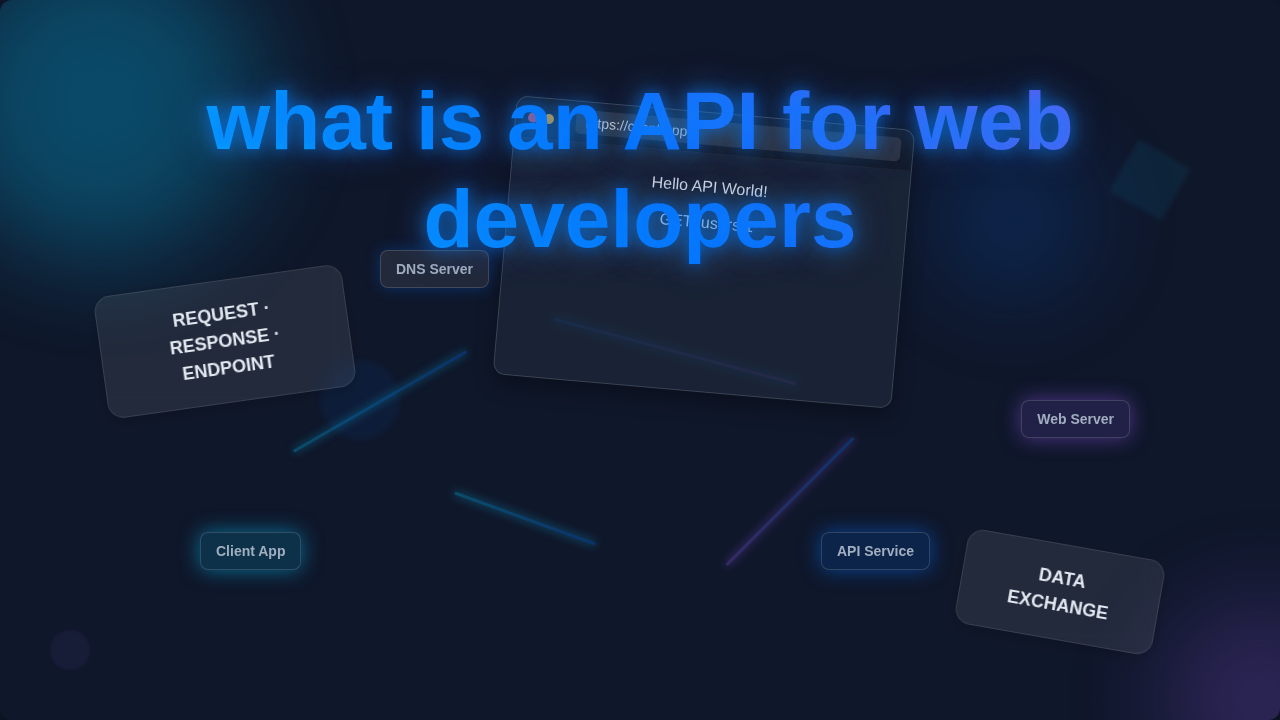
Every API interaction is essentially a dance between a “request” and a “response.” Your application sends a request. This is like asking a question. The server, which hosts the API, then processes your question. It then sends back a response. This response is the answer you get.
For instance, think about checking a movie’s ratings. You open an app like IMDb. When you search for “Interstellar,” your app sends a “request” to IMDb’s API. This request asks for details about that specific movie. The IMDb server then processes your request. It finds all the relevant information. Finally, it sends a “response” back to your app. This response contains the movie title, release date, cast, and ratings. It’s a clear, structured conversation. That’s the core of how web services communicate.
Tip 2: Different Types of APIs You’ll Meet
Not all APIs are built the same. Just like different departments in a company handle different tasks, APIs serve various purposes. The most common type you’ll encounter as a web developer is a Web API. These use the internet’s communication protocols, like HTTP, to exchange data.
However, APIs can also be public or private. Public APIs are open for anyone to use, often with registration and an API key. Think of Google Maps API. You can use it to embed maps on your site. Private APIs are for internal use within a company. They help different parts of an application talk to each other securely. Imagine a large e-commerce platform. Its “inventory management” system might talk to its “order fulfillment” system using a private API. Furthermore, understanding how different components interact is key. This is similar to how React Server vs Client Components communicate to build dynamic web applications.
An API isn’t just about getting data. It’s about enabling a conversation between two digital entities, each speaking a language they both understand.
Tip 3: Endpoints are Your Destination
When you want to access specific information from an API, you don’t just send a vague request to the entire server. Instead, you target a specific “endpoint.” An endpoint is simply a specific URL where an API can be accessed. Think of it as a particular door in a large building.
For example, if an API provides data about users, products, and orders, it might have different endpoints for each. You might access user data at `/api/users`. Product data could be at `/api/products`. And if you want details for a specific product, you might go to `/api/products/456`. Each endpoint is a precise address. It tells the API exactly what resource you’re interested in. Knowing the correct endpoint is crucial for making effective requests. It streamlines your data retrieval process.
Tip 4: HTTP Methods: Your Verbs for Interaction
Just like you use verbs to express actions in a sentence, APIs use HTTP methods to define the type of action you want to perform. These are often called RESTful verbs. The most common ones are GET, POST, PUT, and DELETE. Each method has a specific purpose.
- GET: You use GET to retrieve data. It’s like reading a book. You’re just taking information out.
- POST: You use POST to send new data to the server. This is like writing a new letter. You’re creating something.
- PUT: You use PUT to update existing data. Imagine editing a document you’ve already saved.
- DELETE: You use DELETE to remove data. This is like throwing a document in the trash.
These methods make interactions clear and predictable. Therefore, understanding them helps you craft precise API requests. Efficient data handling, like optimizing queries in Django, often depends on using these methods correctly. Learn more about how to Optimize Django: Fix N+1 Queries & Boost Performance for better backend interactions.
Tip 5: Data Formats: How APIs Speak
When APIs talk, they need a common language. They can’t just send jumbled thoughts. The most popular data format for Web APIs today is JSON (JavaScript Object Notation). You might also see XML, but JSON has become dominant because it’s lightweight and easy for both humans and machines to read.
JSON structures data as key-value pairs. It’s like a dictionary or a shopping list that’s perfectly organized. For example, if you request weather data, the API might respond with: {"city": "London", "temperature": 15, "condition": "Cloudy"}. This structure makes it incredibly simple for your web application (especially if you’re working with JavaScript) to parse and use the data. It’s the universal translator of the web, ensuring everyone understands. To dive deeper into how JSON works, check out Understanding JSON Data Structure on MDN Web Docs.
Tip 6: API Keys and Authentication: Your VIP Pass
Many APIs, especially public ones, require you to identify yourself. This is where API keys and authentication come in. An API key is typically a unique string of characters. It acts like a secret password or a membership card. You include this key with your requests.
Why do APIs need this? Firstly, it helps the API provider track who is using their service. Secondly, it prevents abuse. Finally, it can enforce usage limits. Some APIs use more robust authentication methods like OAuth 2.0. This is like logging in with your Google or Facebook account to a third-party app. It ensures secure access to protected resources. Therefore, always keep your API keys private! They are your digital credentials.
Think of an API as a specialized librarian. You tell it what book (data) you need, it fetches it for you, and sometimes it even asks for your library card (API key) first.
Bonus Tip: Read the Docs! Your API’s Instruction Manual
This might be the most important tip of all: Always, always read the API documentation! Every well-built API comes with comprehensive documentation. This documentation is your instruction manual. It tells you everything you need to know.
It covers available endpoints, required HTTP methods, expected request parameters, and the structure of the response data. It also explains any authentication requirements. Ignoring the documentation is like trying to assemble IKEA furniture without the instructions – frustrating and probably won’t end well! Good documentation makes your life as a developer infinitely easier. For a broader perspective on APIs for developers, consider reading this Introduction to APIs for Developers from CSS-Tricks. Many developers use APIs to power dynamic UIs, just like when building a Tailwind Admin Dashboard: Sleek UI with HTML & CSS Utilities.
Wrapping Up Your API Journey
So, there you have it! You’ve just unpacked what is an API for web developers. It’s not some mystical black box. It’s a structured, predictable way for different software applications to communicate. You send requests, receive responses, use specific endpoints, and choose the right HTTP method. You now understand the basic language of the web.
Embracing APIs opens up a world of possibilities for your web projects. You can integrate third-party services, build powerful features, and connect your applications to vast amounts of data. Don’t worry if it doesn’t all click perfectly right away. Keep exploring, keep building, and soon you’ll be confidently making your apps talk to the world. You’ve got this!