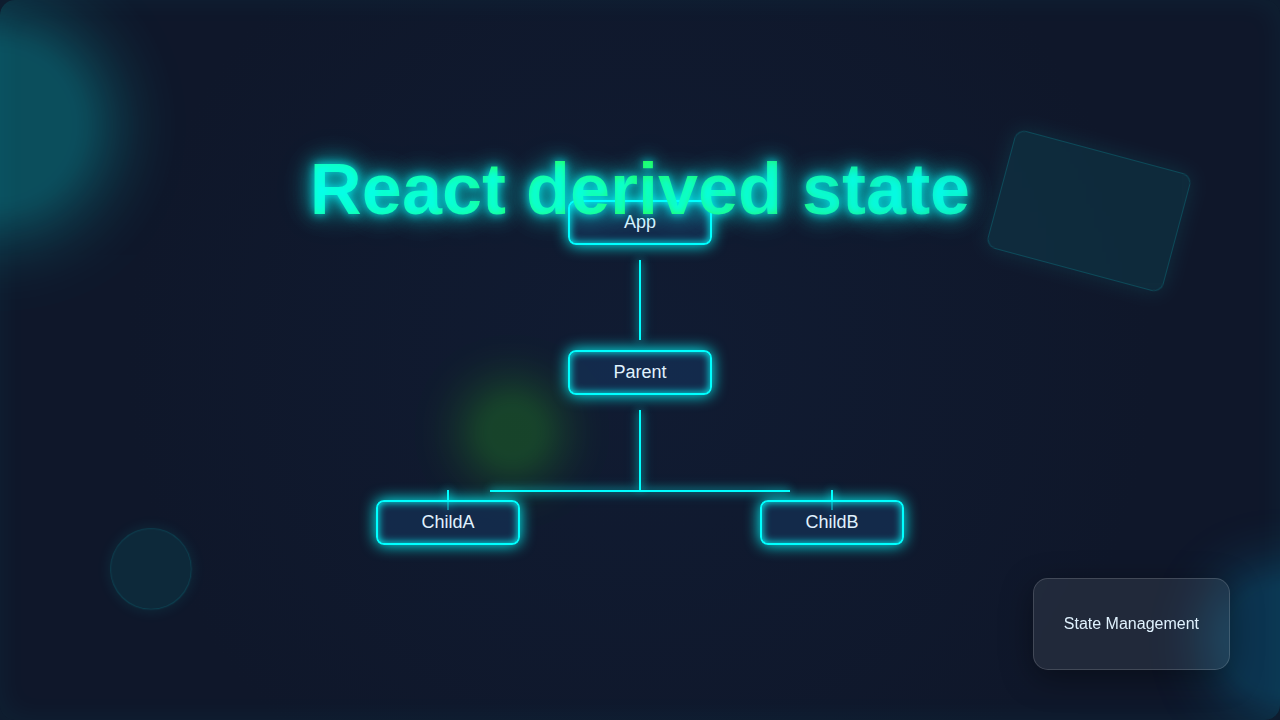
React derived state – Mastering Component Data Flow
Hey there, future React wizard! You’ve probably spent some time battling with useState. You know, when your component’s data seems to have a mind of its own? Don’t worry, you are not alone. That’s why understanding React derived state is so powerful. It’s like having a secret weapon against common useState bugs. Let’s dive in!
What is React Derived State?
Okay, real talk. When I first heard ‘derived state,’ I pictured some complex math. But it’s actually simpler than you think! React derived state is data that you calculate from existing state or props. You don’t store it directly using useState. Instead, you compute it just before your component renders. Think of it this way: your component has a few core pieces of information. Derived state uses those core pieces to figure out other bits of information. This keeps your component light and focused. It avoids unnecessary data duplication. Consequently, it drastically reduces the chance of bugs. You know, those tricky ones where your UI doesn’t match your actual data?
Why is this so important for mastering component data flow? Imagine you have a ‘source of truth.’ This is your primary data. Derived state always flows from that source. It never becomes the source itself. This simple rule makes your components more predictable. You update the source, and everything that depends on it updates automatically. No more manual syncing! You maintain a single, reliable point for your data. This concept makes debugging much easier. You’ll spend less time tracking down phantom errors. Ultimately, you’ll build more robust applications.
Why Care About React Derived State?
You might be thinking, ‘Why can’t I just use useState for everything?’ Good question! The problem is, sometimes you end up with redundant state. For example, you store itemCount and isEmptyCart. However, isEmptyCart is really just itemCount === 0. If you update itemCount but forget to update isEmptyCart, boom – bug! Your cart might show ’empty’ even when it has items. That’s a classic useState pitfall. Derived state solves this problem. You calculate isEmptyCart on the fly. It’s always accurate. You don’t need to manually synchronize anything. This simplifies your component logic. It reduces the chance of those frustrating data mismatches. You get cleaner, more maintainable code.
Derived state is your component’s wise older sibling: it always knows the right answer by observing what its parents are doing.
Top Tips for Mastering React Derived State
1. Calculate, Don’t Store
Here’s the golden rule: if you can calculate a piece of data from other props or state, don’t store it. Just calculate it during render. This is the essence of React derived state. It means your component holds less redundant information. It stays lean.
Imagine you’re building a simple shopping cart. You store an array of items. Each item has a price and quantity. You also need to display the totalCartValue. Many beginners might store totalCartValue in its own useState variable. Then, every time an item is added or removed, they’d update the items array and manually update totalCartValue. What if you miss an update? Or calculate it wrong? Bug city! Instead, just calculate totalCartValue by looping through your items array every time your component renders. It will always be correct. Your component becomes more reliable. You reduce unnecessary state updates. This keeps things much simpler for you.
2. Use useMemo for Expensive Calculations
Sometimes, deriving state can be computationally expensive. Think about filtering a massive list of products. Or performing a complex data transformation. Doing this on every render can slow things down. That’s where React’s useMemo hook comes in handy. It’s like having a clever assistant. useMemo will ‘memoize’ (remember) the result of a calculation. It only re-runs that calculation when its ‘dependencies’ change. Its dependencies are the inputs to your calculation.
Let’s say you have a thousand books. You need to show only the ‘bestsellers.’ Calculating this filtered list on every render is wasteful. This is true even for unrelated state updates, like a dark mode toggle. Therefore, you wrap your filtering logic inside useMemo. You tell useMemo that your filtered list only needs to re-calculate if the original books list changes or if your ‘bestseller threshold’ changes. The cool part is, your component will be much faster. You only perform heavy lifting when absolutely necessary. This optimizes performance without sacrificing the benefits of derived state. Want to dive deeper into memoization? Learn more about memoization on MDN.
3. Derived State for UI Flags
You often need to control UI elements based on certain conditions. Is a button disabled? Is a loading spinner visible? Is a form input valid? These are perfect candidates for React derived state. You don’t need dedicated isLoading or isFormValid state variables for everything. Just calculate them.
Consider a user registration form. You have input fields for email and password. You want to disable the ‘Submit’ button until both fields meet certain criteria. You might be tempted to create isEmailValid and isPasswordValid state variables. Then you’d update them on every input change. Instead, just derive isSubmitButtonDisabled from the current values of email and password. If email is empty or password is too short, isSubmitButtonDisabled becomes true. This makes your form much cleaner. You’re reacting to changes, not trying to manage too many separate flags. For more on handling form state efficiently, check out our React Forms Handling Tutorial: Mastering Inputs & State in JSX.
Don’t store what you can calculate. It’s the secret to less buggy, more predictable components.
4. Handling Dependencies Carefully
When you derive state, you’re building a direct relationship. Your derived value *depends* on certain other values. Understanding these dependencies is key. If any of those underlying values change, your derived state *must* re-calculate. This is automatic when you calculate it directly in the render function. With useMemo, you explicitly list these dependencies in an array.
Imagine a discount calculation for an e-commerce site. The final price might depend on the baseProductPrice, a seasonalDiscountPercentage, and the customerLoyaltyTier. Your finalDisplayPrice is derived from these three. If the seasonalDiscountPercentage changes, the finalDisplayPrice must update. You don’t need a separate state variable for finalDisplayPrice that you manually update. You just make sure your calculation uses all three inputs. When any of them shift, your finalDisplayPrice effortlessly reflects the change. This dependency management ensures accuracy.
5. Derived State vs. Prop Drilling
Sometimes you have a deeply nested component that needs to know a piece of data. Your first thought might be to ‘prop drill.’ That means passing a prop through many intermediate components just to reach the one that needs it. This can get messy. Derived state offers an alternative for *local* calculations.
Let’s say a parent component manages a themeSetting (e.g., ‘light’ or ‘dark’). A deeply nested child component needs to display an icon that changes based on this themeSetting. If the child only needs to *read* this theme to pick an icon, and it doesn’t modify it, you could derive the icon name directly from the themeSetting prop it receives. This is simple. You calculate iconName = themeSetting === 'light' ? 'sun-icon' : 'moon-icon'. You avoid passing down a dozen different theme-related props. If you need to manage a global themeSetting that many components *both read and modify*, then React Context might be a better fit. But for simple read-only data, derived state keeps your components focused. For building features like theme toggles, see our React Dark Mode Local Storage Tutorial with Hooks.
6. Be Mindful of “Over-Deriving”
While derived state is powerful, it’s not a silver bullet. You shouldn’t *always* derive everything. Sometimes, storing data in useState is absolutely the right choice. How do you know the difference? If a piece of data is the primary ‘source of truth’ for your component, store it. If it’s the result of user input that *you need to keep track of* for later use, store it. If you need to *modify* that piece of data directly, store it.
Think about a simple input field. The value of the input is typically stored in useState. You want the user’s direct input. You don’t derive ‘what the user typed’ from something else. However, if you wanted to display a ‘character count’ *below* that input, the character count would be derived from the value you stored. It’s a derived piece of information. Another example: a text editor. You store the raw text in state. But the wordCount or isSaveButtonEnabled (based on whether text changed) would be derived. The rule of thumb: store the minimal, foundational data. Derive everything else from it. If you find yourself storing a value just to display it, and it can be calculated from other state, you might be ‘over-deriving’ and could simplify.
Bonus Tip: Combine with Reducers for Complex Logic
For truly complex state management, especially when state updates involve multiple related values, useReducer can be a game-changer. It’s an alternative to useState for managing more intricate state logic. When you combine derived state with useReducer, you get the best of both worlds. Your reducer handles complex state transitions, updating the core, foundational state. Then, your component derives specific display values from that refined state. It’s incredibly powerful for large forms or interactive experiences. If you’re tackling advanced form interactions, our React Form Actions: useActionState & useFormStatus Hooks Tutorial will give you more insights into managing form actions and state updates.
Quick Summary
You’ve come a long way! Understanding React derived state unlocks a new level of component mastery. Remember these key takeaways: calculate, don’t store redundant data. Use useMemo for performance-critical derivations. Leverage derived state for smart UI flags. Always consider your dependencies. And know when to store versus when to derive. By embracing this pattern, you’ll write cleaner, more robust React components. You’ll squash those pesky useState bugs before they even appear. Keep practicing, keep building, and you’ll be a pro in no time! You’ve got this.