Tailwind CSS vs Plain CSS: The Ultimate Comparison
Hey there, fellow coder! Have you been scrolling through Twitter or dev blogs lately and keep seeing ‘Tailwind CSS’ pop up everywhere? Maybe you’re wondering, ‘What’s the big deal? And how does it even compare to the good old Plain CSS I’ve been learning?’ Don’t worry, you’re not alone. Today, we’re going to break down the whole Tailwind CSS vs Plain CSS debate, simple and clear.
Let’s start with the basics, shall we? You know CSS, right? That’s Cascading Style Sheets. It’s the language that tells your browser how your HTML elements should look. Think of it like a decorator for your web page. You write rules. These rules say things like, ‘all buttons should be blue’ or ‘this specific heading should be extra large.’ This is what we call Plain CSS. You are writing every single style rule from scratch. You decide on every color, every size, and every margin.
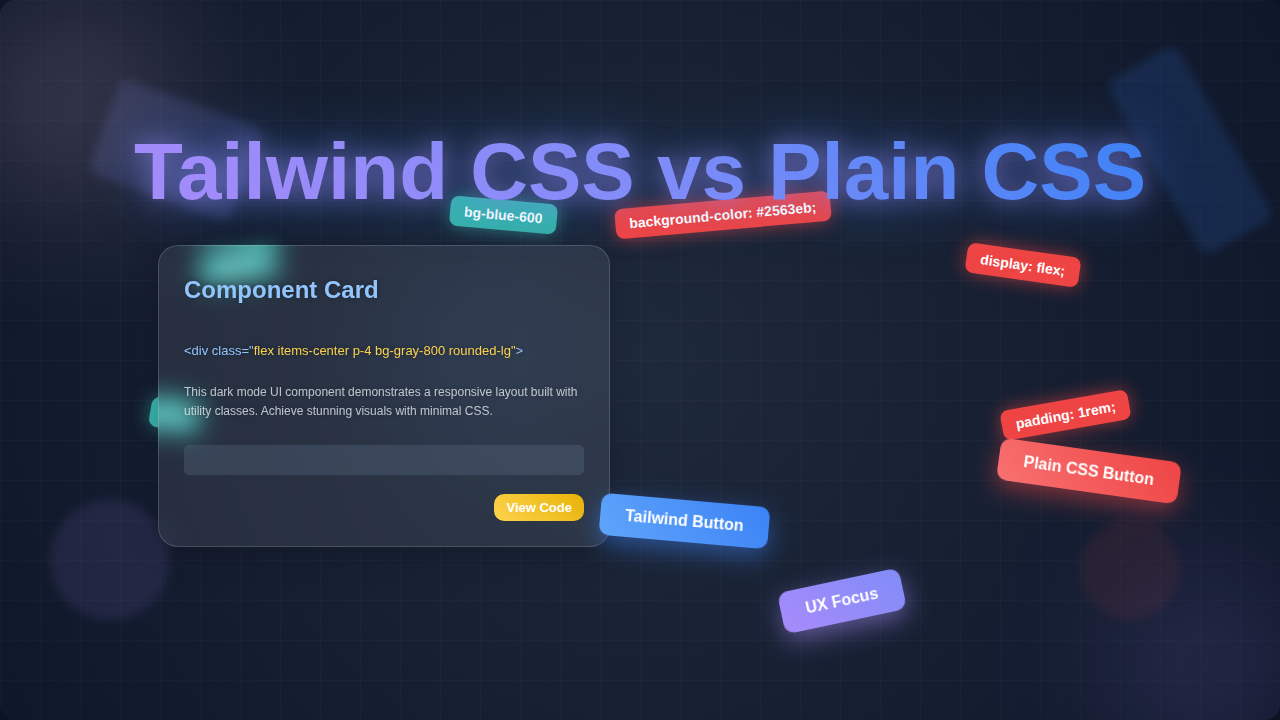
Now, enter Tailwind CSS. This is a different beast entirely. Tailwind isn’t a new styling language. It’s actually a utility-first CSS framework. What does that mean? Instead of writing big blocks of custom CSS, you apply small, single-purpose classes directly to your HTML elements. For instance, if you want some padding, you just add p-4. Need a flexible layout? Just add flex. It’s like having a giant toolbox of pre-built, super-focused styling instructions ready to go.
So, why should you even care about this choice? You’re probably thinking, ‘CSS is CSS, right?’ Well, not exactly. The way you choose to style your projects can massively impact your development speed. It affects how easy your code is to maintain. And it definitely influences how quickly you can bring new ideas to life. For a self-taught beginner like you, understanding these differences is a superpower. It helps you pick the right tool for the job. And that makes you a much more efficient web developer.
How It Actually Works: Diving into Tailwind CSS vs Plain CSS
Understanding Plain CSS: The Custom Craftsman Approach
Imagine you’re building a custom wooden chair. With Plain CSS, you’re starting from raw lumber. You decide the exact shape of every leg. You pick the specific curve of the backrest. You meticulously sand and paint each piece. You write all the instructions yourself. So, you might create a class called .my-button. Inside that class, you define background-color: blue; padding: 10px 20px; border-radius: 5px;. Then you apply my-button to your HTML. You have total control, which is fantastic for unique designs. But it also means you do all the work. Every single detail is on your plate.
When you craft .my-button, you’re also wrestling with a few hidden challenges. What if my-button needs to look slightly different on another page? Do you create .my-other-button? Or do you try to override parts of my-button? This often leads to long, complex CSS files. It can also introduce unexpected side effects. Changes to one class might accidentally alter another. This is where the ‘cascading’ part of CSS can become a headache. You might spend hours debugging. You’re tracing where a style is coming from. This global nature of Plain CSS can be both powerful and tricky. It demands careful planning and organization. Without a robust naming convention, your CSS can become a tangled mess very quickly.
Exploring Tailwind CSS: The Modular Builder Approach
Now, picture building that same chair, but this time you’re using a kit. All the pieces are pre-cut and pre-finished. You simply choose which parts to assemble. That’s Tailwind CSS. Instead of inventing my-button, you combine small, existing utility classes. You’d apply bg-blue-500 for the background color. Then px-4 py-2 for padding. Add rounded-md for the border-radius. See how each class does just one thing? You’re not defining new styles. You’re applying existing tiny styles. This makes building incredibly fast. You’re essentially composing your design from a set of consistent building blocks. It feels a bit like LEGO for styling. This approach significantly speeds up your workflow once you get the hang of it.
The cool part is, you don’t even have to leave your HTML file much. You add your styles right there. This keeps your focus on the component you’re building. No more jumping between HTML and separate CSS files constantly. It’s a huge shift in how you think about styling. This integrated approach can make prototyping a breeze. You can quickly iterate on designs. You’ll see your changes instantly. Want to make these utility classes reflect your brand? Check out how to extend and personalize your Tailwind CSS theme with HTML. This lets you maintain your unique style without writing tons of custom CSS.
Tailwind CSS vs Plain CSS: The Speed and Consistency Factor
Think about working on a larger project. With Plain CSS, you might end up with many custom classes. These classes could grow quite large. You might accidentally overwrite a style you set earlier. This is where CSS specificity comes into play. It’s how browsers decide which CSS rule applies. Understanding it deeply can be tricky. You can dive deeper into CSS Specificity on MDN Web Docs. With Tailwind, this problem often disappears. Because you’re using utility classes, you rarely write custom selectors that battle each other. Your styles are directly applied. This leads to much more predictable outcomes. You always know what you’re getting.
This component-centric approach keeps your focus sharp. You see all the relevant styles right there in your HTML. You’re not flipping between tabs. This vastly reduces context switching. Imagine maintaining a consistent brand identity. Tailwind makes this effortless. You can define your color palette once. You set your spacing scale. Then, everyone on your team uses those exact values. No more slightly off shades of blue. No more inconsistent padding. It truly enforces a unified design system. This leads to a polished, professional look across your entire website. It’s especially useful when your project starts to grow in complexity. And speaking of consistency, if you’re thinking about dynamic themes like dark mode, Tailwind makes that process super smooth with its utility classes.
The Trade-offs: When to Pick Which Tool for Tailwind CSS vs Plain CSS
Every tool has its best use case, right? It’s not about one being strictly ‘better.’ It’s about what works best for your project. And for you as a developer. This is the heart of the Tailwind CSS vs Plain CSS discussion.
When Plain CSS Shines Brightest:
If you’re building a super small, simple static site, Plain CSS might be all you need. You might not want the overhead of a build tool. Tailwind requires some setup. If your design is truly one-of-a-kind, completely bespoke, Plain CSS gives you granular control. You’re creating art from scratch. For those who love the elegance of a perfectly crafted, minimal CSS file, Plain CSS is your canvas. It forces you to understand the fundamentals deeply. This is a valuable skill for any web developer. You can also craft super-efficient, tiny CSS files without any unused styles. This can be great for performance on very specific projects.
Pro Tip for Beginners: Don’t skip learning Plain CSS fundamentals! Tailwind builds on these concepts. A strong CSS base makes learning any framework much easier.
When Tailwind CSS Makes Life Easier:
Are you working on larger applications? Do you need to prototype quickly? Are you part of a team? Then Tailwind really flexes its muscles. Its utility-first approach leads to incredible development speed. You get design consistency baked in. You don’t have to worry about naming conventions. That’s a huge mental load off your plate. Imagine having a whole design system ready to go. You just combine the pieces. This means fewer style conflicts. It means faster onboarding for new team members. It also results in smaller production CSS files. Tailwind purges unused classes during the build process. This keeps your website lean and fast. Discover how Tailwind Custom Themes can further streamline your design system for consistent projects across different parts of your site.
Think Big: For ambitious projects or if you value developer experience and speed, Tailwind CSS often provides a smoother, more efficient workflow.
Common Confusions Cleared: Let’s Bust Some Myths!
You might have heard a few things about Tailwind that sound a bit scary. Let’s tackle them.
Myth 1: ‘My HTML will get super bloated and ugly!’
True, your HTML lines will have more classes. At first, it might look a bit busy. But think of it this way: instead of a single class name that points to a big CSS rule, you have several small, descriptive classes right there. You see exactly what’s happening without jumping files. Many developers find this a huge productivity boost. Tools can also help format your HTML nicely. The goal is clarity and speed, not necessarily the shortest HTML line.
Myth 2: ‘I’ll lose my CSS skills!’
Absolutely not! Tailwind doesn’t replace CSS. It’s built on CSS. You still need to understand CSS properties. You need to know what display: flex does to understand flex in Tailwind. You still grasp margin, padding, color. Tailwind just gives you a more efficient way to apply them. It’s like learning to use power tools after mastering hand tools. You don’t forget how to use a hammer just because you have a nail gun. Your understanding of CSS fundamentals actually deepens. You learn how each property contributes to the overall design. For a great resource on all things CSS, check out the CSS-Tricks Almanac.
Myth 3: ‘It’s too hard to learn!’
Any new tool has a learning curve. Tailwind is no different. But many find its intuitive naming convention quite easy to pick up. Once you learn p-4 means padding 16px, you can guess m-4 means margin 16px. It’s very systematic. The documentation is also stellar. You’ll be zipping along in no time. Give yourself a week or two with it. You’ll surprise yourself.
Key Takeaways for Your Web Dev Journey
So, where do we land on Tailwind CSS vs Plain CSS? Here’s the gist for you:
- Plain CSS: Offers ultimate control. It’s fundamental for every web developer. Great for small projects. Perfect for truly unique, bespoke designs. Requires more manual styling and management.
- Tailwind CSS: Provides speed and consistency. Excellent for larger applications and teams. Reduces decision fatigue with its utility-first approach. It has a learning curve, but pays off in efficiency.
Neither is inherently ‘better.’ They’re different approaches. Think about your project size. Consider your team dynamic. What kind of design system are you aiming for?
Your Choice, Your Power!
Ultimately, the decision between Tailwind CSS and Plain CSS is yours. It depends on your project’s needs. It depends on your personal preferences. Don’t be afraid to experiment! Try building a small project with each. See what clicks for you. The most important thing is that you’re learning. You’re growing. You’re becoming a more versatile web developer. Keep building amazing things, because you’ve got this!