React for Beginners: Dive into Web Development
Hello there, future web developer! If "React" sounds like a secret language only tech wizards speak, you are definitely not alone. Many of us felt the same way when we first heard about it. But guess what? It is not as intimidating as it seems. In fact, learning React for beginners is one of the best steps you can take right now to boost your web development journey.
If you are brand new to this topic, here is the scoop. Think of building a website like constructing a complex LEGO castle. You start with basic bricks, right? HTML gives you those fundamental building blocks. CSS lets you paint them pretty colors and arrange them just so. JavaScript is the magic that makes them move and interact. Now, imagine if you could design entire sections of your castle — like a fancy tower or a drawbridge — as reusable, self-contained kits. That is where React comes in! It is a JavaScript library that helps you build amazing, interactive user interfaces with ease. You need a basic grasp of HTML, CSS, and JavaScript before diving deep. However, don’t worry. We will keep things super simple for you here.
What is React, Really?
So, what exactly is React? At its core, it is a JavaScript library. This means it is a collection of pre-written JavaScript code that helps you do specific things. Specifically, React helps you build user interfaces (UIs). A UI is simply what you see and interact with on a website. Think about the buttons, forms, and menus. Those are all part of the UI.
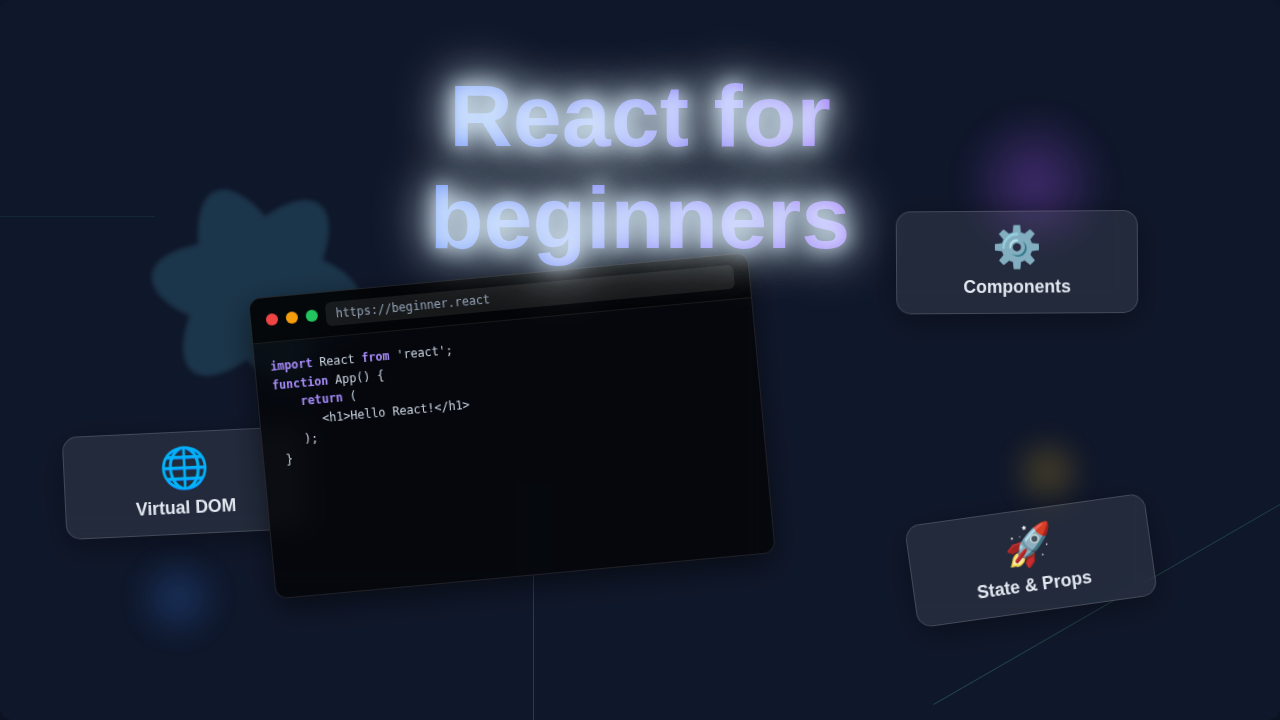
The really cool part about React is how it lets you break down your website. Instead of one giant, tangled mess of code, you build small, independent pieces. These pieces are called components. Picture building a car. You don’t build the whole car at once. You build an engine component, a door component, and a wheel component. Then you assemble them.
Similarly, in React, you might have a "Navigation Bar" component, a "Product Card" component, or a "Comment Section" component. Each component is like its own mini-application. It has its own logic and its own look. Moreover, you can reuse these components all over your website. Need another product card? Just drop in another "Product Card" component. This makes building complex sites much faster and easier to manage. Make sense so far?
Why Learn React for Beginners in 2025?
You might be wondering: "With so many tools out there, why should I pick React?" Here is the thing. React is incredibly popular. Many big companies use it, like Facebook (who created it), Instagram, Netflix, and Airbnb. This popularity means a huge demand for developers who know React. Learning it today positions you perfectly for jobs in 2025 and beyond.
Beyond job prospects, React makes your life as a developer much simpler. It helps you build fast and efficient websites. Ever noticed how some websites feel super responsive? They update instantly without a full page reload. React helps achieve that experience. It uses something called a Virtual DOM. This is like a lightweight copy of the actual web page in memory. When something changes, React first updates this virtual copy. Then it intelligently figures out only the minimum changes needed on the real web page. This process is super-fast. It saves your computer a lot of work.
Furthermore, because React is so widely used, there is an enormous community. You will find tons of tutorials, forums, and helpful resources. When you get stuck (and you will, that is part of learning!), someone has usually asked your question before. The answers are out there waiting for you. This support network is invaluable for any beginner. Finding a Zustand To-Do List in React: State Management Tutorial, for example, is easy with a quick search.
Core Ideas: How React Helps You Build Better Websites
Let’s dive a bit deeper into what makes React so powerful. Understanding these concepts will really help you grasp its magic.
Managing Data with State
Websites are constantly changing, right? A user clicks a button, a counter updates, or new items appear in a shopping cart. This changing data is called "state." React has a clever way to manage this state. Each component can have its own internal state. For instance, a "Like Button" component might have a state that tracks if it is "liked" or "unliked."
The cool thing is, when a component’s state changes, React automatically knows to re-render only that component. It does not redraw the entire page. This makes your applications feel snappy and dynamic. It is like having a smart assistant. It only fixes the part of your LEGO castle that changed, not the whole thing.
Pro Tip for Beginners: Don’t try to understand every React concept all at once. Focus on building small, simple components first. State management will click as you build more interactive pieces.
Declarative vs. Imperative
This is a big one. React uses a "declarative" approach. What does that mean for you? Imagine you want to draw a circle on a canvas. An "imperative" approach would be: "Pick up the red brush. Move to coordinates (10,10). Draw a dot. Move to (11,10). Draw a dot…" You tell the computer how to do every single step.
A "declarative" approach is simpler: "Draw a red circle at (10,10) with a radius of 5." You just tell the computer what you want. React works this way. You describe what your UI should look like for a given state. React then figures out the best way to make that happen. This makes your code much easier to read, understand, and debug.
Because of this, you spend less time worrying about the low-level details. Instead, you focus on the desired outcome. This shifts your thinking. You describe your UI, and React brings it to life. This is a huge advantage for productivity.
Getting Started: Your Next Steps in React for Beginners
Feeling inspired? That is awesome! But where do you actually start? First things first: make sure you have a solid grasp of the basics. Before diving deep into React, you should be comfortable with HTML, CSS, and especially JavaScript. You need to understand variables, functions, arrays, and objects. Plus, knowing how to work with the Document Object Model (DOM) in vanilla JavaScript will give you a strong foundation.
Once your JavaScript fundamentals are strong, you can jump into React. Your very first step will often involve setting up a development environment. Tools like Vite or Create React App make this super easy. They give you a project structure with all the necessary configurations. Then you can start building your first component!
Many beginners start by building simple things. A counter that increments when you click a button is a classic. Or maybe a basic to-do list. Remember that internal link to a Zustand To-Do List in React: State Management Tutorial? That’s the kind of project that helps you learn practical state management. Don’t worry if your first few projects look messy. Learning is an iterative process. You will improve with practice.
Friendly Advice: Consistency is key. Even 30 minutes of learning or coding each day is more effective than an eight-hour marathon once a week. Keep practicing, and you will see amazing progress.
As you progress, you might want to look at how to build interactive components, such as a responsive navbar using Tailwind CSS. While not strictly React, understanding how these elements are constructed will broaden your general web dev skills and make your React components stronger.
Resources to Keep You Going
Learning React is a journey, not a destination. You will always be discovering new things. Here are some excellent resources to help you along the way:
- The Official React Documentation: This is your ultimate source of truth. It is incredibly well-written and constantly updated. Start with their "Learn React" section. You can find it by searching "React Docs" online.
- MDN Web Docs: For fundamental web technologies, the MDN Web Docs are gold. They offer clear explanations of HTML, CSS, and JavaScript concepts. This is crucial for solidifying your foundational knowledge.
- Online Courses and Tutorials: Platforms like freeCodeCamp, Udemy, and Coursera offer structured courses. Look for ones specifically designed for React for beginners. Many free tutorials on YouTube are also excellent.
- Practice Projects: The best way to learn is by doing. Try rebuilding simple websites or adding interactive features to existing HTML pages. Maybe you could even explore building a simple API using something like Python with a Flask REST API tutorial to connect your React frontend to a backend!
- CSS-Tricks: For styling your React components, CSS-Tricks is an amazing resource. It has countless articles on CSS techniques, including responsive design and layout strategies.
Remember, there is no single "right" way to learn. Find what works for you. Just keep building!
Your React Journey Starts Now!
You have taken the first step by simply reading this guide. That is fantastic! React might seem like a huge mountain to climb. But remember, every expert was once a beginner. Break down your learning into smaller chunks. Focus on understanding one concept at a time. The web development world is exciting and full of opportunities. Learning React opens so many doors for you.
So, go ahead! Install Node.js, set up your first React project, and start playing around. Don’t be afraid to make mistakes. They are your best teachers. You have got this. We can’t wait to see what amazing things you build!