Tailwind CSS vs Plain CSS: Modern UI Design Comparison
Hey there, fellow web adventurer! Ever found yourself staring at a blank CSS file, feeling a mix of excitement and dread? You want to make your website look amazing. But then the CSS starts piling up. You create a class for every little detail.
Soon, your stylesheet feels like a sprawling jungle. Maybe you’ve wrestled with CSS specificity — that tricky rule where some CSS styles win over others based on how precise their selector is. Or perhaps the CSS cascade — how styles flow down from parent to child elements — has caught you off guard.
It feels like you’re constantly fighting your own code. You wonder if there’s an easier way. You’ve heard whispers about a new tool. This brings us right to the heart of the debate: Tailwind CSS vs Plain CSS.
The Frustration: Why Plain CSS Can Feel Overwhelming
Here’s the thing: Plain CSS gives you immense power. You write custom rules. You name everything yourself. It’s like building with LEGOs, but you have to invent every single brick before you can use it.
This freedom is awesome for small projects. But as your website grows, so does your CSS file. You start seeing duplicate styles everywhere. You constantly override old rules. You ask yourself: “Can I delete this class safely?”
Managing a large Plain CSS codebase can become a real headache. You might end up researching `CSS-in-JS` solutions or `BEM` naming conventions just to keep things organized. These are great tools, but they add another layer of learning.
You’re not alone in feeling this way. Many developers, including myself, have navigated this exact confusion. Sound familiar?
The Solution: Discovering Tailwind CSS’s Utility Power
Imagine building your UI without ever leaving your HTML. Sound wild? That’s the core idea behind Tailwind CSS. It’s not a CSS framework in the traditional sense. It’s a utility-first CSS framework.
What does ‘utility-first’ mean? It means you style elements directly in your HTML. You use pre-defined helper classes. These classes apply single CSS properties. Instead of writing separate CSS rules for `display: flex;` and `justify-content: center;`, you just add `flex justify-center` to your HTML element. See the difference?
Tailwind gives you all the tools you need, right at your fingertips. It helps you build responsive designs quickly. You can craft beautiful layouts with impressive speed. For example, creating a responsive navbar becomes a much smoother process.
The cool part is you’re not writing new CSS from scratch. You’re assembling a UI from existing building blocks. It feels like painting by numbers, but with endless creative possibilities. Don’t worry — it clicks eventually.
Tailwind CSS vs Plain CSS: A Direct Comparison of Approaches
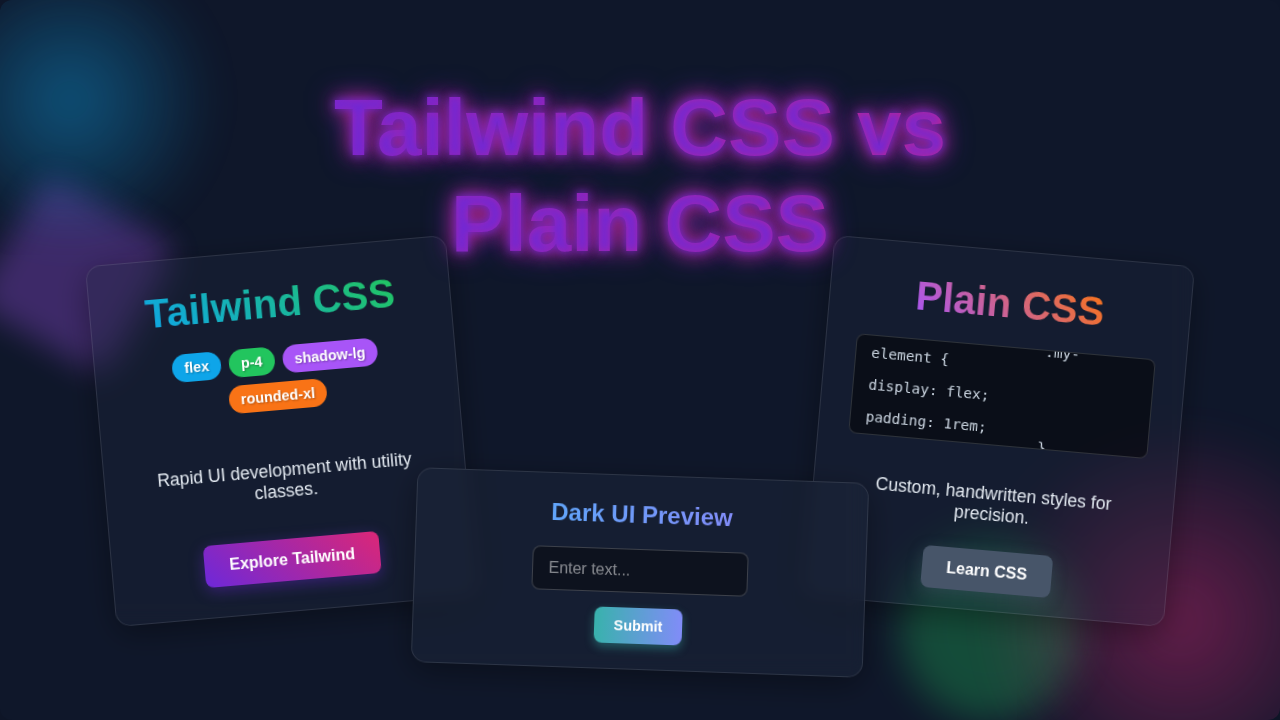
So, what are the big differences between Tailwind CSS vs Plain CSS? Think of Plain CSS as making a custom cake from scratch. You measure flour, sugar, and eggs. You mix everything yourself. You design the frosting from the ground up. You have total control, but it takes more time and effort for each new cake.
Tailwind CSS is like using a well-stocked baking kit. The flour, sugar, and eggs are pre-measured. The frosting colors are ready to go. You just combine them how you like. It’s faster and often leads to consistent results.
Global vs. Local Styling
With Plain CSS, your styles are often global. A class named `.button` might affect every button on your site. This can lead to unexpected changes. You fix one button, and suddenly another one breaks without warning.
Tailwind CSS is inherently local. You apply classes directly to an element. `text-red-500` only changes the text color of that specific element. It won’t accidentally affect anything else. This makes debugging much easier for you.
Semantic Naming vs. Utility Classes
Plain CSS encourages semantic naming. You give classes names that describe their purpose, like `.card` or `.main-navigation`. This sounds great in theory. However, finding the ‘perfect’ semantic name can be tough.
What if your `card` component suddenly needs a different layout? Do you rename the class? Do you add another one? It often becomes a guessing game. You might spend too much time just thinking of names.
Tailwind uses utility classes. These names describe what they do, not what they are. `pt-4` means `padding-top: 1rem;`. `flex-col` means `flex-direction: column;`. You don’t have to invent names anymore, which saves you mental energy.
Bundle Size and Performance
Initially, a full Tailwind CSS library can seem large. But here’s the magic: Tailwind uses a build process to purge unused styles. It removes anything you didn’t use in your project. This means your final CSS bundle is often much smaller than a hand-written stylesheet of comparable complexity.
You only ship the CSS you actually need. This speeds up your website’s loading times, which is great for user experience. Faster sites mean happier visitors, and better SEO for you!
Tailwind CSS shines in its ‘utility-first’ approach. You assemble styles directly in HTML using tiny, focused classes. This means less context switching and a faster workflow.
Choosing Your Path: When to Pick Tailwind CSS or Plain CSS
So, which one should you pick for your next project? It really depends on your project and your personal style. There’s no single ‘best’ answer. You have options!
Choose Tailwind CSS If…
- You want rapid UI development. Need to build something fast? Tailwind helps you move at lightning speed. You can prototype ideas in minutes.
- You value consistency in design. Tailwind’s pre-defined scale for colors, spacing, and typography ensures a unified look. You avoid ‘pixel-pushing’ debates.
- You’re building a component-based application. Think React, Vue, or Angular. Tailwind integrates beautifully with these frameworks. Each component can carry its own styles.
- You’re okay with a steeper initial learning curve. Learning all those utility class names takes a bit of time. But once it clicks, you’ll fly.
- You need complex responsive layouts. Tailwind makes breaking points simple. For example, understanding concepts like flexbox overflow and `min-width: 0` is easier when you see the direct classes.
- You want to build a modern responsive navigation bar quickly.
Choose Plain CSS (or Sass/Less) If…
- You need absolute, granular control. You want to write every single CSS rule yourself. You love the blank canvas freedom that it offers.
- You’re working on a very small project with minimal styling. Sometimes, adding a framework is overkill for a simple one-page site.
- You need to support older browsers without polyfills. While Tailwind generally works well, some advanced features might need consideration.
- You prefer a clear separation of concerns. You like having all your styles in a dedicated `.css` file. This can make sense for certain team structures.
- Your team already has a robust, well-maintained Plain CSS architecture. Don’t fix what isn’t broken, right?
- You want to learn the very fundamentals of styling. Understanding core CSS properties is crucial. Tailwind abstracts some of that away initially.
Ultimately, Plain CSS offers foundational control, ideal for deep customization and understanding core principles. Tailwind CSS accelerates development and ensures consistency, perfect for modern, component-driven projects.
Blending Styles: Using Tailwind CSS and Plain CSS Together
Here’s the cool part: you don’t always have to pick just one. You can use Tailwind CSS for the bulk of your UI. Then, if you need a truly custom animation or a very specific legacy style, you can absolutely write some Plain CSS too.
Tailwind even has an `@apply` directive. This lets you combine several Tailwind utility classes into a new, custom CSS class. It’s like having the best of both worlds! You get the structure of Plain CSS but the reusability of Tailwind. Make sense so far?
You’re the architect of your web projects. Experiment. Play around. See what feels right for you and your workflow. The most important thing is to build awesome things that you’re proud of.
Whether that’s with a hand-crafted stylesheet or a utility-first framework is your call. Your tools should serve your creativity, not limit it.
Remember those early frustrations with unruly CSS? Hopefully, this journey through Tailwind CSS vs Plain CSS has shed some light. You now understand the core differences. You know when each approach shines. You’re equipped to make an informed decision for your next project.
Keep learning, keep building, and never stop experimenting. Your skills are growing with every line of code you consider. You’ve got this!