Tailwind CSS vs Plain CSS Blog Thumbnail Design
Hey there, future coding rockstars! You’ve probably heard the buzz, right? Everywhere you turn, developers are talking about Tailwind CSS. It’s like the new kid on the block, and everyone’s wondering if it’s really all that. But then there’s trusty old Plain CSS, the tried-and-true friend we all started with. This naturally leads to the big question: what’s the deal with Tailwind CSS vs Plain CSS?
It’s easy to get lost in the hype. Maybe you’ve seen some lightning-fast development demos. Perhaps you’ve heard some strong opinions. Don’t worry — it clicks eventually! Today, we’re going on a myth-busting adventure. We’ll uncover the core differences and figure out when each tool shines brightest for your web projects. Get ready to have some common misconceptions totally debunked!
Myth 1: Tailwind CSS is *Always* Faster to Write Than Plain CSS
Okay, let’s kick things off with a big one. You might think, “Utility-first means super speed, always!” This is a common idea floating around. The myth suggests that clicking away with Tailwind’s short classes will always get you to the finish line faster.
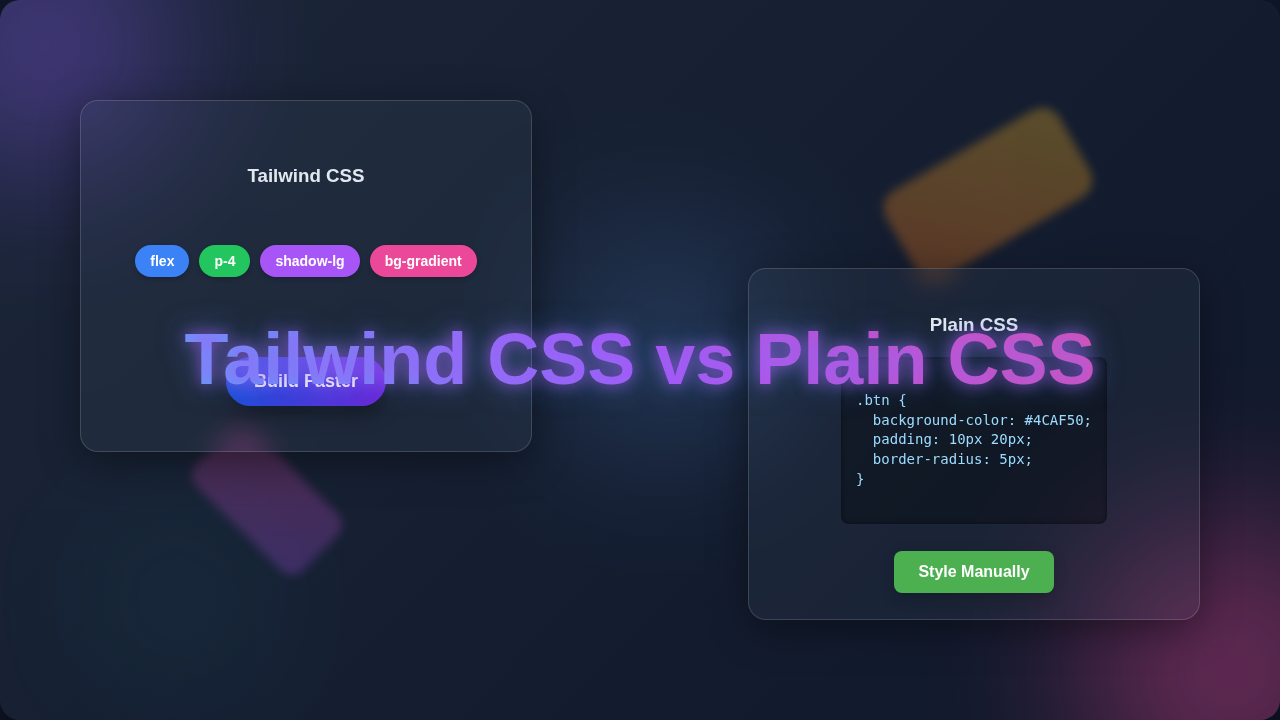
Here’s the thing: that’s not always true. For really simple styles, like making a button red with a little padding, writing a few lines of traditional CSS can feel incredibly quick. You just type .my-button { background-color: red; padding: 10px; } and you’re done. No fuss, no extra classes in your HTML.
Pro Tip: For quick, one-off style changes on tiny projects, plain CSS often feels more direct. Don’t over-engineer simple needs!
However, Tailwind CSS shines when your designs get more complex. Imagine building a navigation bar, a card component, or even an entire page layout. Instead of jumping between an HTML file and a CSS file, you apply small, single-purpose classes directly to your elements. Think of classes like flex, items-center, justify-between for a layout, or bg-blue-500, text-white, py-2, px-4, rounded for a button. These are called utility classes. They do one thing and one thing only, like setting a background color or adding a specific amount of padding. This approach keeps you focused on your structure.
The real speed boost comes from consistency. You’re not inventing new class names for every variation. You’re reusing a predefined system. So, while a tiny button might be quicker with plain CSS, a whole design system with many components gains significant speed and consistency with Tailwind. Make sense so far?
Myth 2: You Don’t Need to Know CSS if You Use Tailwind CSS vs Plain CSS
This myth is a sneaky one. Many beginners think, “If Tailwind gives me all these classes, why bother learning the underlying CSS?” You might imagine just memorizing a list of Tailwind classes. That sounds pretty appealing, right?
But that’s where you’d be mistaken! Tailwind CSS is not a replacement for CSS. It’s a powerful framework built *on top* of CSS. Think of it like a shortcut language for CSS. When you type pt-4 in Tailwind, you’re essentially telling the browser to apply padding-top: 1rem;. When you use flex, you’re engaging CSS Flexbox, a powerful layout module.
If you don’t understand the core CSS properties, you’ll struggle to know which Tailwind class to use. You won’t grasp *why* a certain combination of utility classes works or doesn’t work. For example, to build a responsive image carousel, you absolutely need to understand basic CSS layout principles. You can find excellent resources on Tailwind CSS Slider: Build an Image Carousel with HTML & JS, but it all starts with CSS understanding. Understanding the box model, inheritance, and cascade is crucial. Without that foundation, you’re just guessing. You won’t know how to troubleshoot when something looks off. So, yes, learn your CSS fundamentals first!
Myth 3: Tailwind Makes Your HTML a Cluttered Mess
Okay, let’s be real. When you first look at an HTML element with a dozen Tailwind classes, it can feel like a visual overload. Your eyes might scream, “Too many classes! This is messy!” This initial reaction is totally valid. It’s a common criticism, and it’s easy to see why you might feel that way.
However, this “clutter” actually serves a purpose. By having all the styles directly on the element, you immediately see its visual characteristics. You don’t have to jump to a separate CSS file, search for a class name, and then figure out what styles apply. This reduces what developers call “context switching.” You stay focused on your HTML structure. You can quickly adjust a color or a spacing value right where you are. Ever wondered why some developers swear by this?
Remember: Initial HTML verbosity with Tailwind often leads to a more predictable and consistent design system in the long run.
Plus, for reusable blocks, you can extract these utility classes into components. Many JavaScript frameworks allow you to create components. You can define a button component once, for example. All those Tailwind classes live within that component’s definition. Then, in your HTML, you just use <MyButton />. This keeps your main HTML clean and highly readable. Think about managing Tailwind Image Slider: Build Responsive Carousel with HTML & CSS within a component – much cleaner!
Tailwind CSS vs Plain CSS: The Real Deal & When to Choose Each
So, what’s the actual truth when comparing Tailwind CSS vs Plain CSS? Both are incredibly powerful. They just tackle styling from different angles. Plain CSS gives you absolute control and freedom. You write every rule, name every class, and build your entire styling system from scratch. It’s like being a master chef, choosing every ingredient and crafting your own unique recipe. This is fantastic for deeply custom designs or learning the very basics.
Tailwind CSS, on the other hand, provides a robust toolkit. It’s like having a perfectly organized pantry full of pre-cut, pre-measured ingredients. You combine these small, single-purpose utilities to quickly assemble your dish. You’re still making the meal, but with less groundwork. This speeds up development and enforces a consistent design system, making collaboration easier.
When to Choose Tailwind CSS:
- Rapid Prototyping: Need to build something visually appealing fast? Tailwind lets you iterate quickly.
- Large Teams & Design Systems: It ensures everyone uses the same spacing, colors, and typography. This consistency is a lifesaver.
- Avoiding Custom CSS Naming: Say goodbye to agonizing over class names! Tailwind’s utilities mean less decision fatigue.
- Projects with Frameworks: It plays exceptionally well with modern JavaScript frameworks like React, Vue, or Svelte, especially when you consider features like Tailwind Dark Mode Setup with HTML CSS.
When to Choose Plain CSS (or Preprocessors like Sass):
- Small, Simple Projects: Sometimes, the overhead of setting up Tailwind isn’t worth it for a tiny page.
- Deeply Custom Branding: If your design requires very specific, non-standard styles that don’t fit well into a utility-first approach.
- Learning Fundamentals: If you’re just starting, truly mastering core CSS concepts is paramount before jumping into a framework.
- Legacy Projects: Integrating Tailwind into an existing, large plain CSS codebase can be a big undertaking.
Finding Your Path: The Truth About Tailwind CSS vs Plain CSS
So, what’s the final verdict? There isn’t one universal answer. Both Tailwind CSS and Plain CSS are powerful tools. They serve different purposes and excel in different scenarios. The best choice always depends on your project’s specific needs, your team’s workflow, and even your own personal preferences. You’re the developer, after all!
Don’t fall for the idea that one is inherently “better” than the other. The truly skilled developer understands *both* and knows when to reach for each. Try them out! Experiment with building the same component using both approaches. See what clicks for your brain and your workflow. You’ve got this! Keep learning, keep building, and keep being awesome. You’re on your way to becoming a coding wizard!