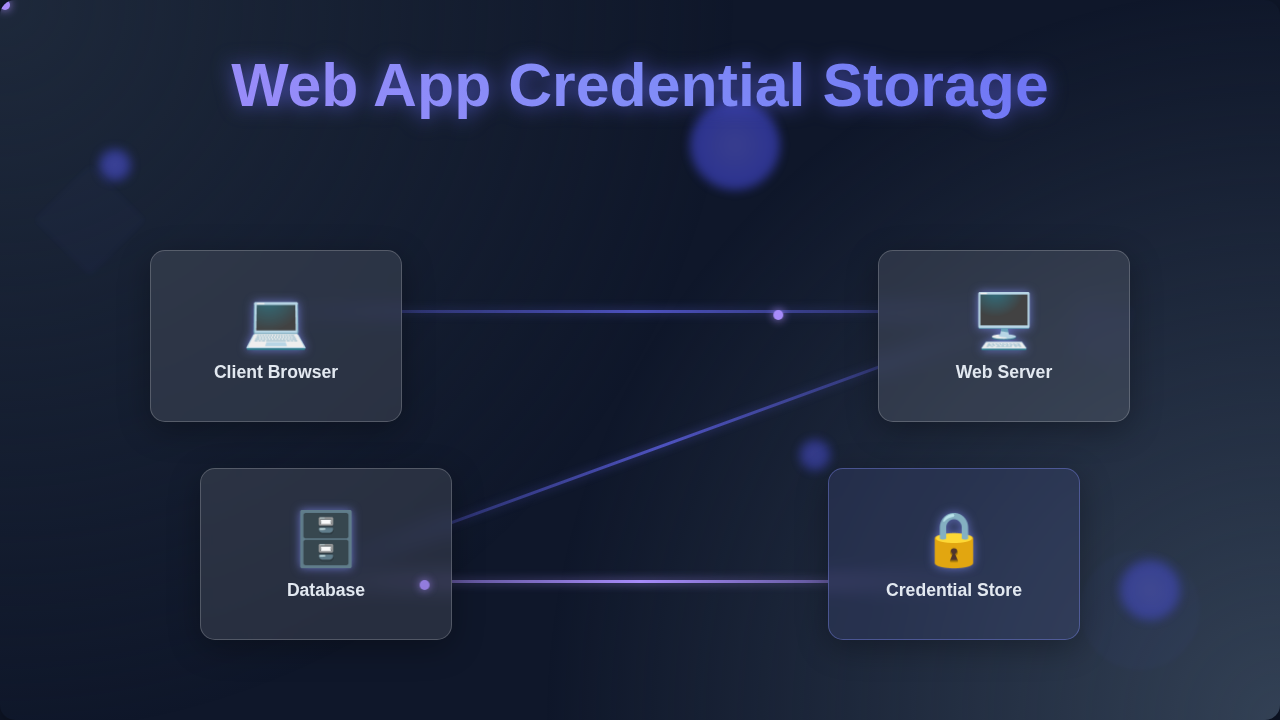
Web App Credential Storage: Secure Your User Data
Ever felt a shiver down your spine thinking about keeping user passwords safe? You’re not alone! When you’re building your first web application, figuring out secure web app credential storage can feel like trying to solve a Rubik’s Cube blindfolded. Don’t worry; you’re in good company. Many beginner developers, myself included, have stumbled on some common myths about security. Let’s bust them wide open!
Myth 1: Just Encrypt It and Store It in the Database!
You might think, “Encrypting passwords sounds like a solid plan!” It seems logical, right? You just scramble the data. Then you unscramble it when a user logs in. This approach feels like putting a lock on a secret diary. However, here’s the kicker: encryption is a two-way street. It takes plain text and turns it into ciphertext. Importantly, it can also reverse that process. If an attacker gains access to your database, they just need the decryption key. And guess what? That key has to be somewhere accessible to your application. If they find the key, all those “encrypted” passwords become plain text again. Poof! Your users’ credentials are suddenly exposed. This is not the kind of security you want for sensitive data like passwords. So, direct encryption for passwords is a big no-no.
Myth 2: My App is Small, So Security Isn’t a Big Deal.
Maybe you’re building a cool personal project. Perhaps it’s a small app for friends. You might think, “Who would bother hacking my little app?” This common thought leads many developers astray. In reality, size doesn’t matter to cyber attackers. They often use automated scripts. These scripts tirelessly search for vulnerabilities across millions of websites. Your “small” app is just another target. It’s not personal; it’s just business for them. A breach, even in a small app, can have huge consequences. You risk your users’ trust. Furthermore, it can damage your reputation as a developer. Think about it: if your users’ data gets leaked, they will blame your app. Therefore, securing your web app credential storage is crucial from day one. You always need to prioritize robust security measures.
Your app’s size doesn’t make it invisible to attackers. Every web application, no matter how small, needs robust security. Treat every user’s data like gold.
Myth 3: Hashing is Just Like Super Strong Encryption, Right?
This is a super common misconception. You often hear “hash” and “encrypt” used interchangeably. However, they are fundamentally different concepts. Think of encryption as a two-way lock, as we discussed. Hashing, on the other hand, is a one-way street. It takes any input data. Then it produces a fixed-size string of characters. This output is called a hash, or a “digest.” It’s like taking a giant piece of fruit and smashing it into a tiny, unique smoothie. You can’t magically reconstruct the original fruit from that smoothie. Similarly, you cannot reverse a hash to get the original password. This one-way nature is key for password security. When a user creates a password, you hash it. Then you store only the hash. When they try to log in, you hash their entered password. You compare this new hash to the stored hash. If they match, the password is correct. This way, you never store the actual password itself. Make sense?
- Hashing creates a unique digital fingerprint for data.
- It’s a one-way process; you cannot get the original data back.
- Hashing helps verify data integrity without revealing the data itself.
The Truth: Robust Web App Credential Storage is a Multi-Layered Cake
So, if plain encryption is bad, and hashing is good, is just hashing enough? Not quite! The truth is, secure web app credential storage needs more layers. Imagine baking a delicious, secure cake. You need several ingredients. First, there’s salting. When you hash a password, you add a unique, random piece of data called a “salt.” This salt is combined with the password before hashing. Why is this important? Because it ensures that even if two users have the same password, their stored hashes will be completely different. This thwarts “rainbow table” attacks. These attacks use pre-computed hashes to crack passwords fast. A unique salt for every password makes these tables useless. Next, you need key stretching. This means you repeatedly hash the password and salt combination, hundreds or thousands of times. It doesn’t make the hash stronger. Instead, it makes the hashing process intentionally slow. This slows down attackers trying to guess passwords through brute force. Think of it like making them solve a complex puzzle many, many times. Finally, you use adaptive hashing functions. Algorithms like Bcrypt, Argon2, or PBKDF2 are specifically designed for password hashing. They are “adaptive” because you can configure how many iterations to perform. This allows them to keep pace with improvements in computing power. They ensure your hashing remains computationally expensive for attackers. Therefore, you stay one step ahead. It’s about making the cost of breaking your security incredibly high for an attacker. Plus, when you are building out your front-end, you want to ensure the integrity of external scripts you use. Tools like Subresource Integrity help prevent malicious modifications. Always keep that in mind when architecting your app. For crafting dynamic user experiences, especially when dealing with data, thinking about state management is key. This is super important when you are building interactive parts, like in a React Quiz App Tutorial: Functional Components & Hooks, where user input drives the whole flow.
Never store raw passwords. Always use strong, adaptive hashing functions with unique salts and key stretching. Layer your defenses like a pro!
Your Toolkit for Secure Web App Credential Storage
You’ve come a long way! Now you understand the core principles. You know that simply encrypting passwords isn’t enough. You also know that small apps aren’t exempt from attack. And you understand the crucial difference between hashing and encryption. Your main goal is to make it incredibly difficult for attackers. Focus on using well-established, secure hashing algorithms. Always combine them with a unique salt for each password. Then, stretch those keys! Keep iterating the hash function. These practices create a robust defense. They protect your users’ information effectively. Remember, security is an ongoing journey. It’s not a one-time setup. For instance, when you optimize your page’s rendering performance, using features like Content Visibility helps keep your app fast and healthy. A healthy app is often a more secure app. When you’re making your UI shine, perhaps with a Dark Mode Card with Tailwind CSS: A Responsive UI Tutorial, consider security at every step. Understanding JavaScript’s deeper mechanics, like in JS Closures Explained: Abstract Neon Thumbnail, also strengthens your overall development prowess. Keep learning! You’ve got this.
You are now equipped with the right mindset. You can build web applications that truly safeguard user credentials. Keep pushing those boundaries, procoder!