
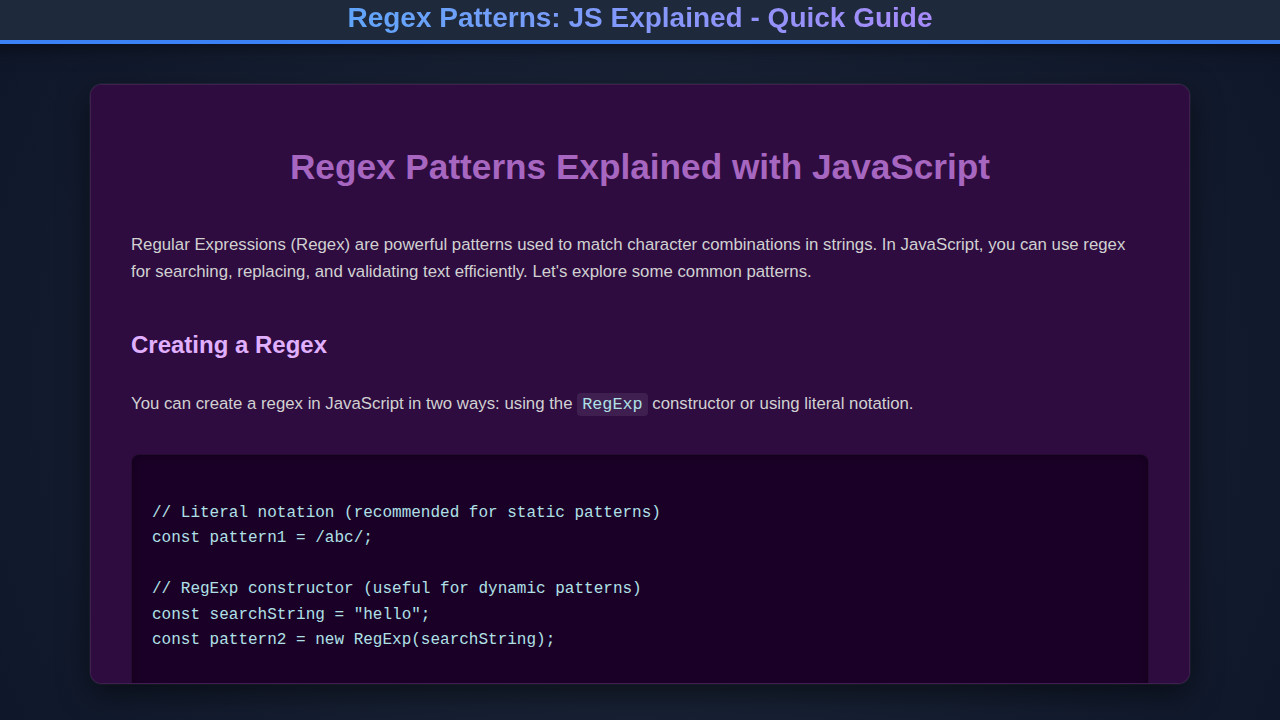
Regex Patterns are incredibly powerful tools for text manipulation in JavaScript. If you’ve ever needed to validate an email, search for specific words, or reformat strings, regular expressions are your best friend. They offer a concise and efficient way to handle complex string matching. This guide will demystify them, showing you how to harness their full potential. Get ready to level up your string game!
What We Are Building
We’re diving into the world of text validation! Imagine a user registration form. You need to ensure email addresses are valid, phone numbers follow a specific format, and passwords meet security criteria. This isn’t just about catching errors; it’s about providing a smooth, secure user experience.
The web is full of user inputs. From search bars to checkout pages, validating data before it hits your backend is crucial. Regex patterns are trending because they provide a robust, client-side solution that saves server resources and improves responsiveness. Developers increasingly rely on them for robust data handling.
You can apply these techniques everywhere. Think about user forms, data sanitization, URL parsing, or even syntax highlighting in a code editor. Understanding regular expressions empowers you to tackle these challenges with elegance and efficiency. It’s a foundational skill for any JavaScript developer.
HTML Structure
Our HTML will be straightforward, setting up the basic input fields and display areas. We’ll include labels, text inputs, and a few div elements to show validation results dynamically. This structure provides the perfect canvas for our JavaScript magic.
<div class="validator-container">
    <h1>JS Regex Validator</h1>
    <div class="input-group">
        <label for="emailInput">Email Address:</label>
        <input type="text" id="emailInput" placeholder="test@example.com">
        <span class="validation-feedback" id="emailFeedback"></span>
    </div>
    <div class="input-group">
        <label for="phoneInput">Phone Number (XXX-XXX-XXXX):</label>
        <input type="text" id="phoneInput" placeholder="123-456-7890">
        <span class="validation-feedback" id="phoneFeedback"></span>
    </div>
    <div class="input-group">
        <label for="urlInput">Website URL:</label>
        <input type="text" id="urlInput" placeholder="https://example.com">
        <span class="validation-feedback" id="urlFeedback"></span>
    </div>
    <div class="input-group">
        <label for="passwordInput">Password (8+ chars, 1 uppercase, 1 number):</label>
        <input type="password" id="passwordInput" placeholder="SecureP@ss1">
        <span class="validation-feedback" id="passwordFeedback"></span>
    </div>
</div>
CSS Styling
We’ll add some clean, modern CSS to make our validation form user-friendly and visually appealing. Expect a minimalist design with clear indicators for valid and invalid inputs. We’ll ensure readability and a professional look.
body {
    font-family: 'Segoe UI', Tahoma, Geneva, Verdana, sans-serif;
    background-color: #f4f7f6;
    display: flex;
    justify-content: center;
    align-items: center;
    min-height: 100vh;
    margin: 0;
    color: #333;
}

.validator-container {
    background-color: #ffffff;
    padding: 30px;
    border-radius: 12px;
    box-shadow: 0 6px 20px rgba(0, 0, 0, 0.1);
    width: 100%;
    max-width: 500px;
    box-sizing: border-box;
}

h1 {
    text-align: center;
    color: #2c3e50;
    margin-bottom: 30px;
    font-size: 1.8em;
}

.input-group {
    margin-bottom: 20px;
}

label {
    display: block;
    margin-bottom: 8px;
    font-weight: 600;
    color: #34495e;
}

input[type="text"],
input[type="password"] {
    width: 100%;
    padding: 12px 15px;
    border: 2px solid #ccc;
    border-radius: 8px;
    box-sizing: border-box;
    font-size: 1em;
    transition: border-color 0.3s ease;
}

input[type="text"]:focus,
input[type="password"]:focus {
    outline: none;
    border-color: #3498db;
    box-shadow: 0 0 0 3px rgba(52, 152, 219, 0.2);
}

input.valid {
    border-color: #27ae60;
}

input.invalid {
    border-color: #e74c3c;
}

.validation-feedback {
    display: block;
    margin-top: 5px;
    font-size: 0.85em;
    min-height: 1.2em; /* Ensure space for feedback */
}

.validation-feedback.valid-msg {
    color: #27ae60;
}

.validation-feedback.invalid-msg {
    color: #e74c3c;
    font-weight: 500;
}

/* Responsive adjustments */
@media (max-width: 600px) {
    .validator-container {
        padding: 20px;
        margin: 15px;
    }
    h1 {
        font-size: 1.5em;
        margin-bottom: 20px;
    }
    input[type="text"],
    input[type="password"] {
        padding: 10px 12px;
    }
}
Step-by-Step Breakdown: Mastering Regex Patterns in JavaScript
This section is where we truly unlock the power of regular expressions. We’ll walk through core concepts, common patterns, and practical JavaScript methods. Get ready to see how RegExp objects transform string manipulation.
The Basics: Creating and Testing Patterns
At its heart, a regular expression is a sequence of characters that defines a search pattern. In JavaScript, you can create them in two ways:
- Literal Notation:
const pattern = /abc/;(This is common for static patterns.) - RegExp Constructor:
const pattern = new RegExp('abc');(Useful when patterns are dynamically generated.)
Once you have a pattern, you’ll want to test it. The test() method is your go-to for a quick boolean check. It simply returns true if a match is found, false otherwise. For instance, /hello/.test("hello world") would yield true. It’s incredibly useful for quick validation checks.
Furthermore, we often need to extract matches, not just check for existence. The match() method, available on strings, returns an array containing all matches, or null if no match is found. Using it with the global flag (g) is powerful. Consider "banana".match(/a/g); this would return ["a", "a", "a"]. This approach quickly gathers all instances of a pattern.
The exec() method, from the RegExp object itself, is another powerful tool. It returns an array containing information about the first match (including captured groups) and updates the lastIndex property of the RegExp object. When called repeatedly on the same RegExp with the global flag, it iterates through all matches. This makes exec() ideal for detailed, iterative parsing.
Essential Flags and Character Classes
Regular expressions become even more versatile with flags. These modifiers change how a pattern search behaves.
i(case-insensitive): Ignores case when matching./test/imatches "Test", "test", "TEST".g(global): Finds all matches, not just the first one. Essential for methods likematch()to return all results.m(multiline): Treats start (^) and end ($) anchors as working on each line, not just the entire string.u(unicode): Enables full Unicode support, crucial for international text.
Character classes allow you to match specific types of characters.
\d: Matches any digit (0-9).\D: Matches any non-digit.\w: Matches any word character (alphanumeric + underscore).\W: Matches any non-word character.\s: Matches any whitespace character (space, tab, newline).\S: Matches any non-whitespace character..: Matches any character except newline (unlesssflag is used).
These are your building blocks for more complex patterns. For example, /\d{3}-\d{3}-\d{4}/ could match a common phone number format. Mastering these classes helps you write compact and expressive patterns. For a deep dive into all available character classes and their nuances, check out the MDN Web Docs on Regular Expressions. Their guide is truly comprehensive.
Quantifiers and Grouping
Quantifiers specify how many instances of a character, group, or character class must be present for a match.
*: Zero or more times.a*matches "", "a", "aa".+: One or more times.a+matches "a", "aa", but not "".?: Zero or one time (optional).colou?rmatches "color" and "colour".{n}: Exactlyntimes.\d{3}matches "123" but not "12".{n,}:nor more times.\d{2,}matches "12", "123", "1234".{n,m}: Betweennandmtimes (inclusive).\d{1,3}matches "1", "12", "123".
Grouping with parentheses () lets you apply quantifiers to multiple characters or capture specific parts of a match. For example, (ab)+ matches "ab", "abab", etc. It’s also critical for capturing parts of the string. ([A-Za-z]+)\s(\d+) would capture words and numbers separately.
Consider this example: validating a username. It might need to be 3 to 15 alphanumeric characters long. A pattern like ^[a-zA-Z0-9]{3,15}$ would enforce this. The ^ and $ anchors ensure the pattern matches the entire string, not just a substring. This precision is vital for robust validation. You can learn more about crafting strong patterns for things like user authentication by exploring resources like Password Strength Indicator: HTML, CSS & JavaScript Design, which often relies on such patterns.
Practical Regex Patterns for Common Validations
Let’s put these concepts into action with some common validation scenarios.
Email Validation:
A robust email regex is surprisingly complex due to the RFC standards, but a common practical one looks like this:
const emailRegex = /^[^\s@]+@[^\s@]+\.[^\s@]+$/;
// This pattern matches:
// ^[^\s@]+ : one or more non-whitespace, non-@ characters at the start.
// @ : followed by an @ symbol.
// [^\s@]+ : followed by one or more non-whitespace, non-@ characters.
// \. : followed by a literal dot (escaped with backslash).
// [^\s@]+$ : followed by one or more non-whitespace, non-@ characters at the end.
While not perfect for every edge case (like quoted local parts), it covers most everyday emails effectively.
Phone Number Validation (e.g., US format (XXX) XXX-XXXX):
const phoneRegex = /^\(?\d{3}\)?[-.\s]?\d{3}[-.\s]?\d{4}$/;
// This pattern allows for optional parentheses around the area code,
// and optional hyphens, dots, or spaces as separators.
Here \(? matches an optional opening parenthesis, and \)? an optional closing one. [-.\s]? matches an optional hyphen, dot, or space. This pattern handles common variations with ease.
URL Validation:
Validating URLs can be tricky, but a simpler pattern for basic checks might be:
const urlRegex = /^(https?:\/\/(?:www\.|(?!www))[a-zA-Z0-9][a-zA-Z0-9-]+[a-zA-Z0-9]\.[^\s]{2,}|www\.[a-zA-Z0-9][a-zA-Z0-9-]+[a-zA-Z0-9]\.[^\s]{2,}|https?:\/\/[a-zA-Z0-9]+\.[^\s]{2,}|[a-zA-Z0-9]+\.[^\s]{2,})$/i;
// This pattern is quite comprehensive, ensuring a proper domain structure.
// It accounts for 'http' or 'https', optional 'www', and various domain formats.
This example shows how regex can become dense quickly, but its power for matching complex structures is undeniable. It ensures that the input string truly resembles a URL.
"Regular expressions are a programmer’s most potent weapon against messy data. Embrace them, and you’ll transform string manipulation from a chore into a creative challenge."
Real-World Applications of Regex Patterns
Beyond simple input validation, Regex Patterns shine in more complex scenarios. You can use them for search and replace operations (string.replace()), parsing log files, or even sanitizing user-generated content to prevent XSS attacks.
Imagine building a custom search functionality for your blog posts. You could use regex to find keywords, even with slight variations or misspellings, giving users a more forgiving search experience. Furthermore, when dealing with large datasets, scripting languages like JavaScript, combined with regex, offer unparalleled efficiency for data extraction and transformation. This makes data processing significantly faster and more accurate.
Another compelling use case involves dynamic content loading. You might need to parse specific attributes from HTML strings fetched via AJAX. Regex can extract these attributes without needing a full DOM parser. For front-end performance, understanding how to efficiently handle resources is key. Technologies like Astro Islands: JavaScript Architecture for Performance showcase modern approaches to optimize web applications, often relying on efficient data handling, where regex plays a role.
"A well-crafted regular expression can save countless lines of imperative code, turning complex string logic into an elegant, declarative statement."
Making It Responsive
Our styling approach ensures that the validation form looks great on any device, from a small smartphone to a large desktop monitor. We achieve this primarily through fluid units and careful use of CSS media queries. By defining breakpoints, we can adjust font sizes, padding, and layout to optimize for different screen widths. For instance, on smaller screens, we might stack elements vertically instead of horizontally.
This mobile-first strategy involves designing for the smallest screen first, then progressively enhancing the layout for larger viewports. A key aspect is also optimizing asset delivery, similar to how Image Lazy Loading with JavaScript for Performance ensures images only load when needed, improving perceived speed on mobile networks. Learning about responsive design techniques is crucial for modern web development. You can explore more advanced strategies and examples on CSS-Tricks.
Final Output
When you run the code, you’ll see a clean, interactive form. Input fields will dynamically change their border colors to green for valid entries and red for invalid ones. Corresponding feedback messages will appear, guiding the user in real-time. This immediate feedback loop significantly enhances usability. The elegant design ensures a professional look and feel.
Conclusion
Regex Patterns are indispensable for any JavaScript developer. We’ve explored how to create them, use essential flags and character classes, and apply quantifiers and grouping for sophisticated matching. Furthermore, we demonstrated practical patterns for email, phone, and URL validation. These tools empower you to build more robust and user-friendly web applications. Keep practicing and experimenting; the world of regular expressions is vast and rewarding. From simple form validations to complex data parsing, regex will be a cornerstone of your development toolkit.

Great explanation of regex in JavaScript! I think the most challenging part for many developers is knowing when to use non-capturing groups versus capturing groups—perhaps that could be explored further in a future post?