Understanding Flask: The Python Microframework for Web Developers
Hey there, fellow self-taught dev! You’ve probably heard whispers about web frameworks. Maybe words like ‘Django’ or ‘Flask’ pop up a lot. Perhaps you’re wondering, ‘What even are these things?’ Don’t worry, you are in good company. Today, we are going to dive deep. We will demystify Flask. It’s a powerful, yet friendly, tool. In fact, we are going to get Python Flask explained in simple terms, just for you.
What Even *Is* Flask? Python Flask Explained in Simple Terms
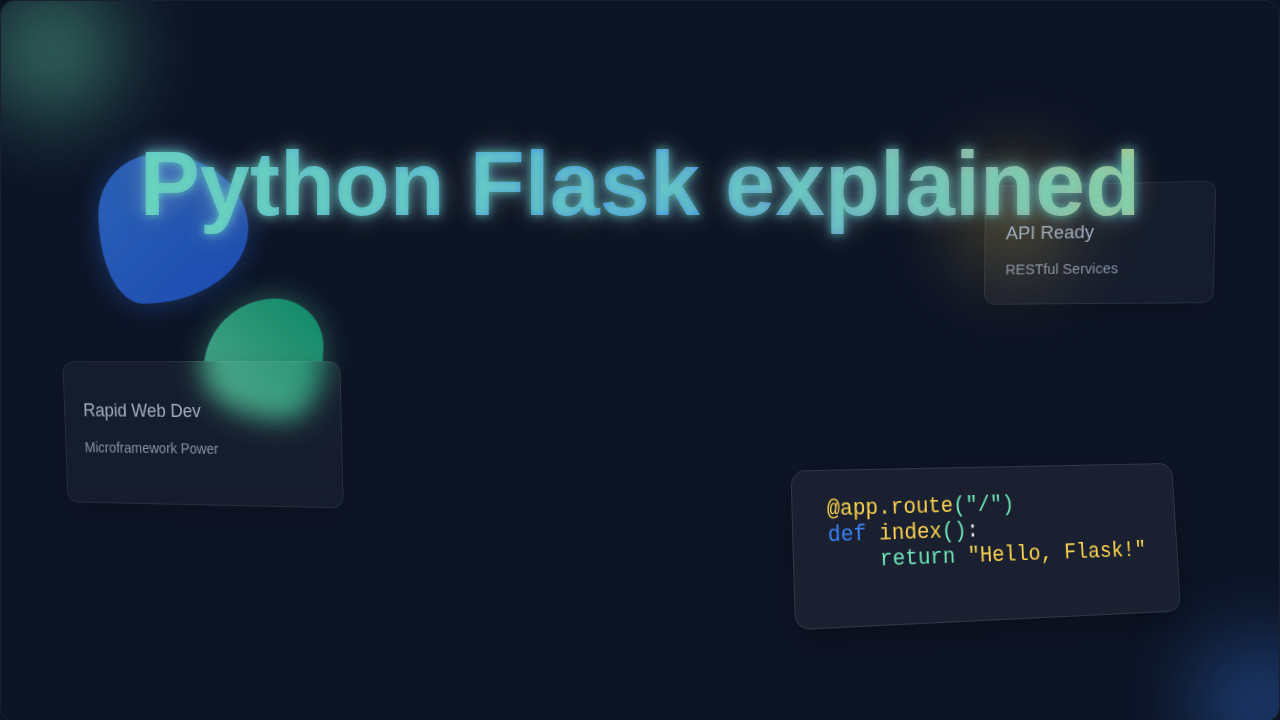
Let’s talk about what Flask is. Imagine you want to build a simple website. You need certain pieces to make it work. These pieces include handling web addresses. You also need to show web pages. And you need to respond to user actions. That’s where Flask comes in. It’s a ‘microframework’. This means it gives you the essentials. You get what you need to build web applications. It does not force many opinions on you. Think of it like a toolbox. It contains only the most important tools. You can add more tools if you need them. So, in short, Python Flask explained simply: it helps you create websites and web services using Python. It handles the core logic for you. You focus on your unique ideas.
Why Should YOU Care About Python Flask Explained?
Why is Flask important for you? Well, first, it’s written in Python. You probably already know some Python. This makes learning Flask much easier. You don’t need a whole new language. Second, it’s known for being beginner-friendly. Many larger frameworks can feel overwhelming. Flask starts small and simple. This means you can get a basic web app running very fast. You see immediate results. That feels really good, right? It builds your confidence quickly. Third, it’s incredibly flexible. You choose your own database. You pick your preferred templating engine. You decide how your app grows. This freedom is powerful. It lets you customize everything. Why should this all matter to you, a self-taught beginner? Flask’s elegant simplicity is a huge win. You won’t get lost in complex configurations. You can focus on learning web concepts. Things like routing, HTTP methods, and database interactions become clear. Flask helps you see the fundamentals. It doesn’t hide them behind layers of abstraction. This makes your learning path smoother. You build a strong foundation. This foundation serves you well. Later, if you explore bigger frameworks like Django, you’ll understand the core ideas. Flask empowers you to quickly prototype ideas. Have a brilliant concept for a small app? You can build it in a weekend with Flask. You won’t spend days setting things up. This speed encourages experimentation. It fuels your creativity. You might want to create a small dashboard. This dashboard could show metrics from a project. Perhaps you’re learning about RAG Python concepts. Flask could be the interface for showcasing your data. It connects your backend logic to a friendly web page. This practical application solidifies your knowledge. It turns theoretical learning into real results. That’s incredibly motivating. You become a builder, not just a reader. You will quickly feel capable. This is the goal for procoder09.com readers. We want you building!
The Magic Behind Flask: How It Actually Works
How does Flask actually make a website? Let’s break it down. Think of your computer as a server. It waits for requests. A ‘request’ is like someone typing a website address. They are asking for a specific page. Flask’s job is to listen for these requests. When a request arrives, Flask checks something. It looks at the URL path. This is the part after your domain name. It might be ‘/about’ or ‘/contact’. Flask has a special map. This map links URLs to specific functions. We call these ‘view functions’. Each function knows what to do. Maybe it fetches data. Perhaps it prepares some text. Then, it creates a ‘response’. A response is the information sent back. This is often an HTML page. Your web browser then displays this HTML. It shows the user what they asked for. Flask uses something called ‘routes’. A route tells Flask which function to run. It’s like giving your post office instructions. You say, ‘If someone asks for my address, give them this package.’ In Flask, you might say, ‘If someone visits /hello, run the hello_world function.’ This function then returns the text ‘Hello, World!’ to their browser. It’s quite elegant. You define these connections clearly. HTTP methods also play a role. These methods define the type of action. For example, ‘GET’ fetches data. ‘POST’ sends data. Flask handles these differences. It ensures your app responds correctly.
When you type a URL into your browser, you send a ‘request’. This request travels across the internet. It reaches your server. Flask is waiting on that server. It acts like a receptionist. This receptionist sees the incoming request. It reads the URL. Maybe you asked for ‘/products/123’. Flask has a rule. This rule says, ‘If someone asks for /products/ followed by a number, run *this* function.’ The function then does its work. It might look up product ‘123’ in a database. It gathers all the product details. Then, it prepares an ‘HTML response’. This response is like a carefully crafted letter. It contains all the web page content. Flask sends this letter back to your browser. Your browser then reads the letter. It displays the product page to you. It’s a continuous conversation. You ask, Flask answers. This is the core magic. Every web application follows this pattern. Flask just makes it simple for you. HTTP status codes are also important. They tell you if the request was successful. A ‘200 OK’ means everything went well. A ‘404 Not Found’ means the page doesn’t exist. Flask helps manage these too. It ensures your users get clear feedback. You can even create dynamic routes. These routes change based on what the user types. For example, ‘/users/<username>’ lets you grab any username. This makes your app powerful and flexible. You can handle many different situations. It helps you build personalized experiences. Imagine a small internal tool. You want to track project tasks. Flask can provide the interface. Users can add new tasks. They can mark tasks as complete. Flask processes these actions. It updates the underlying data. You are creating a functional system.
Clearing Up Common Confusions About Python Flask Explained
Many new developers hit a few bumps. Let’s clear some things up. Is Flask a full website builder? Not exactly. It’s a framework. You build the website *with* Flask. It provides the structure. You add the content and logic. It gives you the scaffolding. You design the house. Another common question: Does Flask include a database? No, it does not. Flask is designed to be minimal. You get to choose your database. Maybe you prefer SQLite for small projects. Or PostgreSQL for bigger ones. Flask doesn’t force your hand. This is a strength, not a weakness. It means you have more control. You are not locked into one system. Also, people wonder about ‘microframework’. Does ‘micro’ mean it’s only for tiny apps? Absolutely not! ‘Micro’ refers to its core. It starts with a small, unopinionated core. You add extensions as needed. It can power very large applications. Think of it like a modular sofa. You start with the basic pieces. You add extra sections. You build a huge, comfy couch. Flask works similarly. It lets you scale up your ideas. Remember this flexibility. It’s a core advantage.
Don’t mistake Flask’s ‘micro’ label for ‘small-scale only.’ It simply means Flask gives you the freedom to choose your own tools, rather than forcing a full suite on you.
What about designing the look of your website? Does Flask handle that? Not directly. Flask focuses on the backend logic. It manages data and requests. But it works perfectly with ‘templating engines’. Jinja2 is a very popular one. A templating engine lets you write HTML. You can embed placeholders in this HTML. Think of it like a form letter. You have a standard letter template. You fill in specific names and dates. Jinja2 does this for your web pages. Flask provides the data. Jinja2 merges it into your HTML. The user then sees a complete, dynamic page. You separate your design from your logic. This makes your code cleaner. It also makes updates easier. You can change your website’s look. You don’t need to rewrite your backend. Also, people often wonder about ‘sessions’ and ‘user logins’. Does Flask handle those out of the box? Flask’s core does not. But it has a rich ‘ecosystem’. This means many ‘extensions’ exist. Extensions are like extra tools. They plug into Flask easily. For example, Flask-Login handles user authentication. Flask-SQLAlchemy helps with databases. You pick and choose what you need. This keeps Flask lean. It prevents unnecessary features. You only add complexity when required. This modularity is a core Flask philosophy. It helps you keep your projects manageable. You build exactly what you need. No more, no less.
Your Next Steps with Flask
So, what should you remember about Flask? First, it’s a Python web framework. It’s perfect for beginners. You leverage your existing Python skills. Second, it’s minimal and flexible. You choose the components you need. It won’t overwhelm you with choices. Third, it handles web requests. It maps URLs to functions. It sends back responses. This is the core cycle of any web app. Fourth, ‘micro’ means freedom, not limitations. You can build powerful applications with it. You can even combine Flask with other powerful tools. Imagine using Flask to power a part of your application. This part could manage requests for a local RAG pipeline. Or perhaps it serves responses for a Python RAG chatbot. Flask can be a piece of a much larger, smarter system. It’s truly versatile. You are learning a foundational skill here.
You’ve taken the first step today. You now understand the basics of Python Flask explained. The next step is to get your hands dirty! Start a simple project. Build a ‘Hello, World!’ app. Then add another page. Maybe create a basic form. HTML forms are crucial for user input. There are tons of online tutorials. You have the ability to learn this. You can absolutely build amazing web applications. The journey of a thousand apps begins with a single route! Keep experimenting. Keep learning. You’ve got this, procoder! Your web development journey is just beginning. Soon, you will be building incredible things.
The best way to learn Flask isn’t just reading about it; it’s by doing. Start small, build a ‘Hello, World!’ app, and gradually add more features. You’ll be amazed at what you create!